
Choose the job the video needs to do
A product demo, customer interview, and training film need different plans. Start with the person watching: what do they need to understand, and where will they use that information?
For a sales team, that might be a demonstration they can share after a call. For an internal team, it could be a repeatable walkthrough of a process. Decide how the film will be used before deciding how many videos to make.
Monolith provides corporate video production from Cleveland, with planning, filming, and post-production for projects across Ohio and beyond. The examples below show several ways that work can be structured.
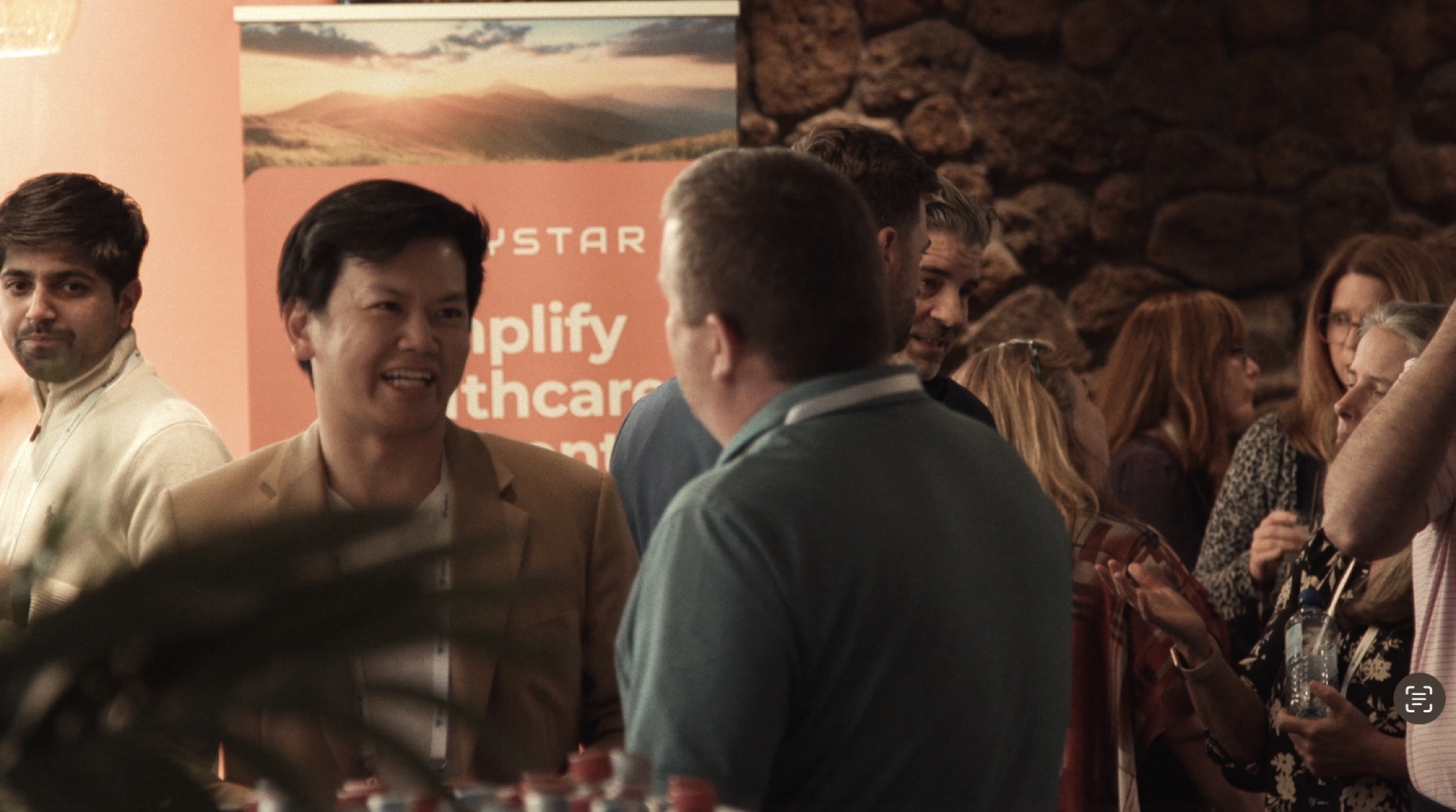
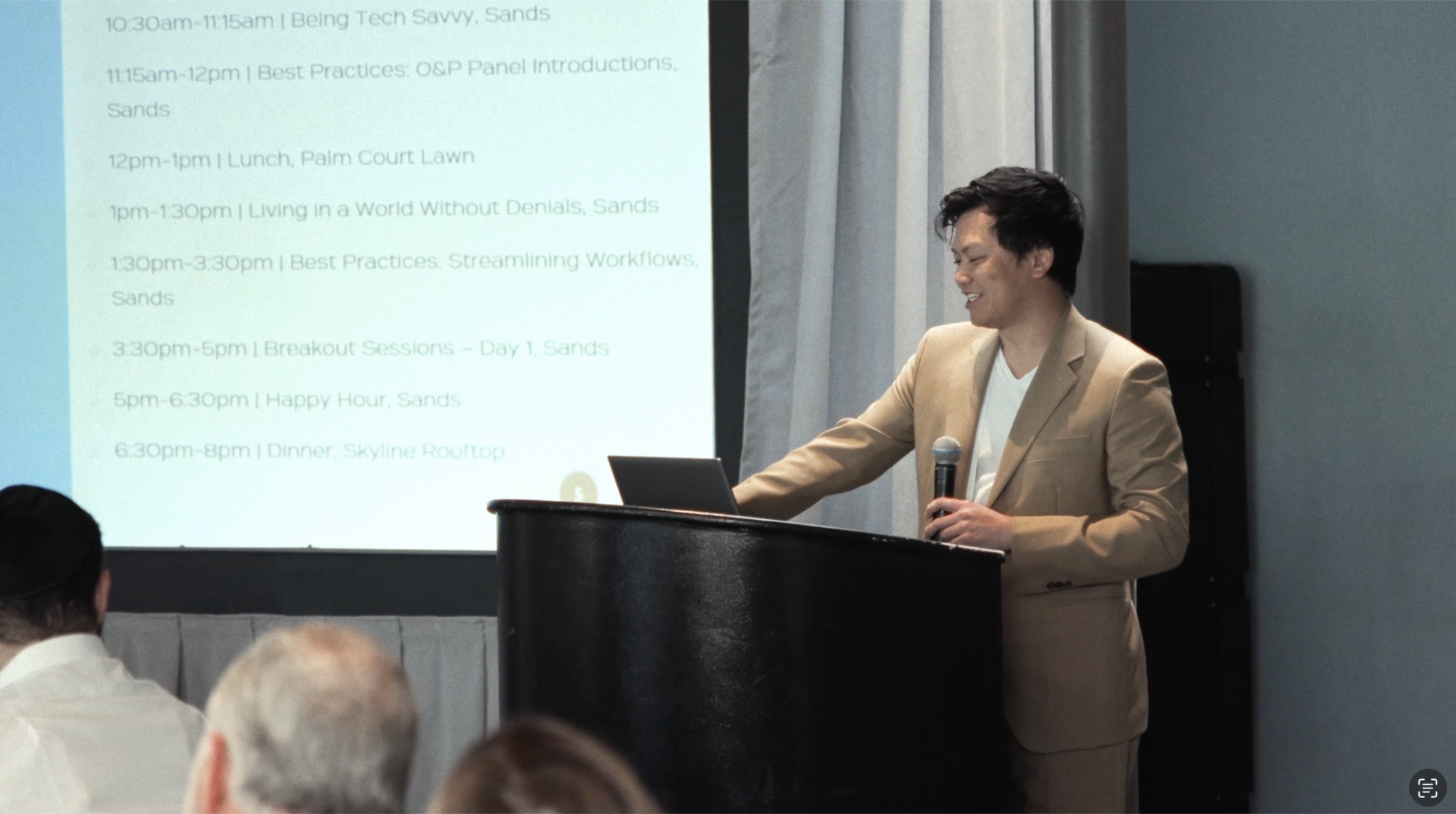
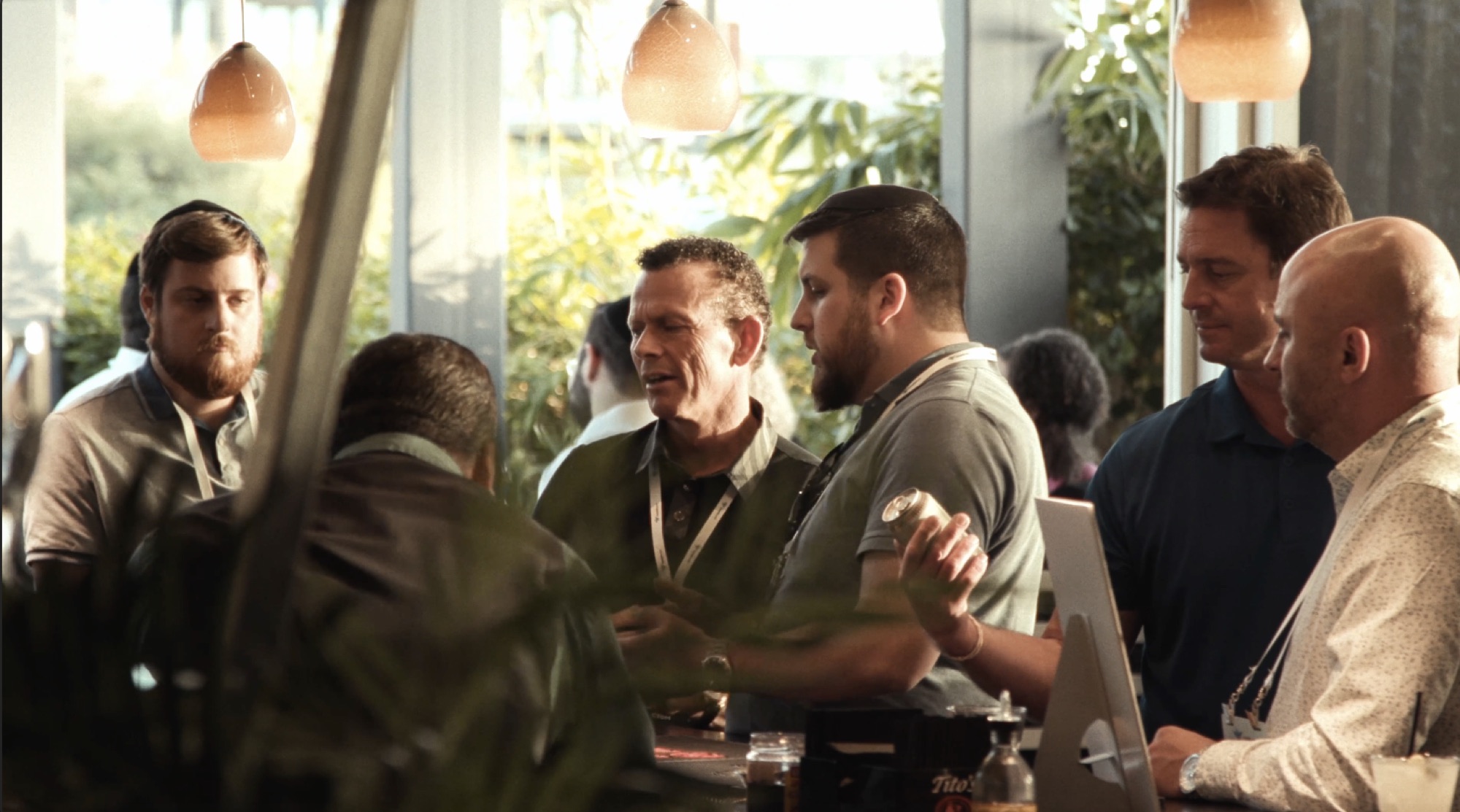
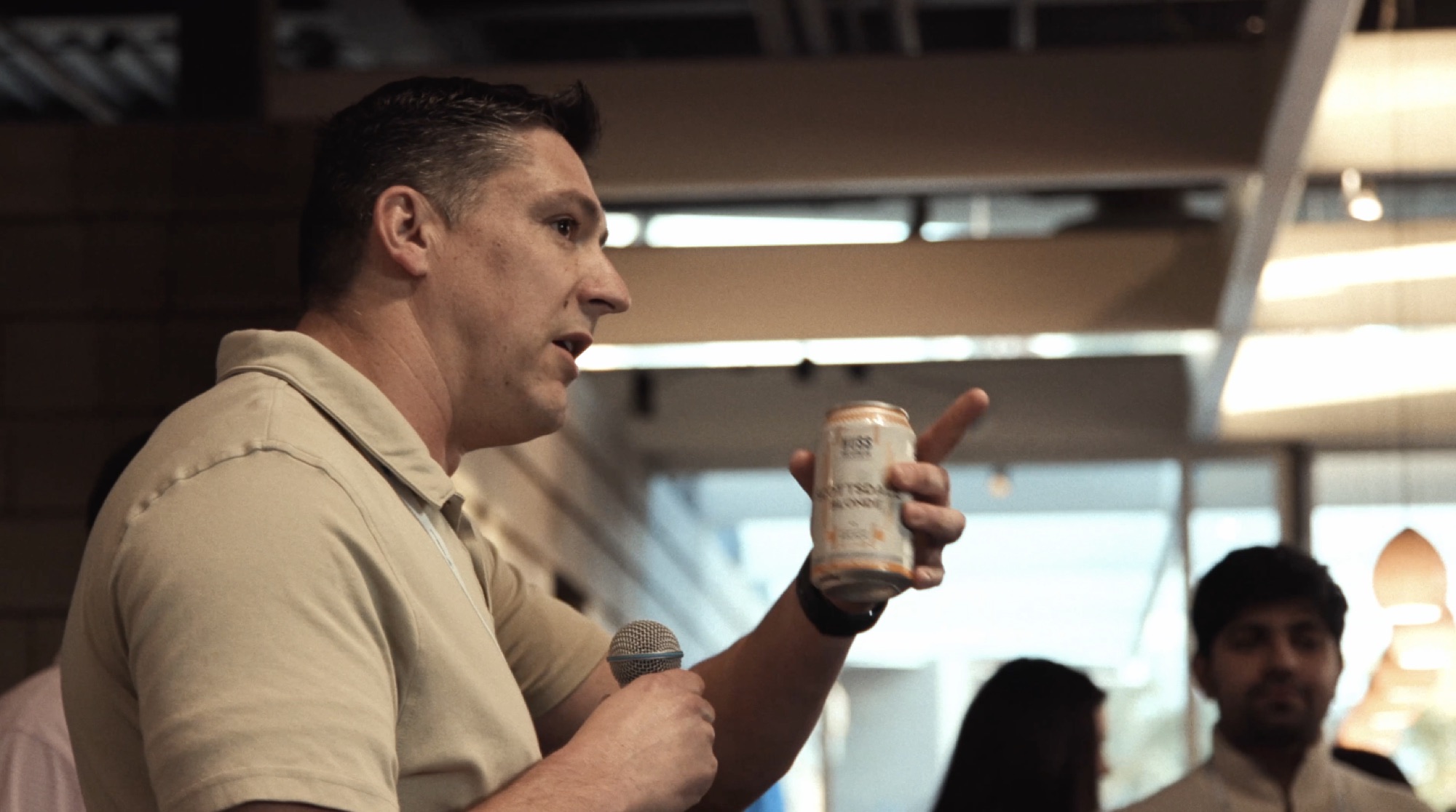

Events: plan the deliverables before the schedule fills up
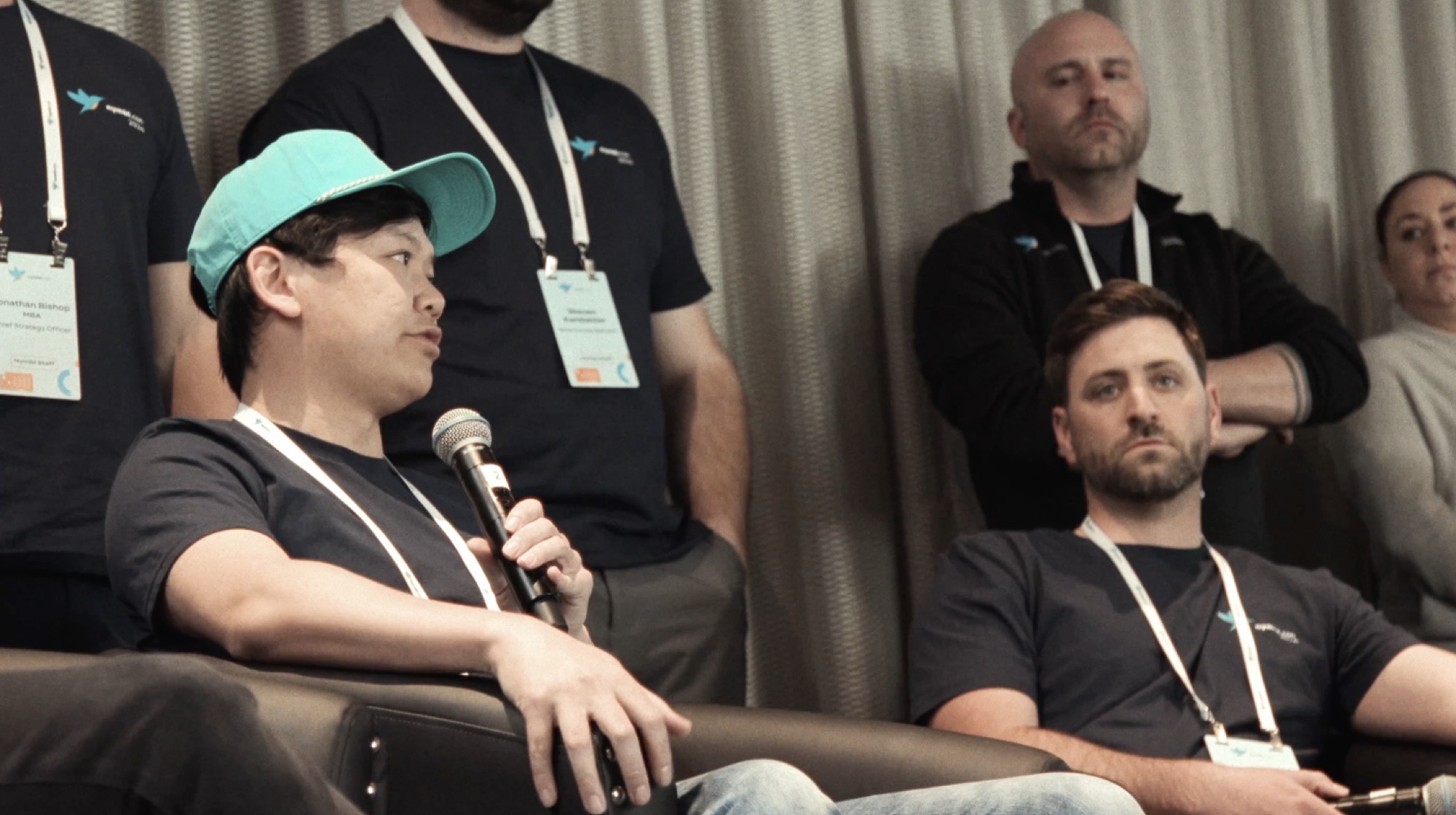
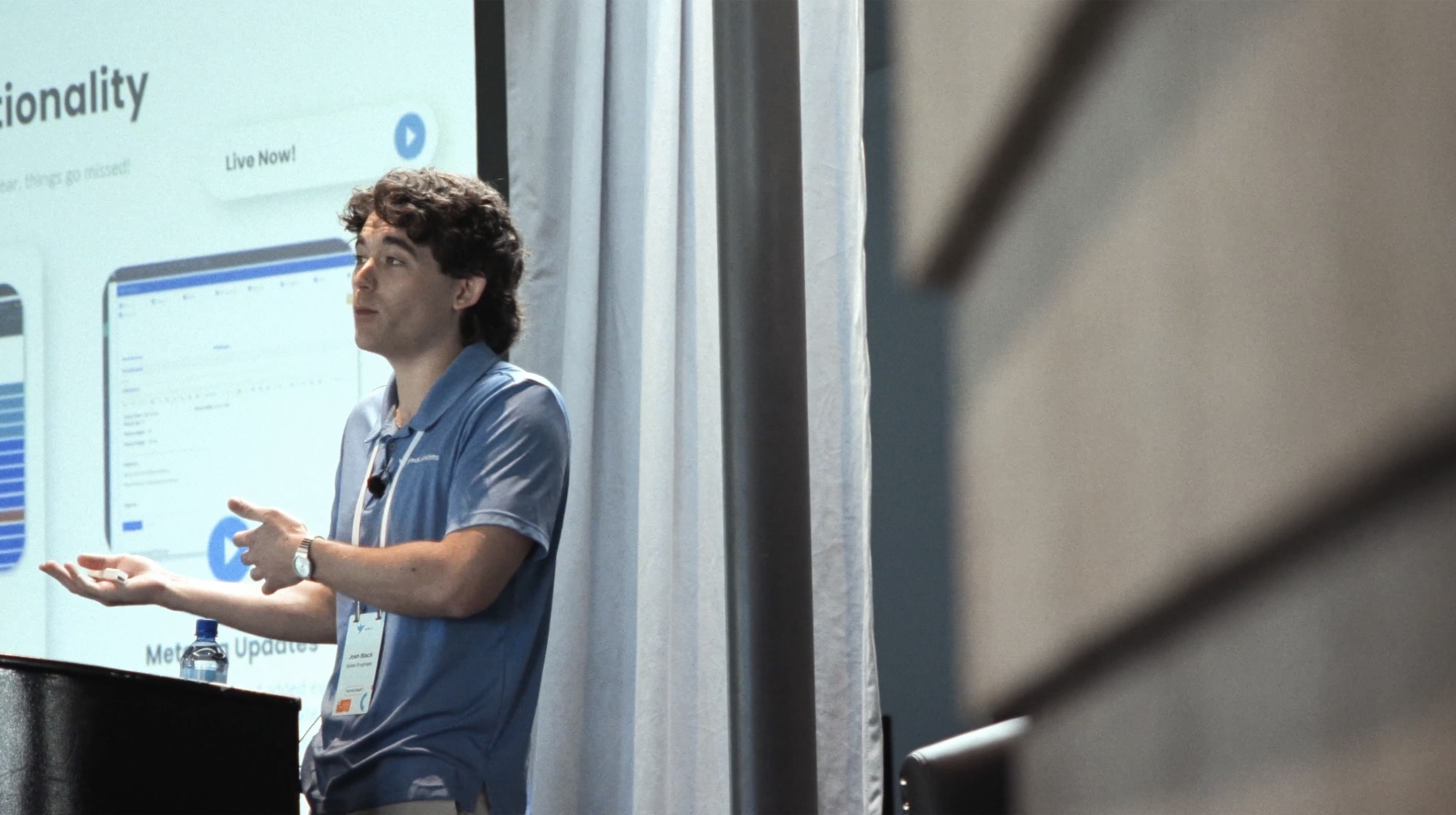
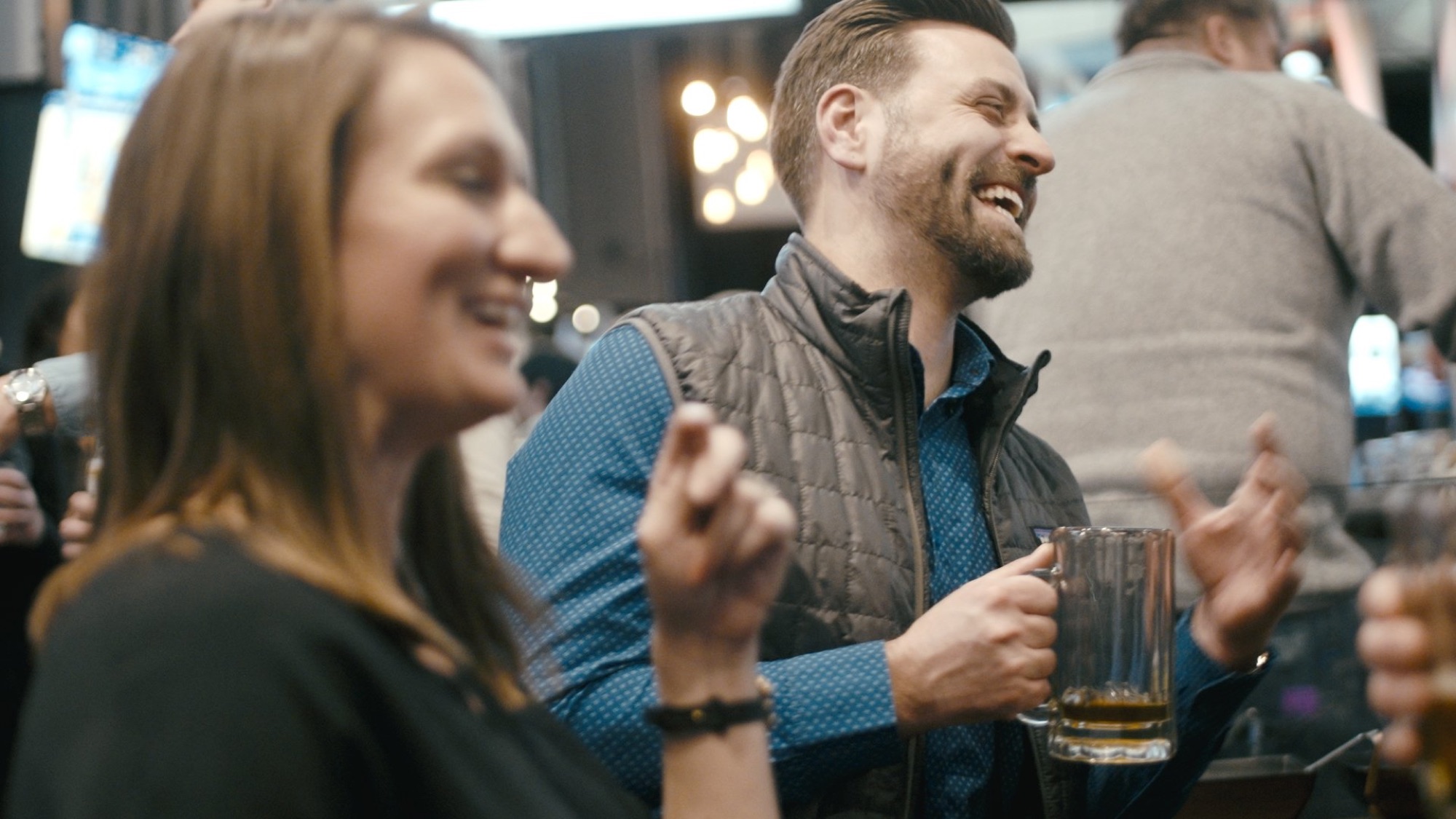
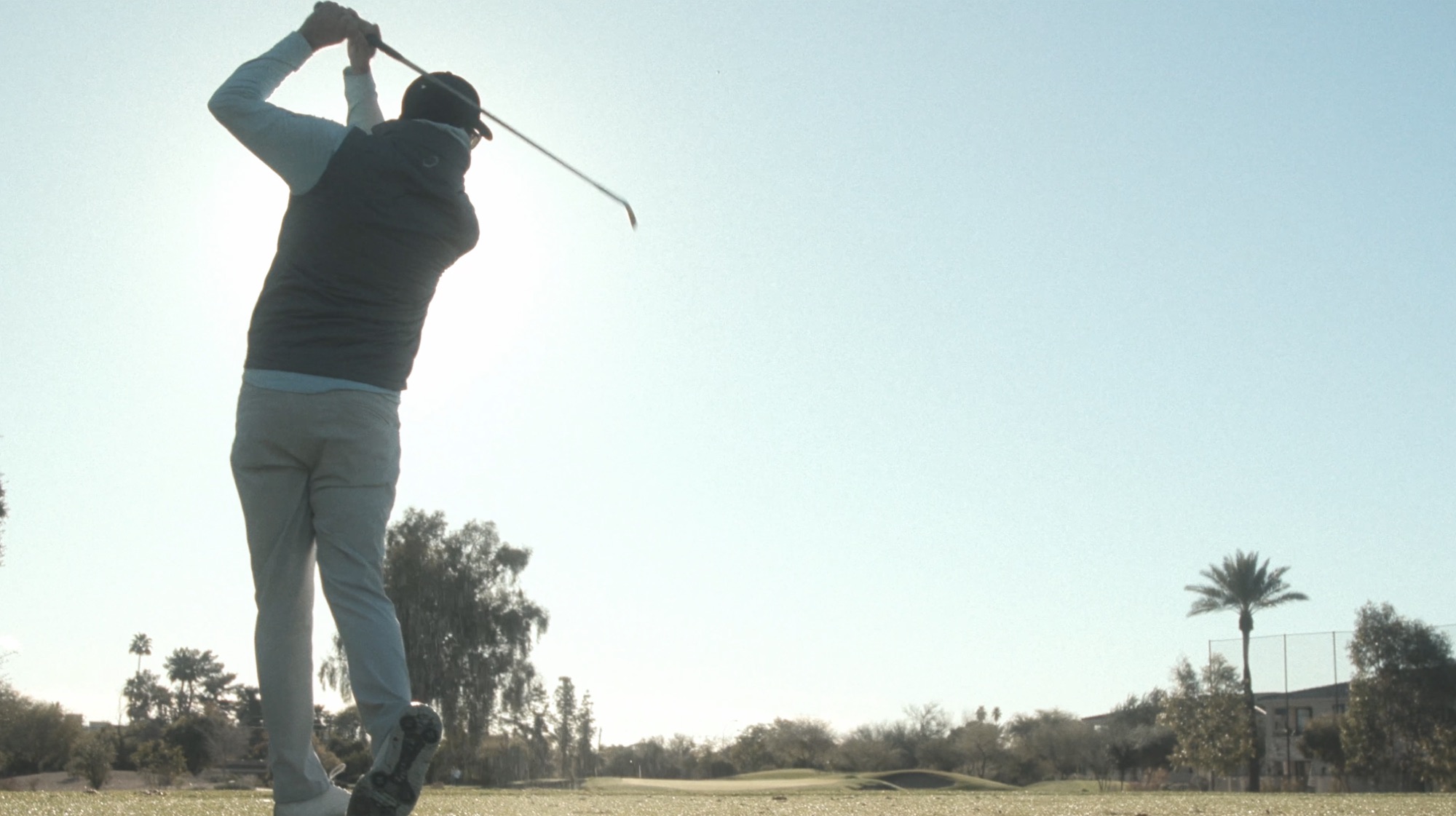
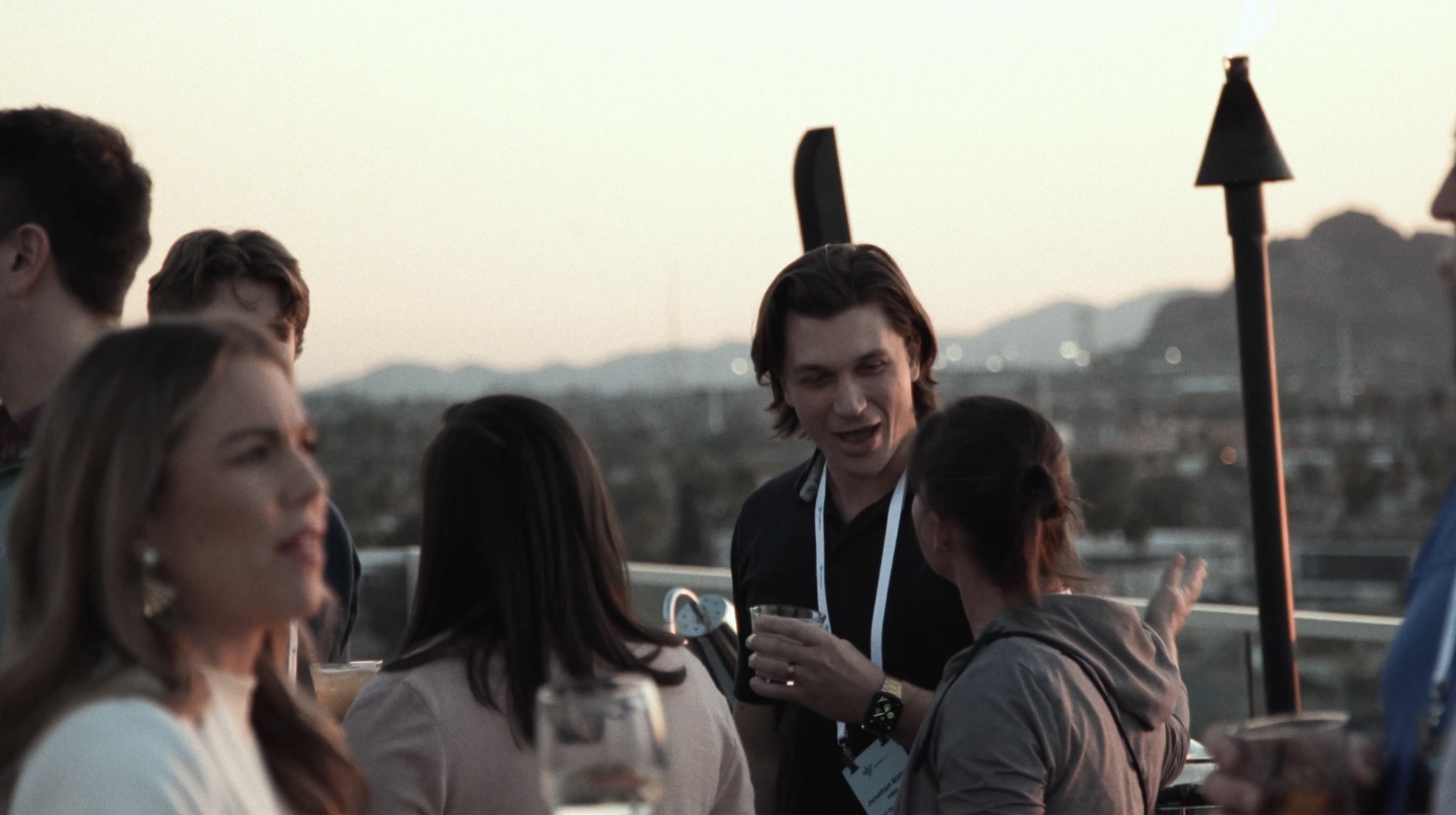
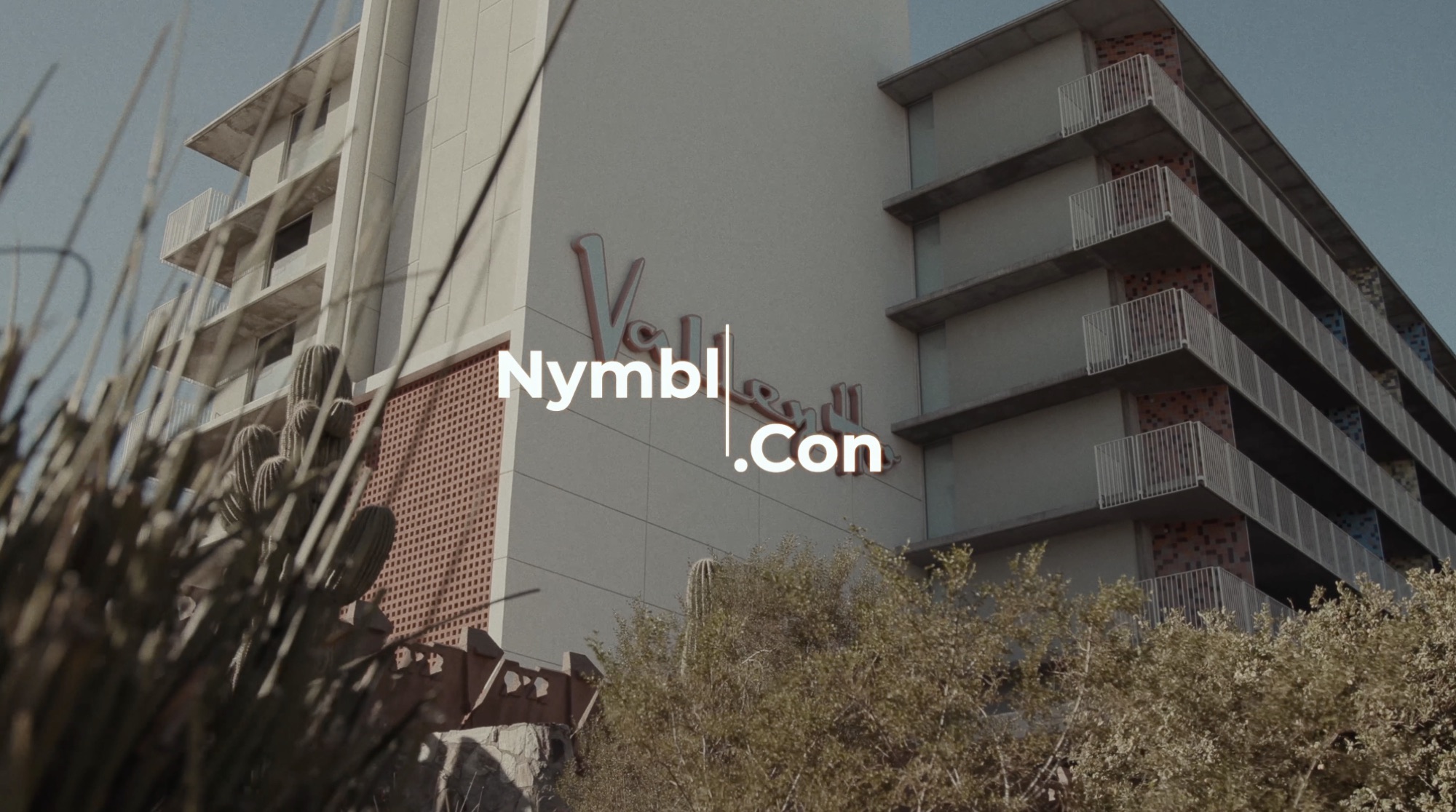
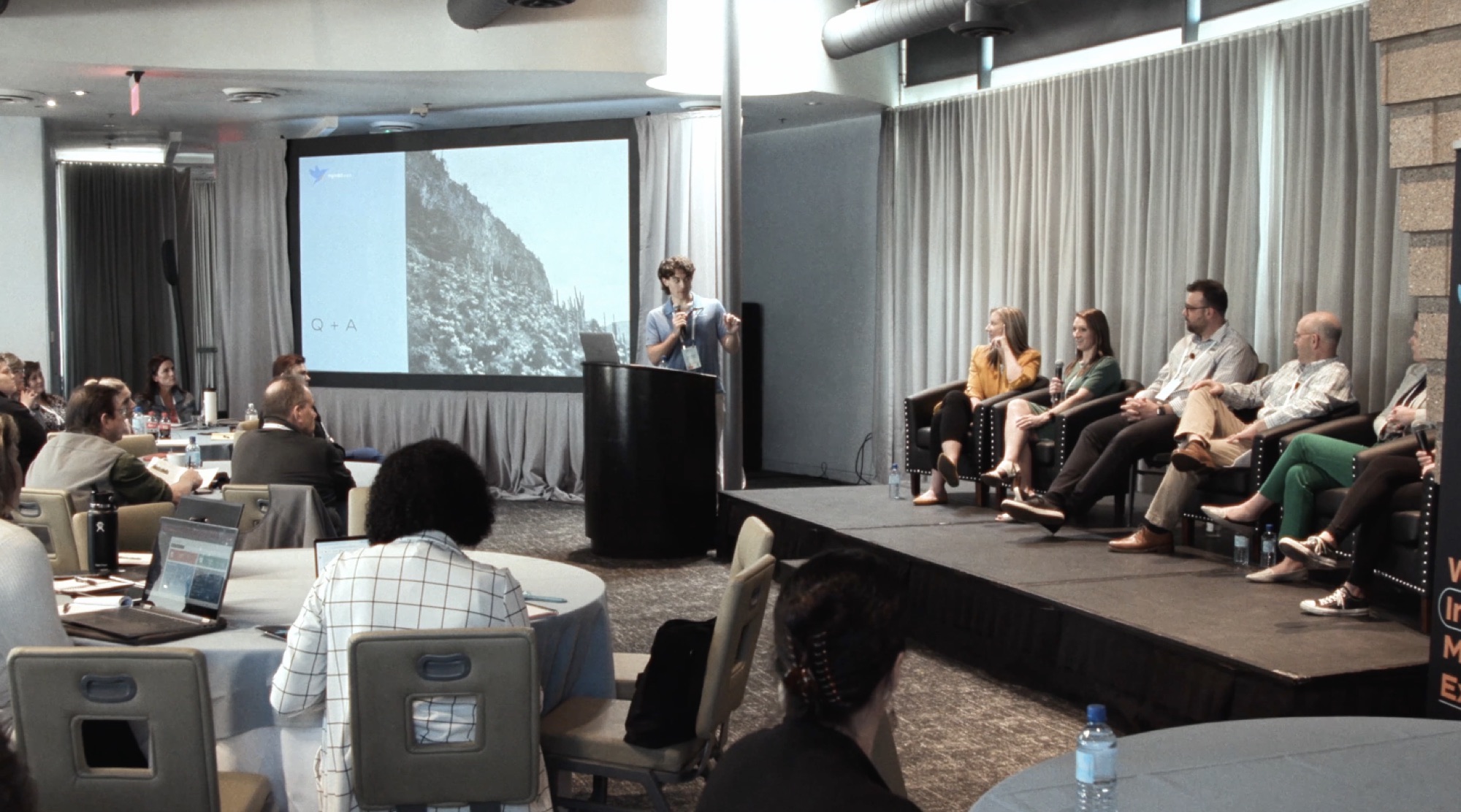
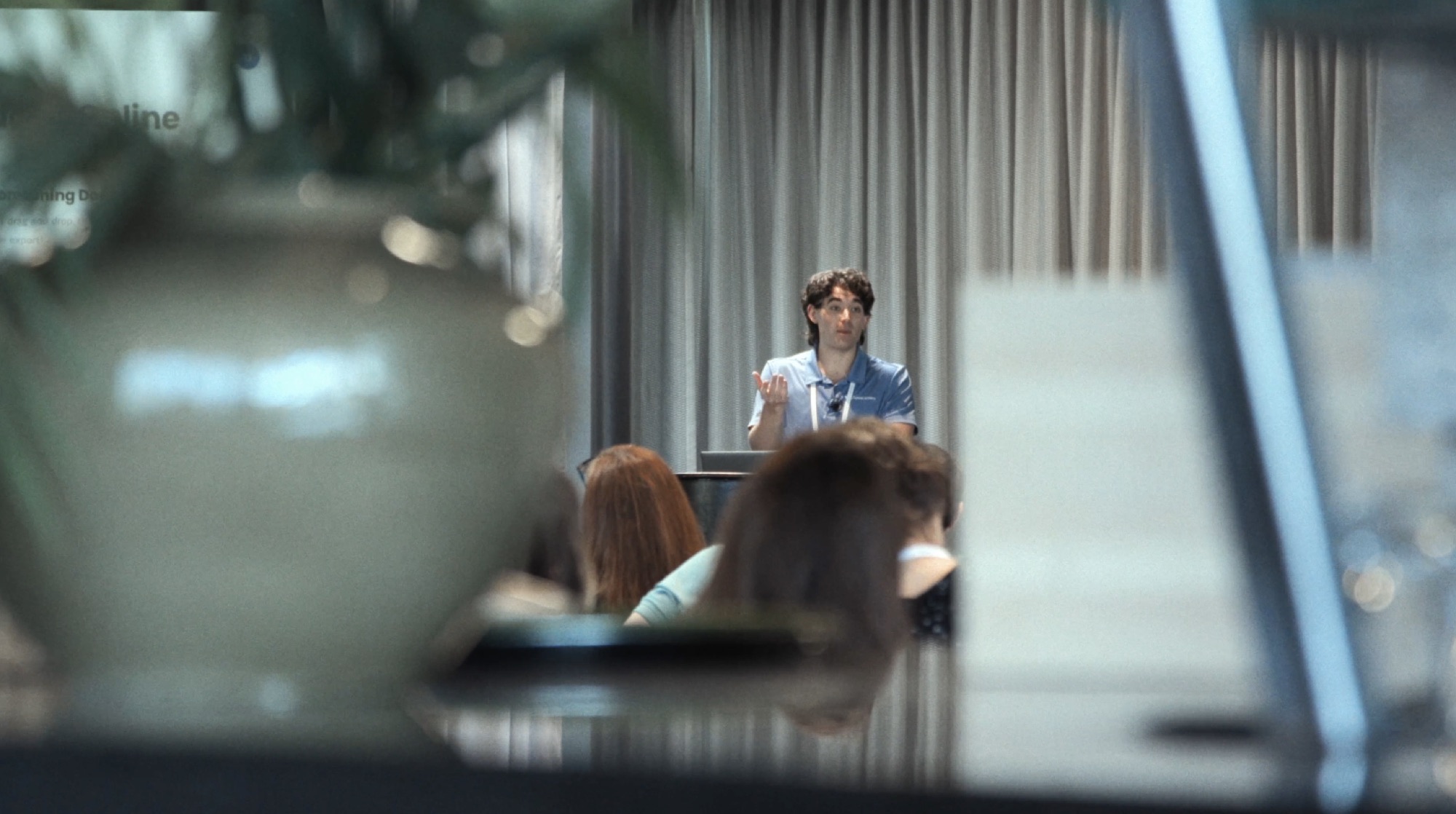
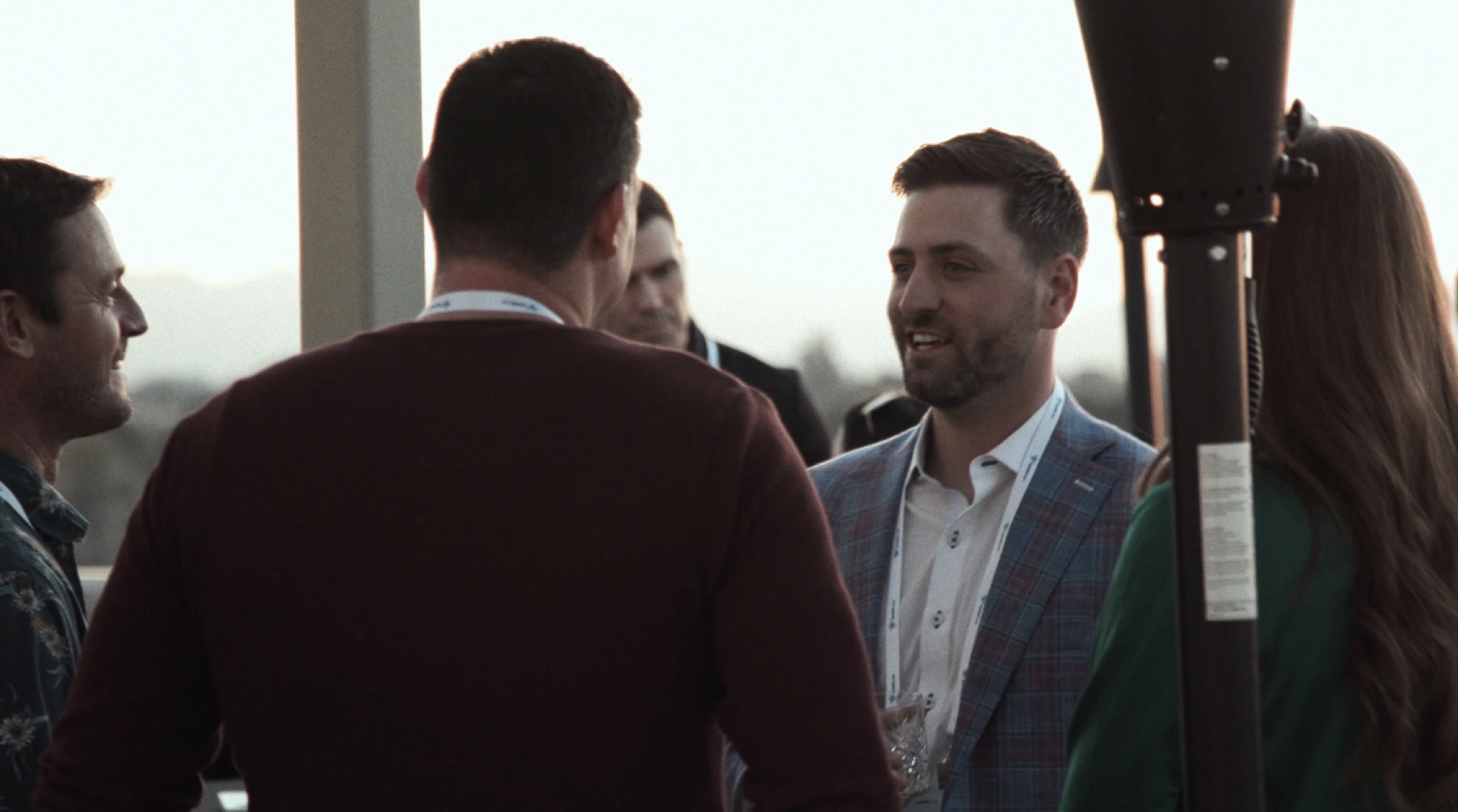
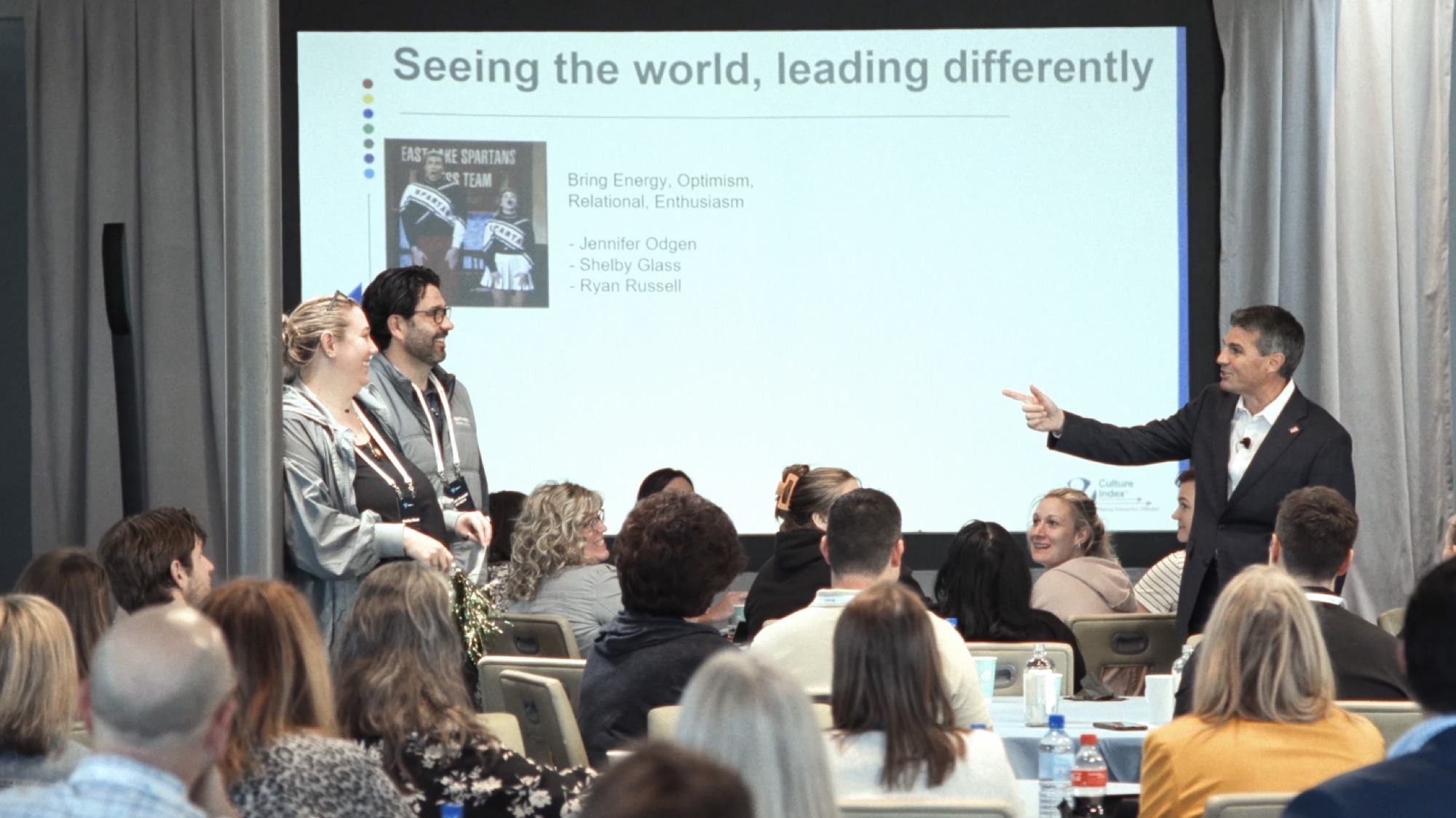
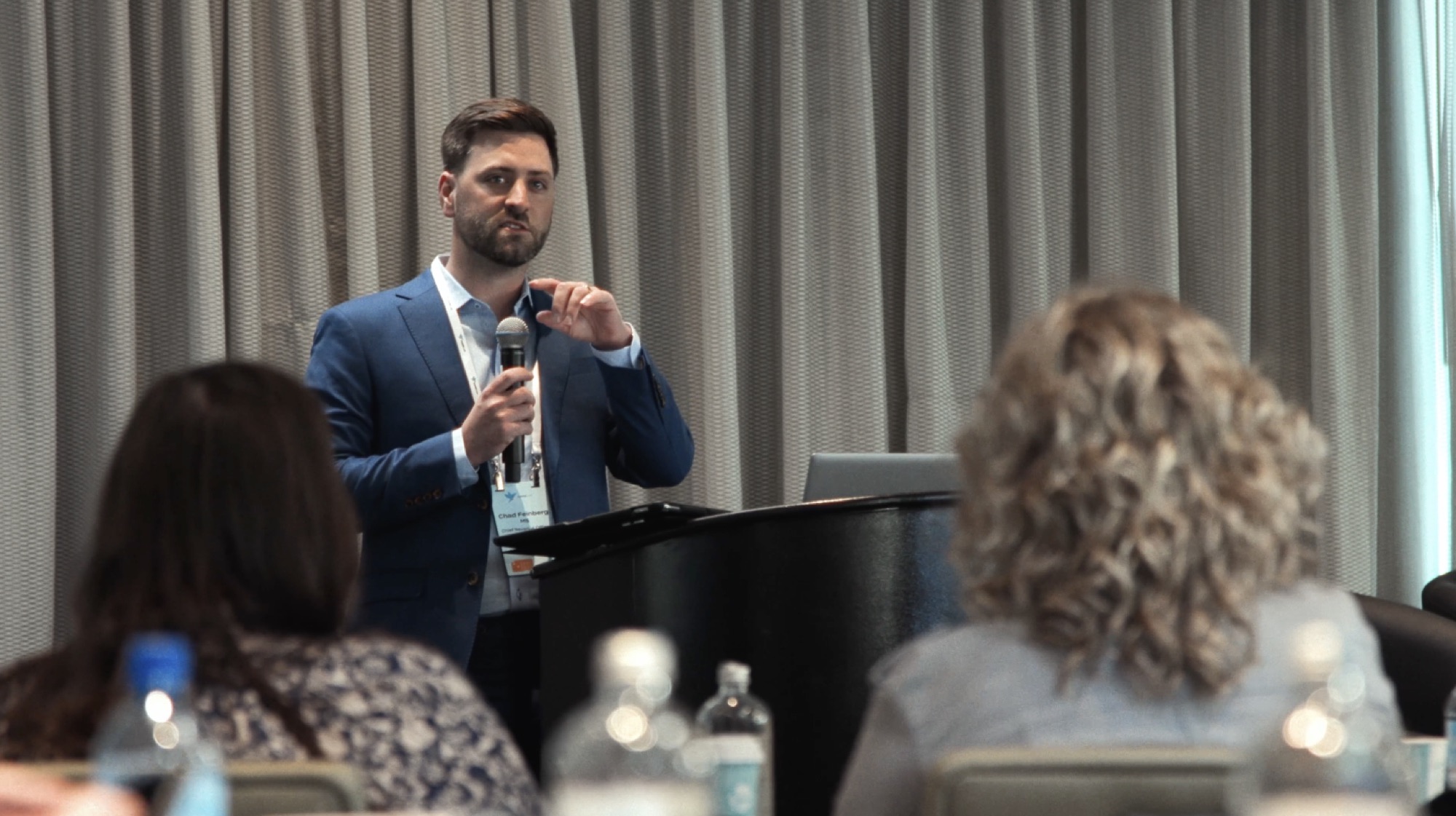
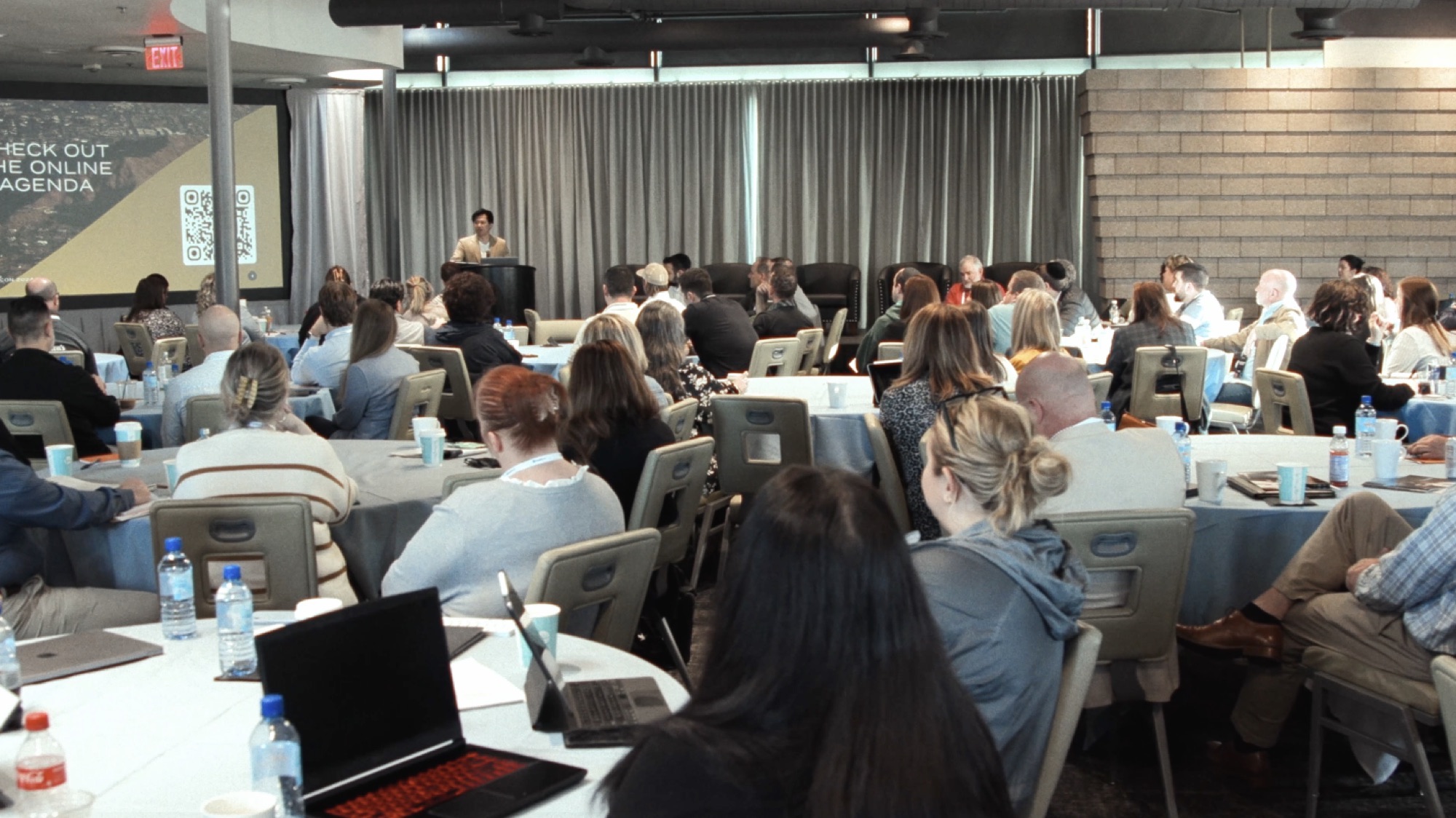
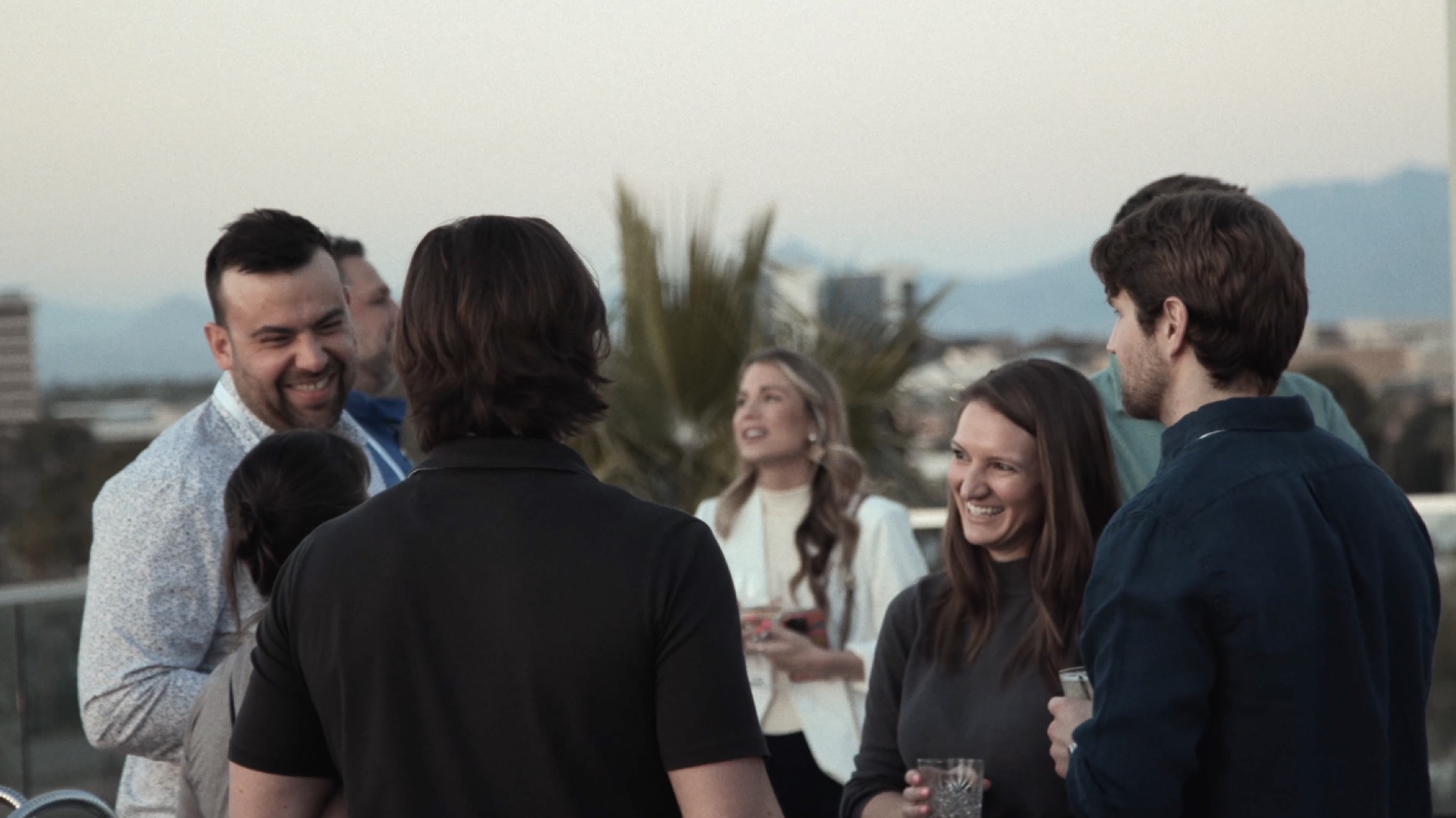
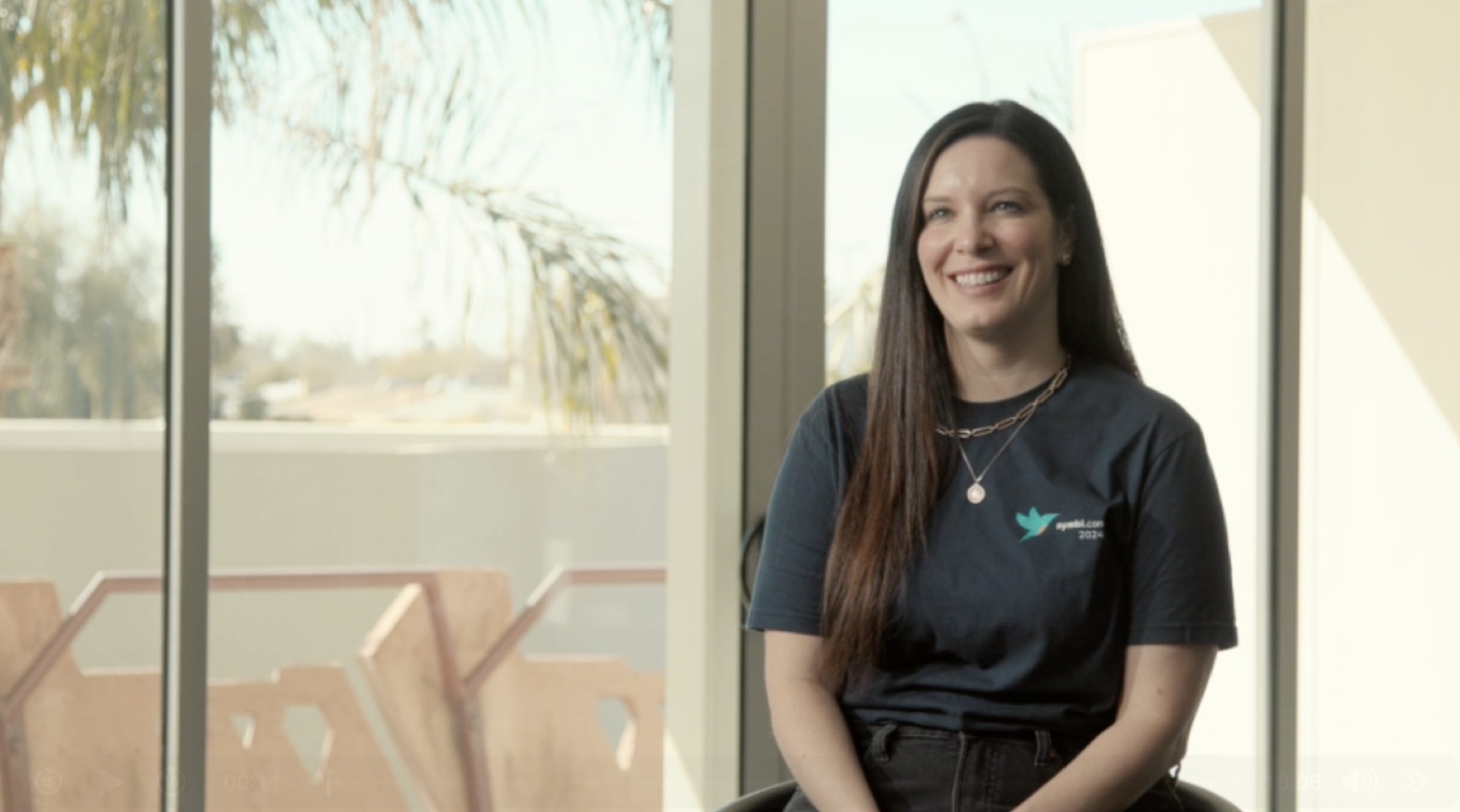
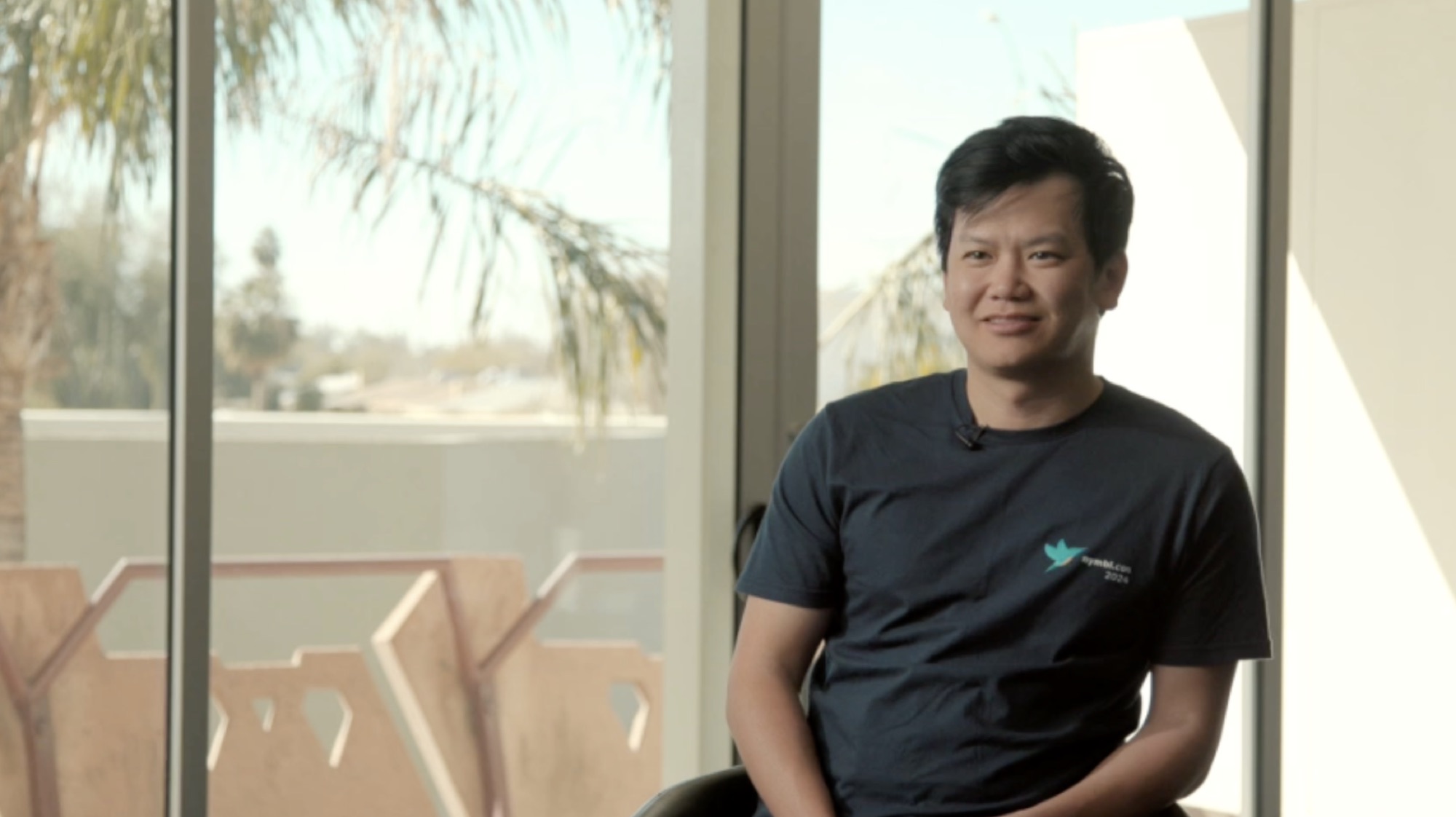
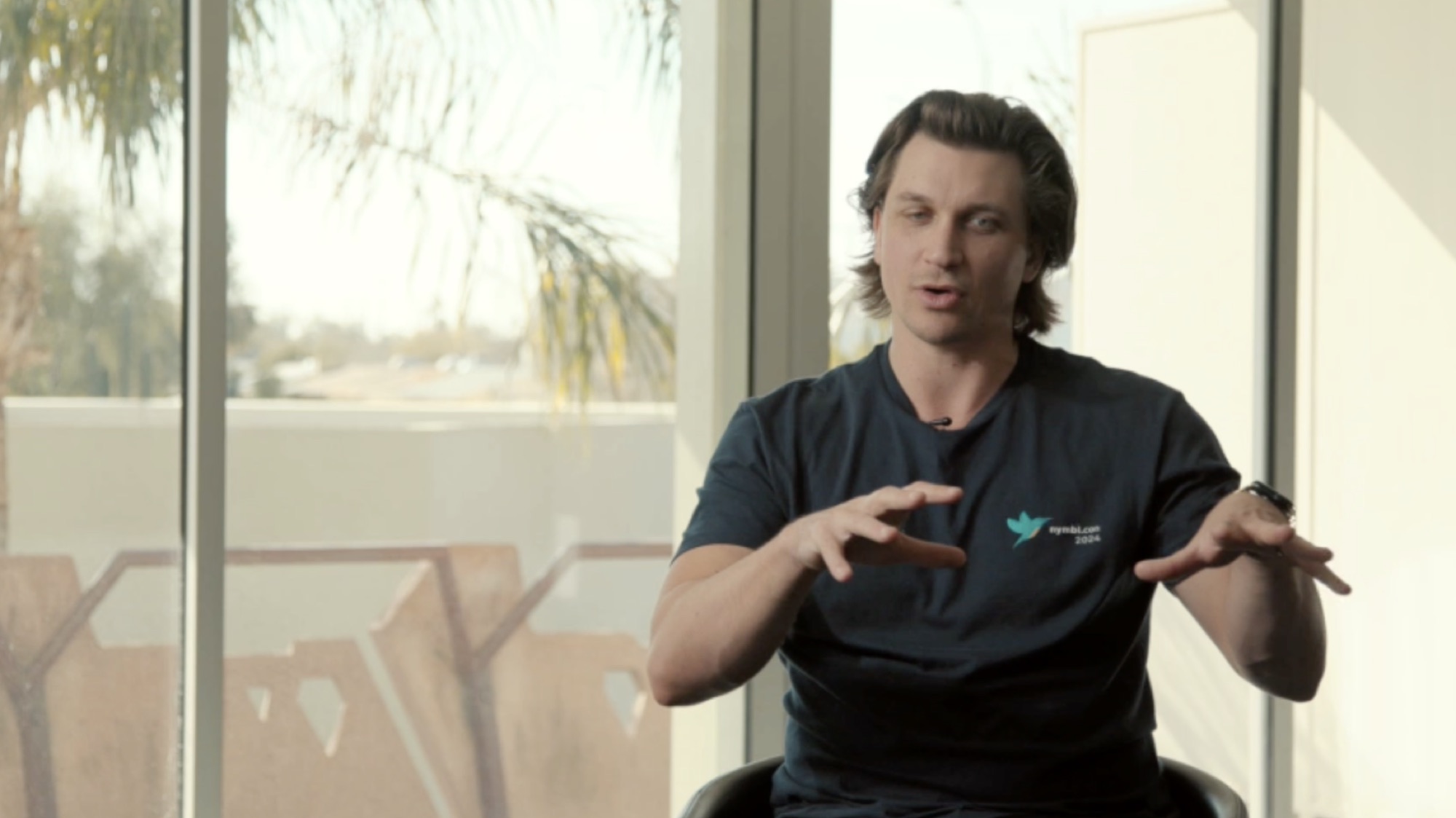
At Nymbl.con 2024 in Scottsdale, our coverage included keynotes, panels, networking, and software training. Each calls for different sound, camera placement, and access.
A recap communicates the experience of being there. A complete presentation serves someone who needs the information. If both are required, include both in the production plan rather than assuming the same footage will cover every use.
For another example of event coverage, see our Arizona HOSA conference recap.
Customer stories: show the work behind the interview
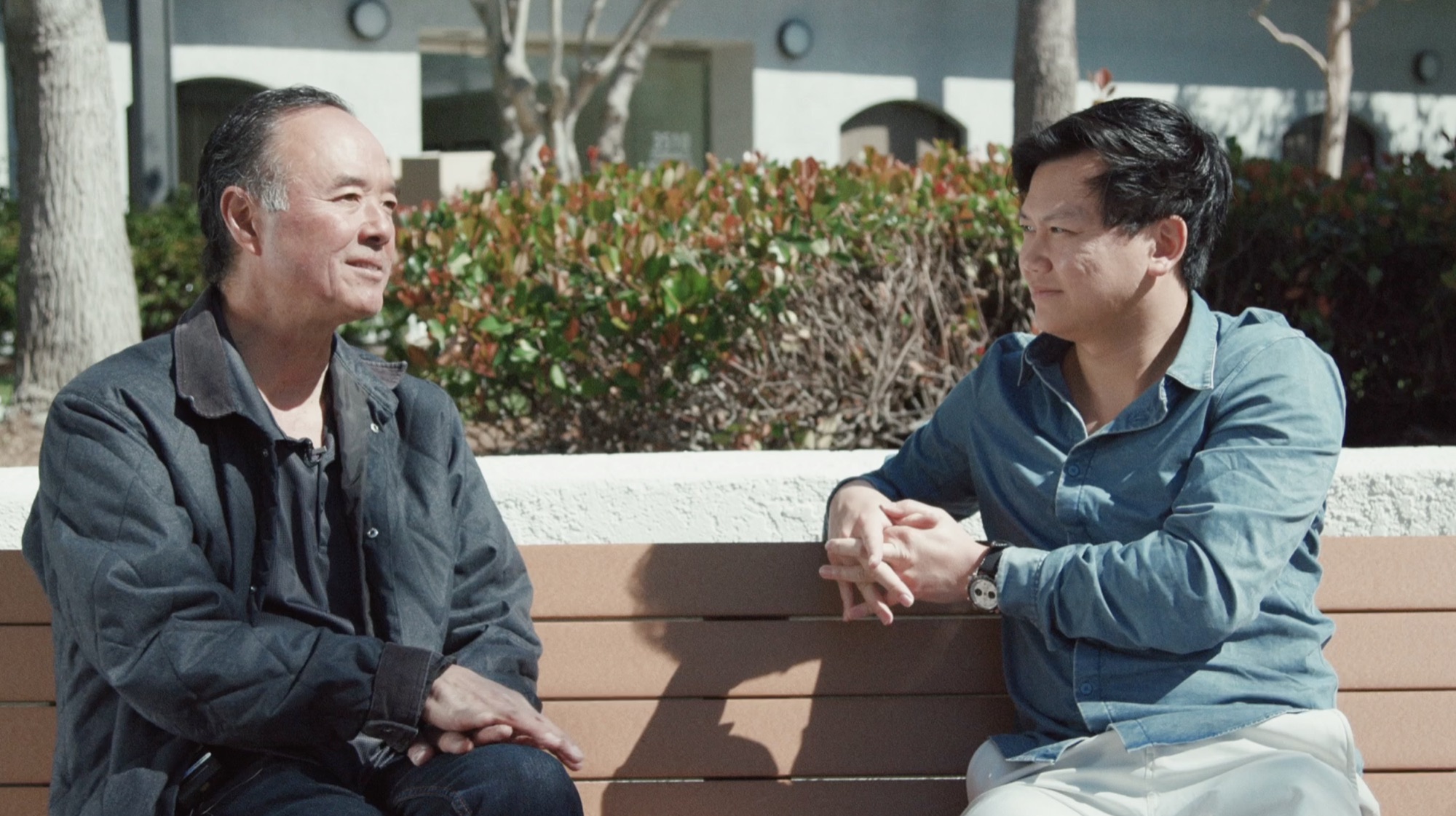
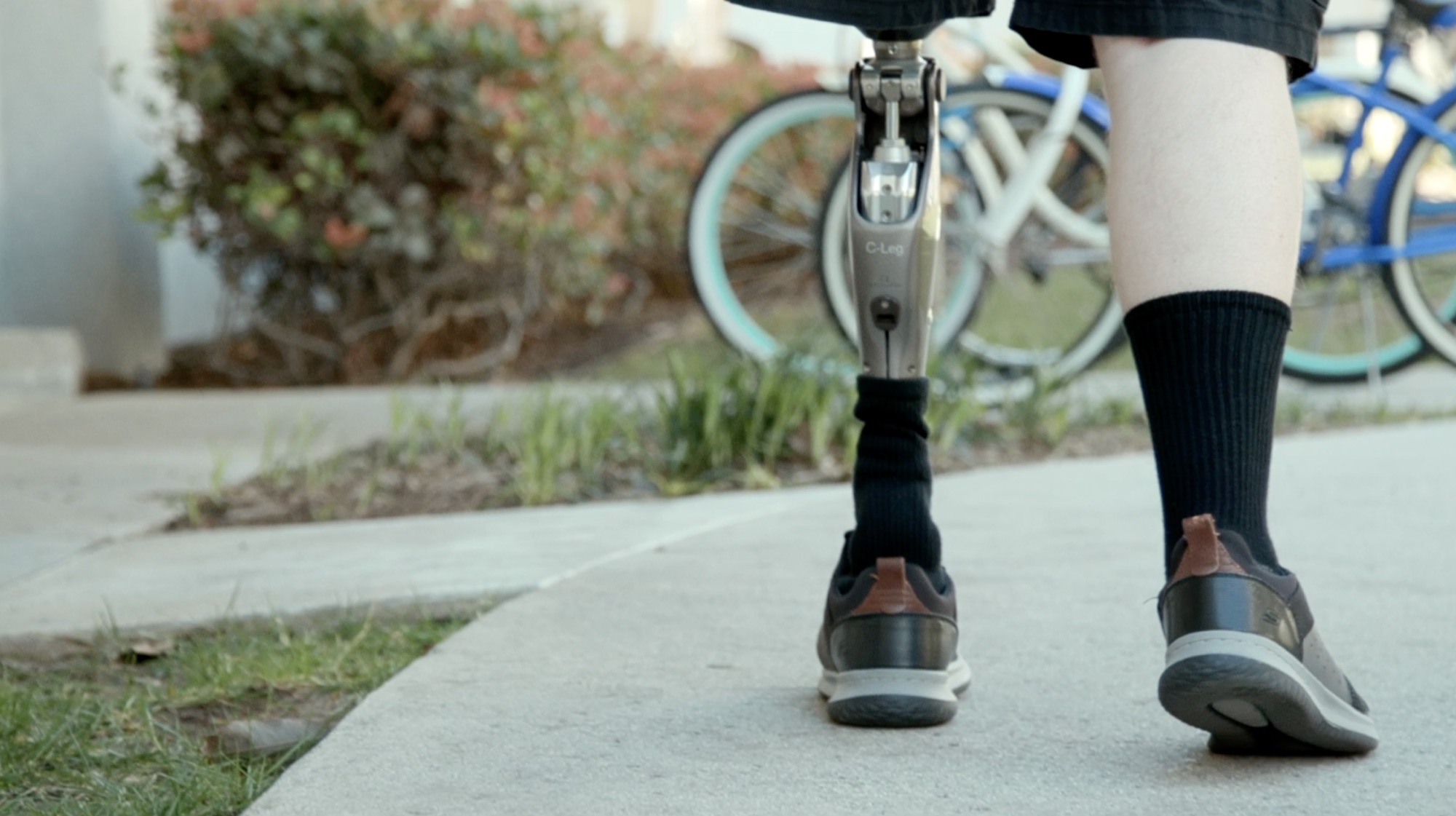
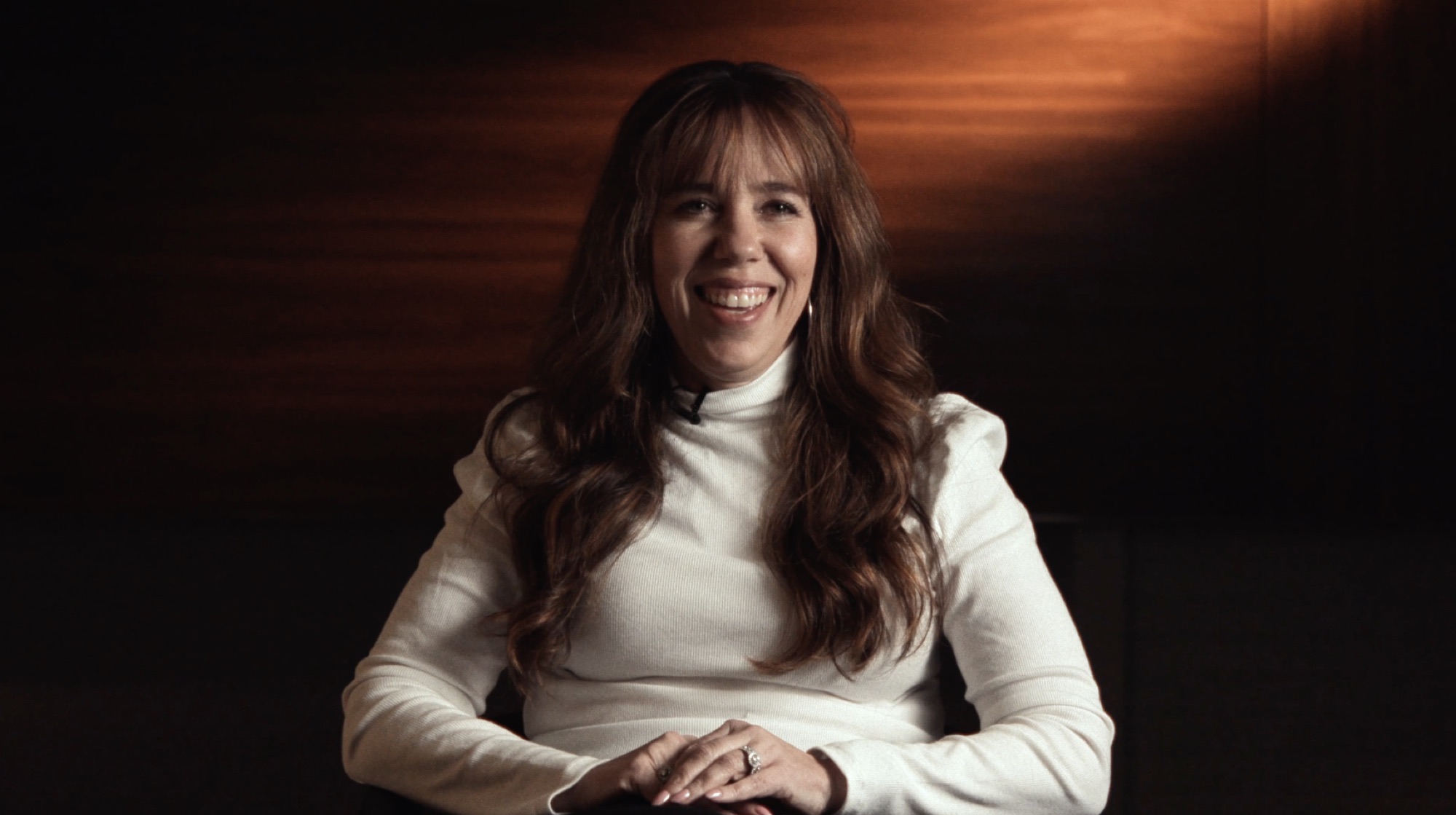
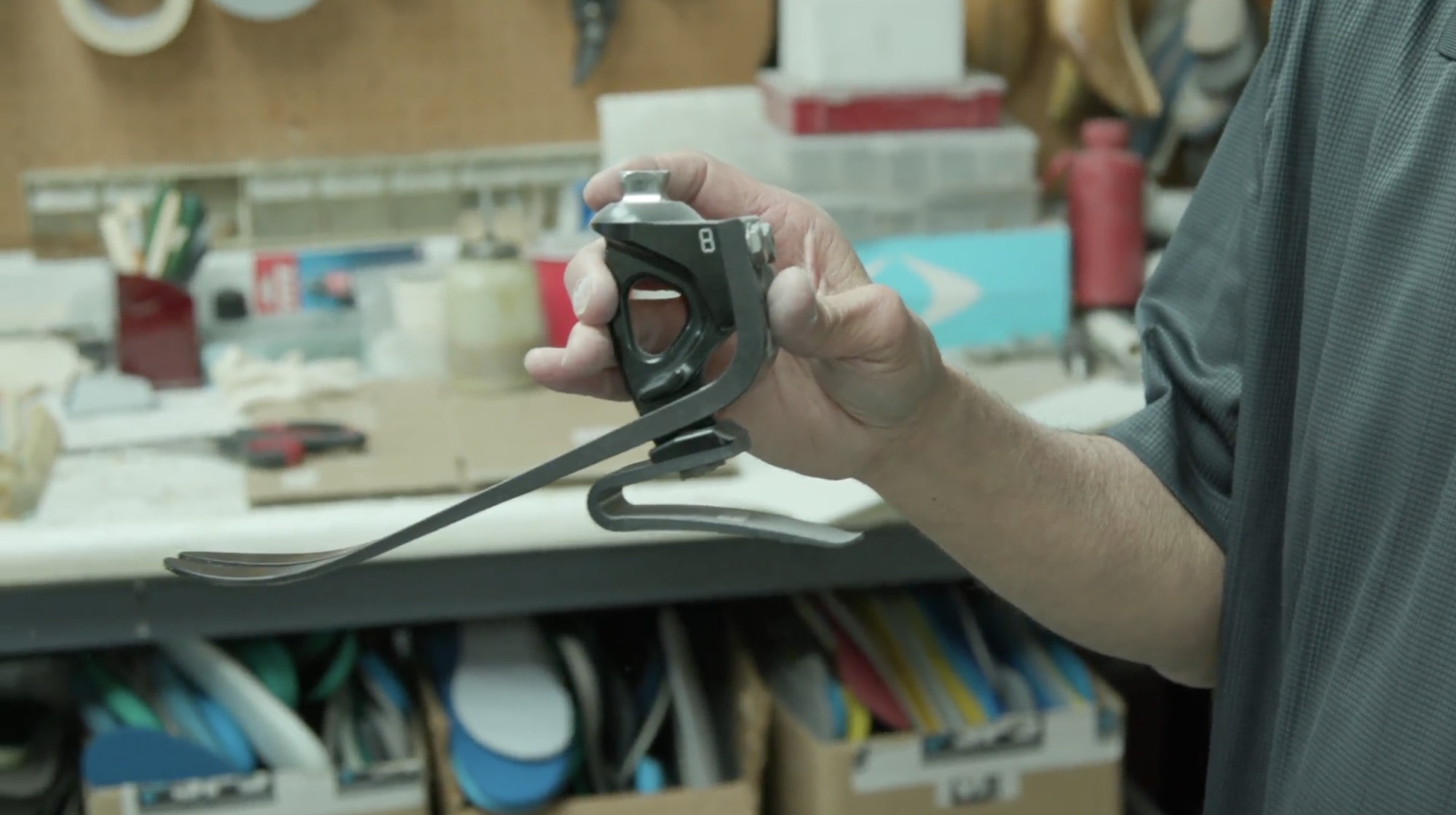
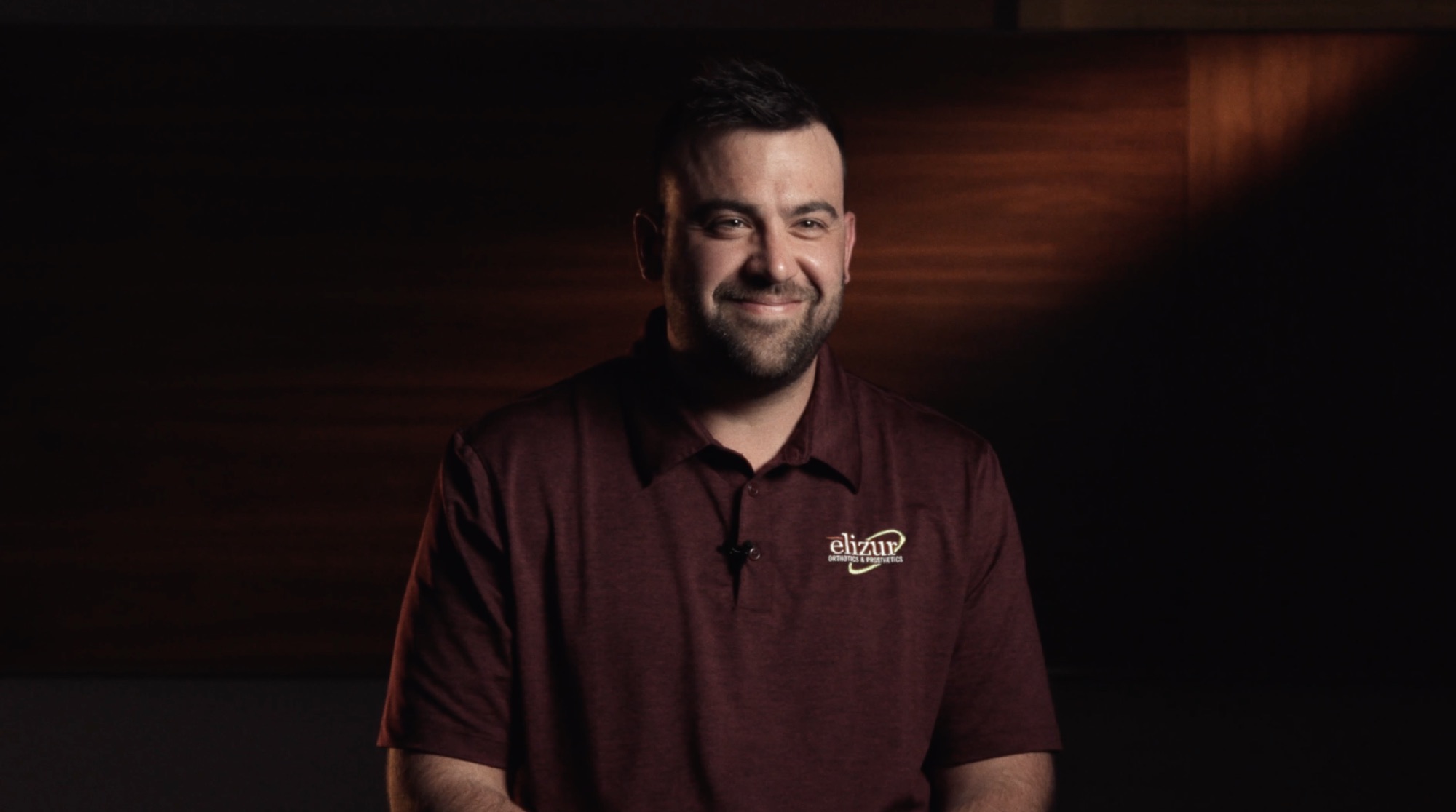
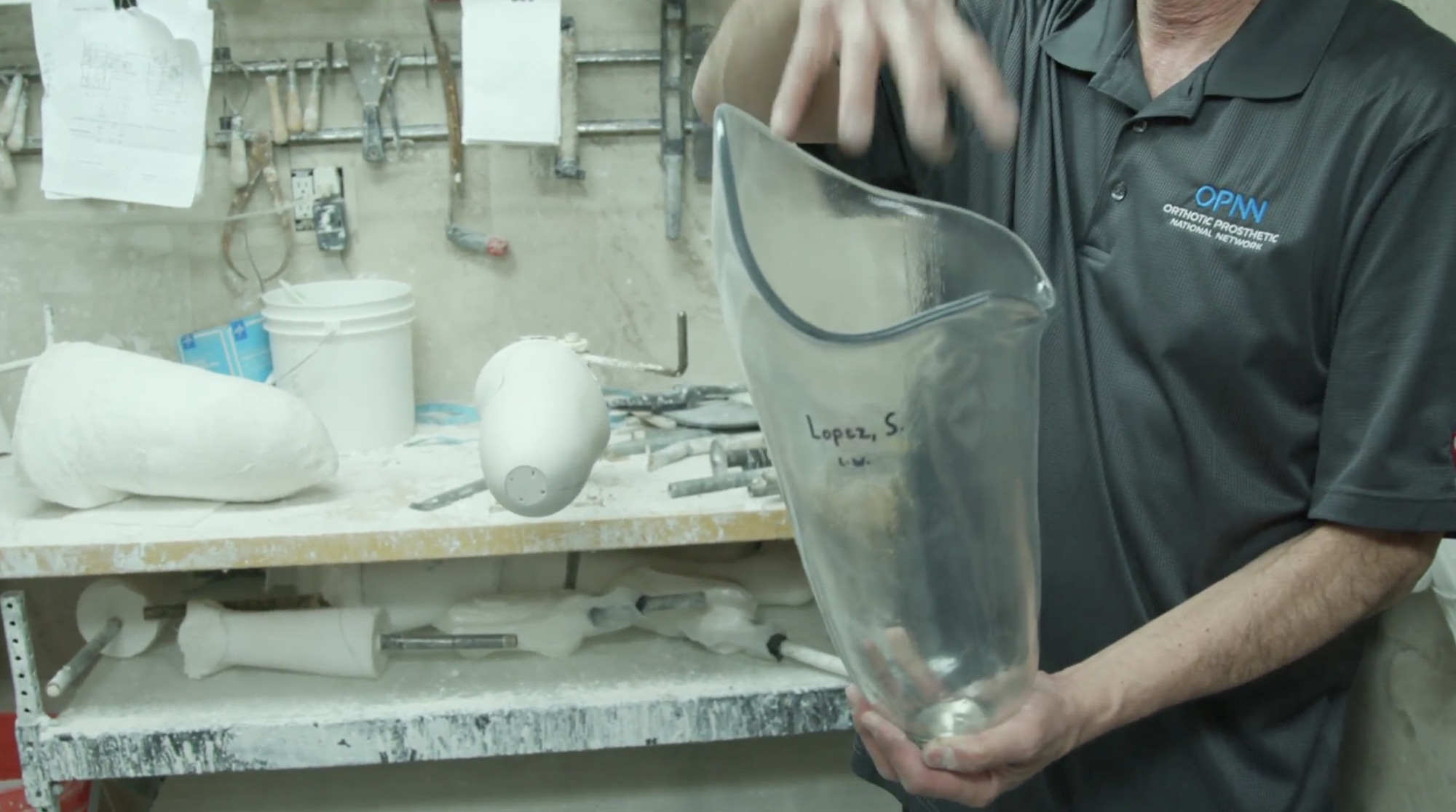
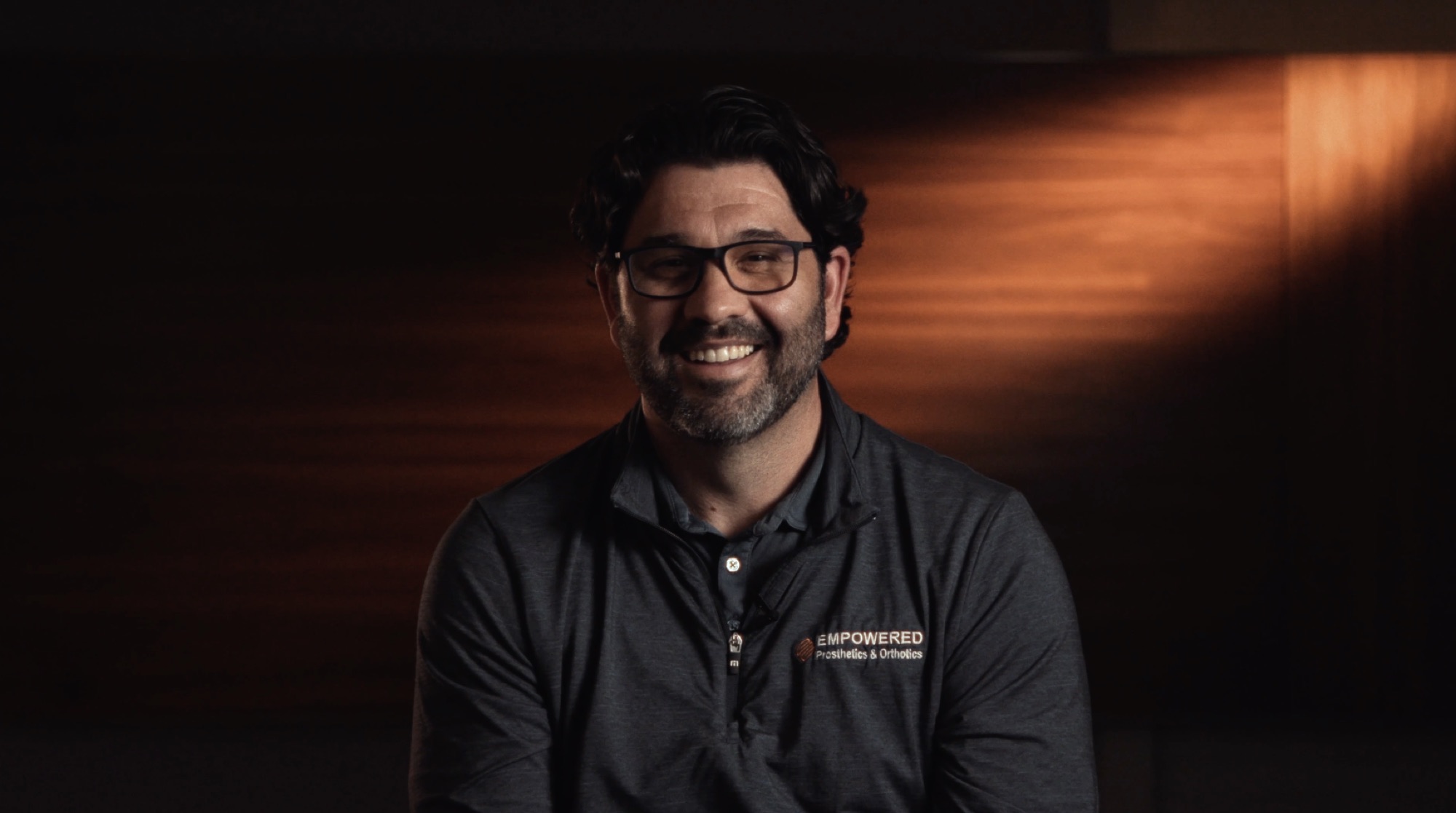
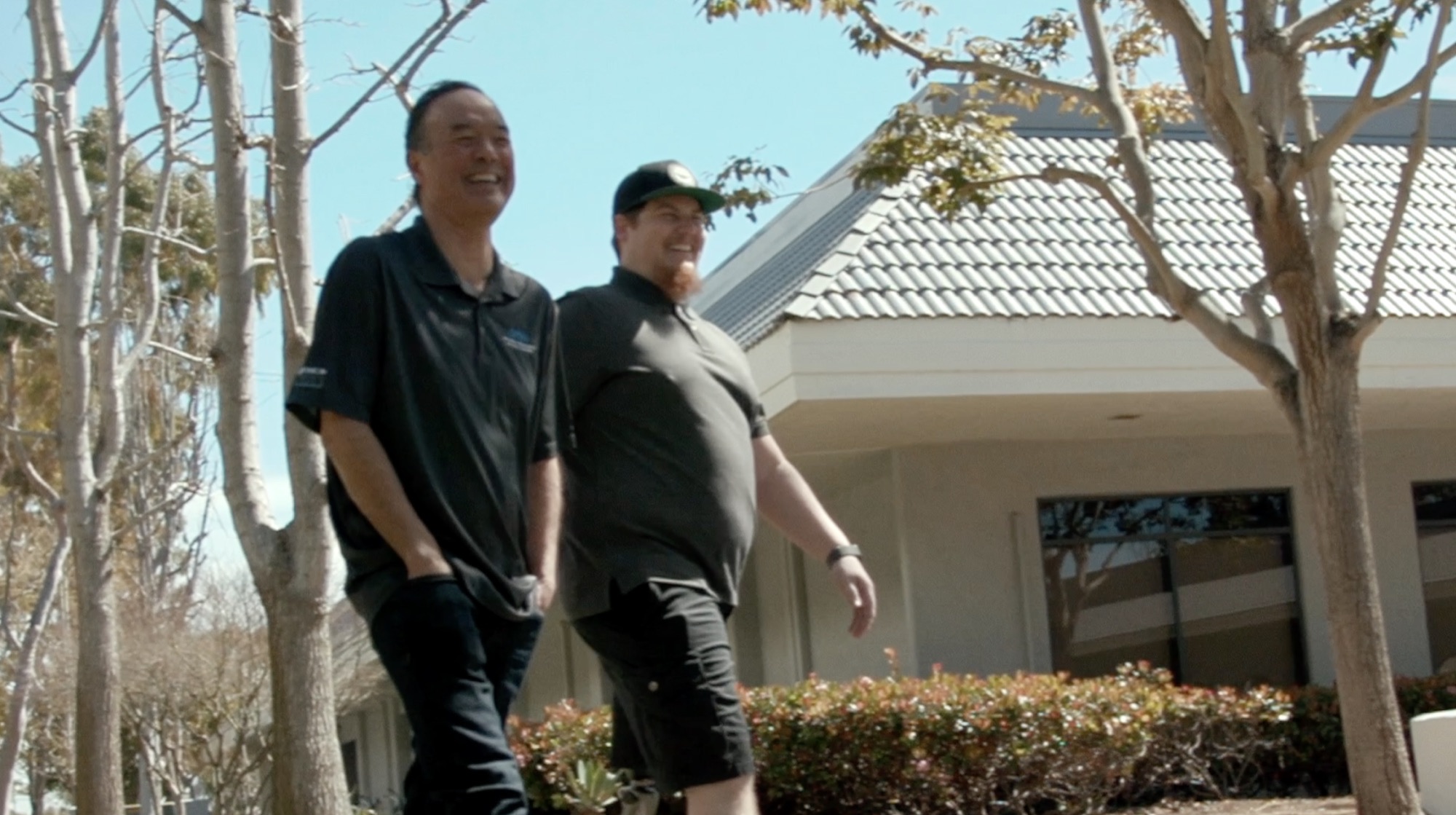
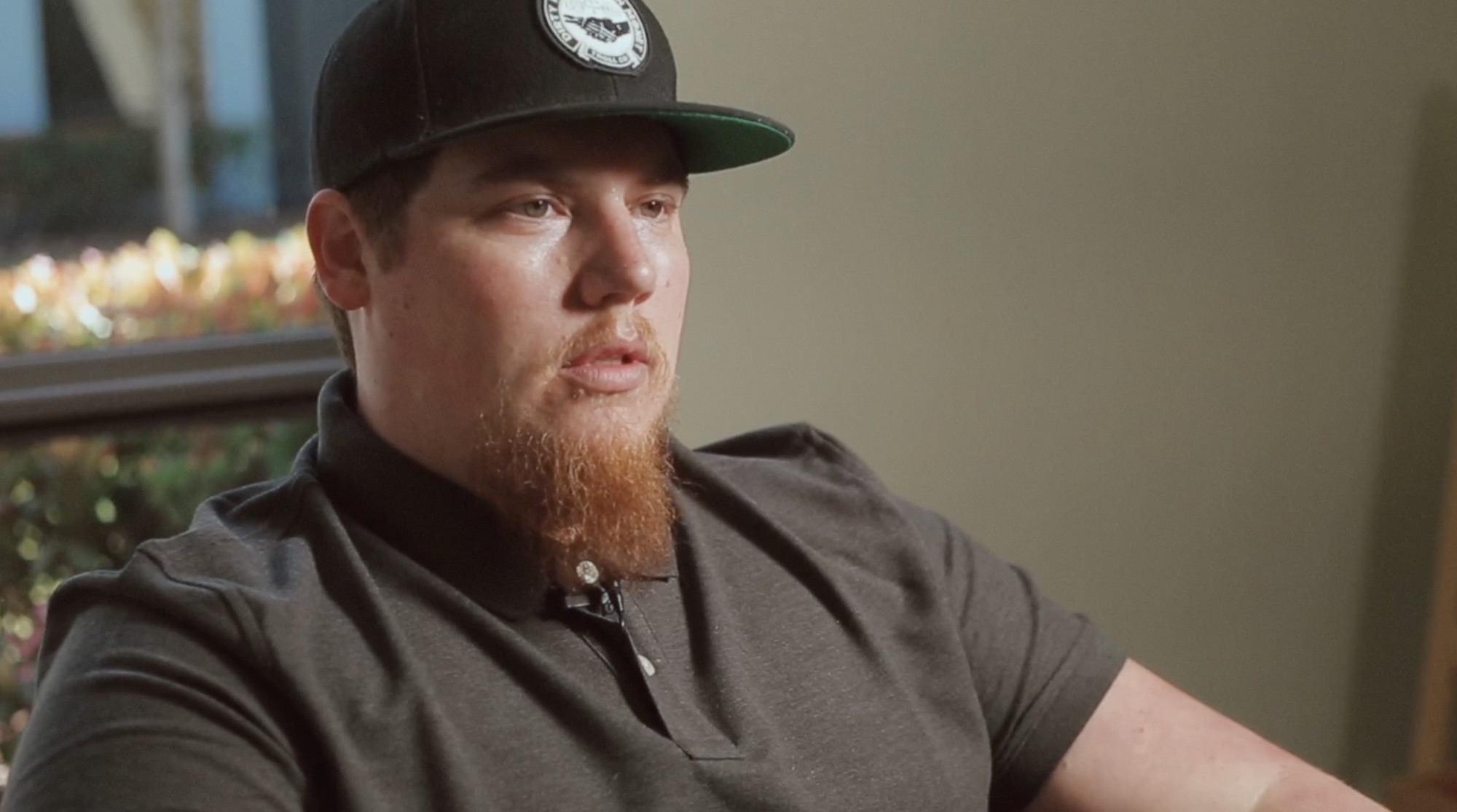
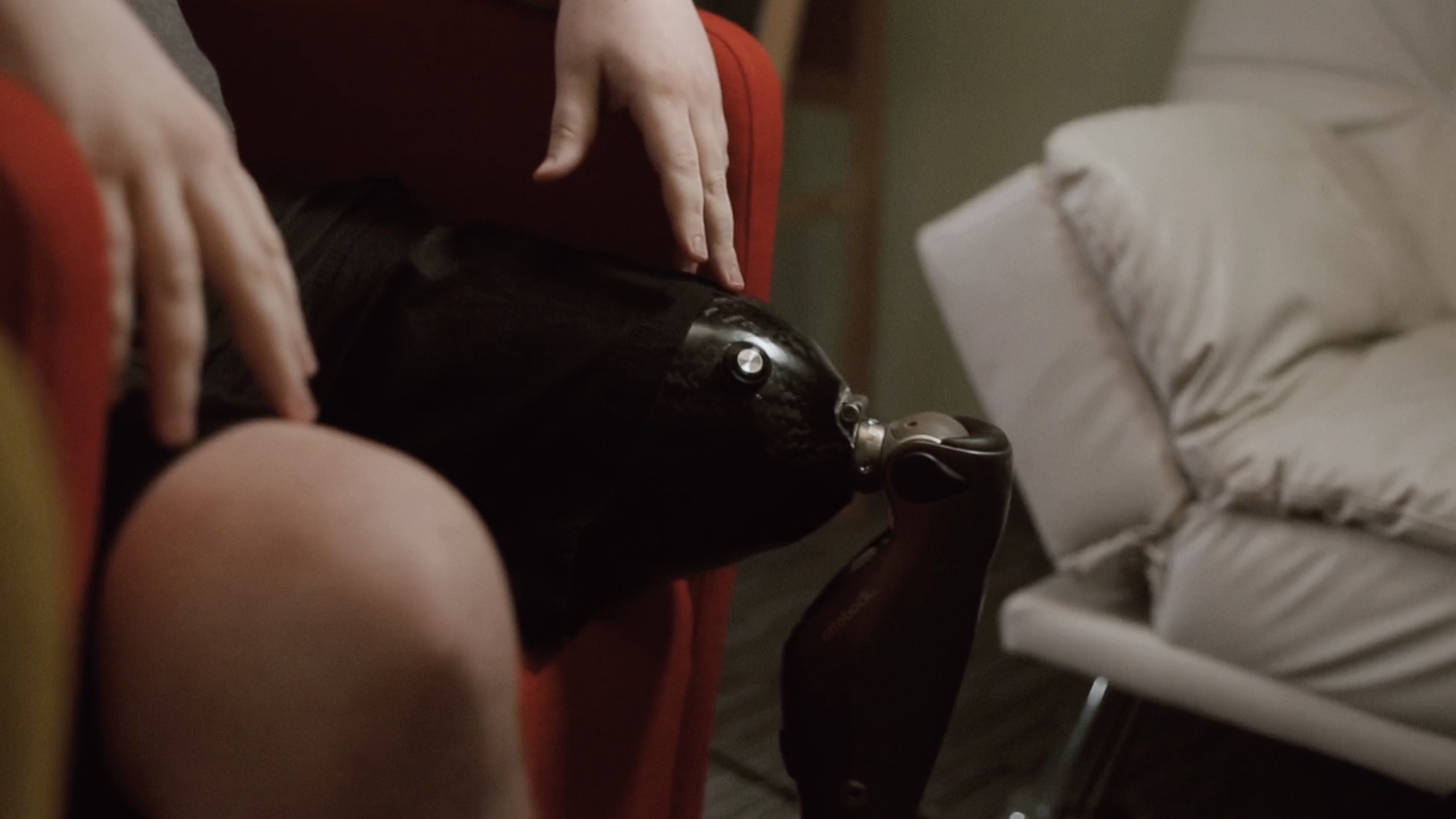
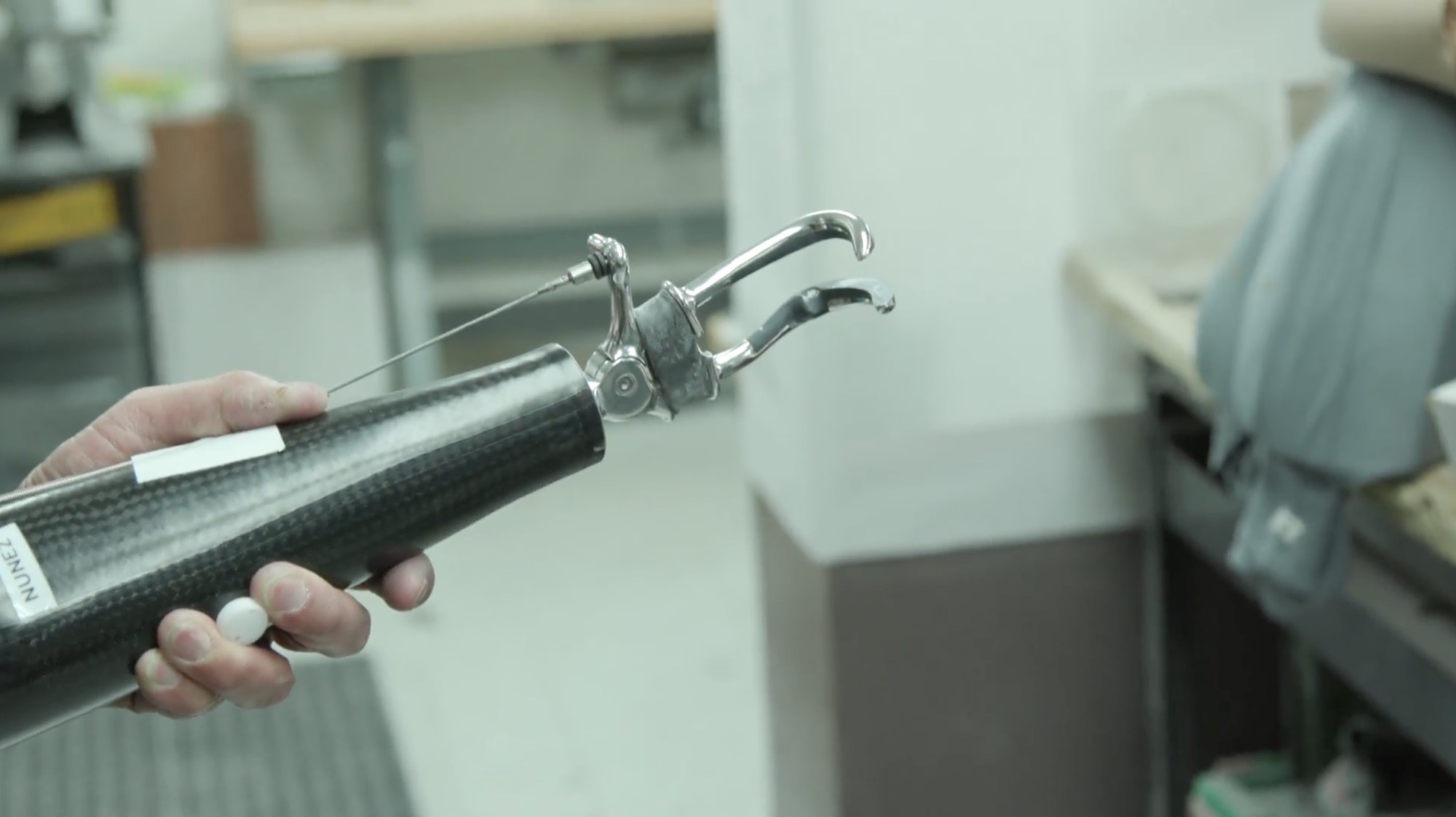
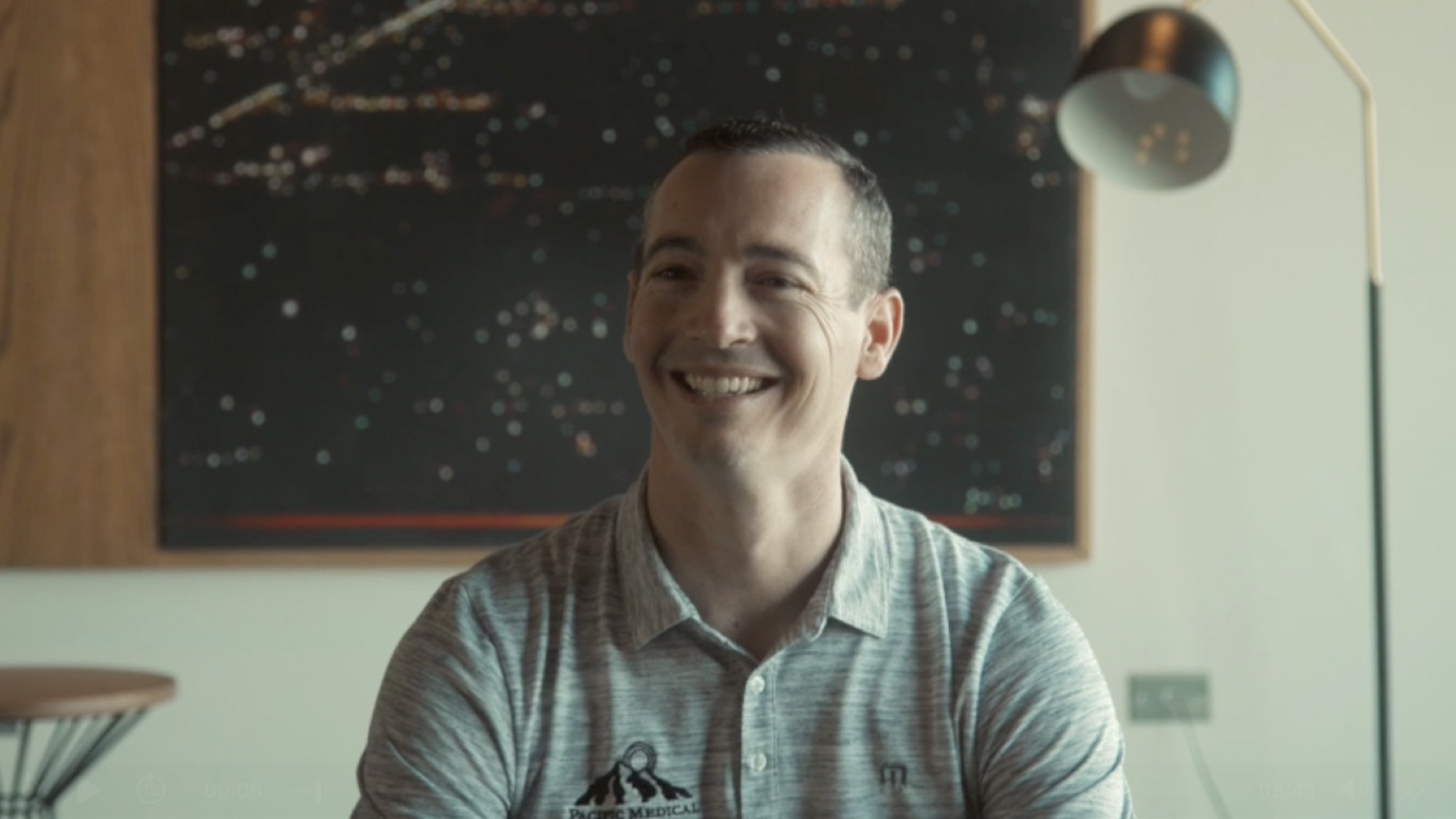
Our Nymbl and P&O Group project combined interviews with footage of prosthetic fabrication and the clinic environment. That gives viewers context for the software and the people using it.
Prepare questions around specific situations: what changed, how the product is used, and what the customer can demonstrate. Keep their answers in their own words. Confirm permission for any customer or patient material before filming and publishing.
Tennr's Voice Calling Product Tour offers another approach: a product demonstration grounded in a customer conversation.
Training: make individual topics easy to find
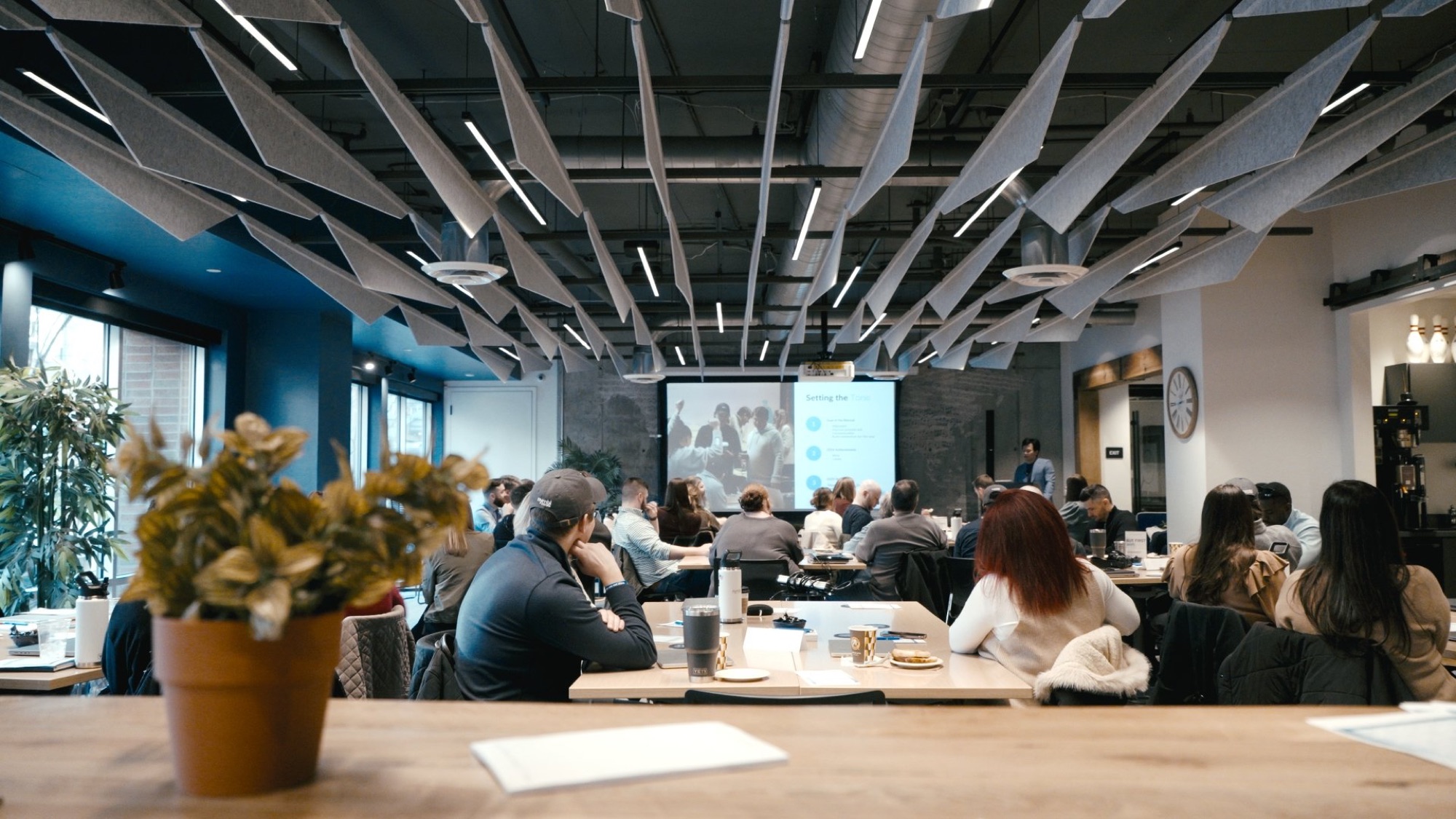
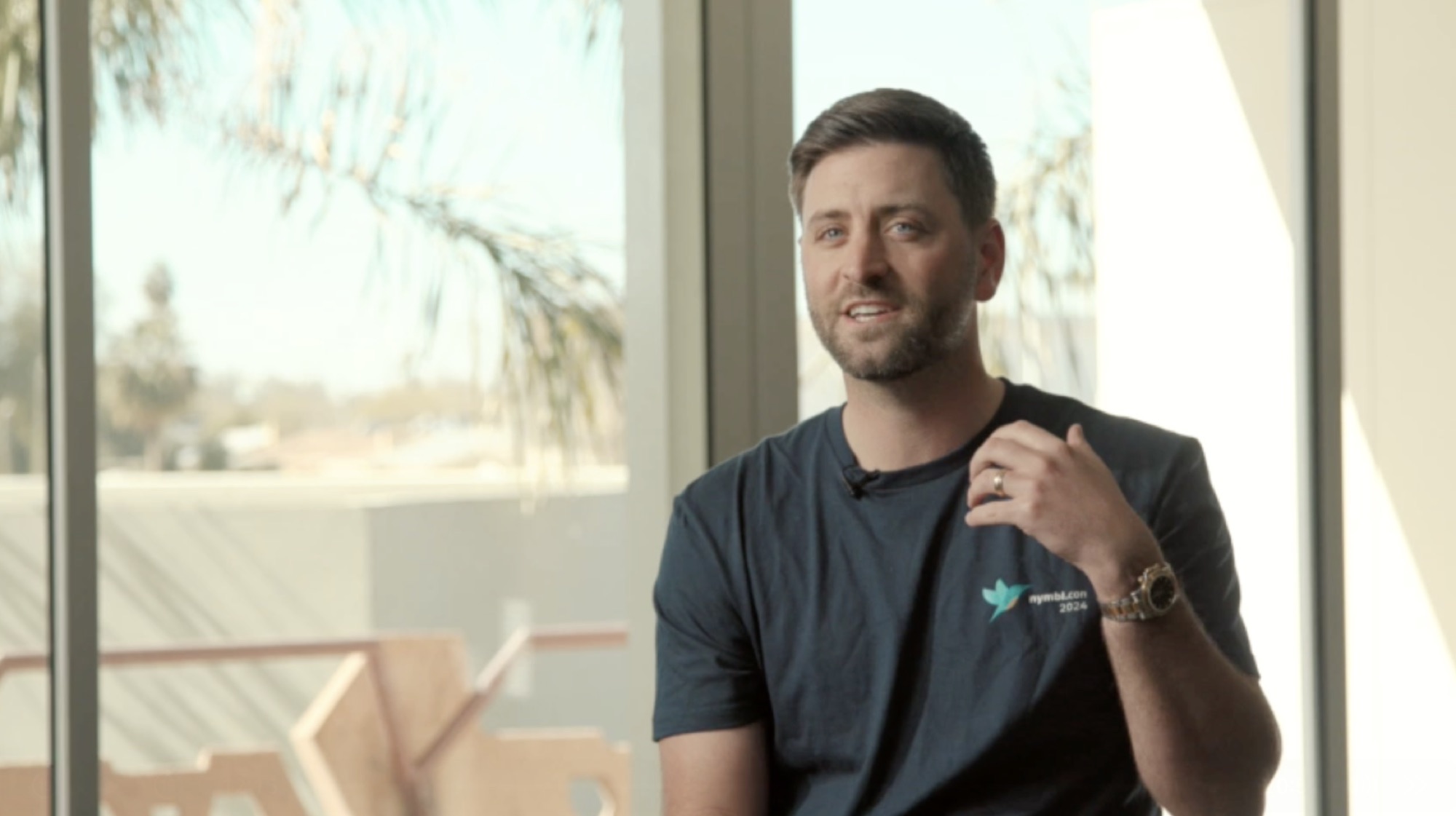
For Nymbl's onboarding series, the work included role-specific modules, software walkthroughs, and leadership messages. Separating those topics lets a team share the relevant segment without asking someone to search a long film.
Decide who reviews technical accuracy and who owns future updates. Interfaces, processes, and policies change. A modular edit makes it easier to replace an outdated section.
For customer-facing product education, our SISU Explainer Series shows how related questions can become a set of focused videos.
Company culture: record specific experiences
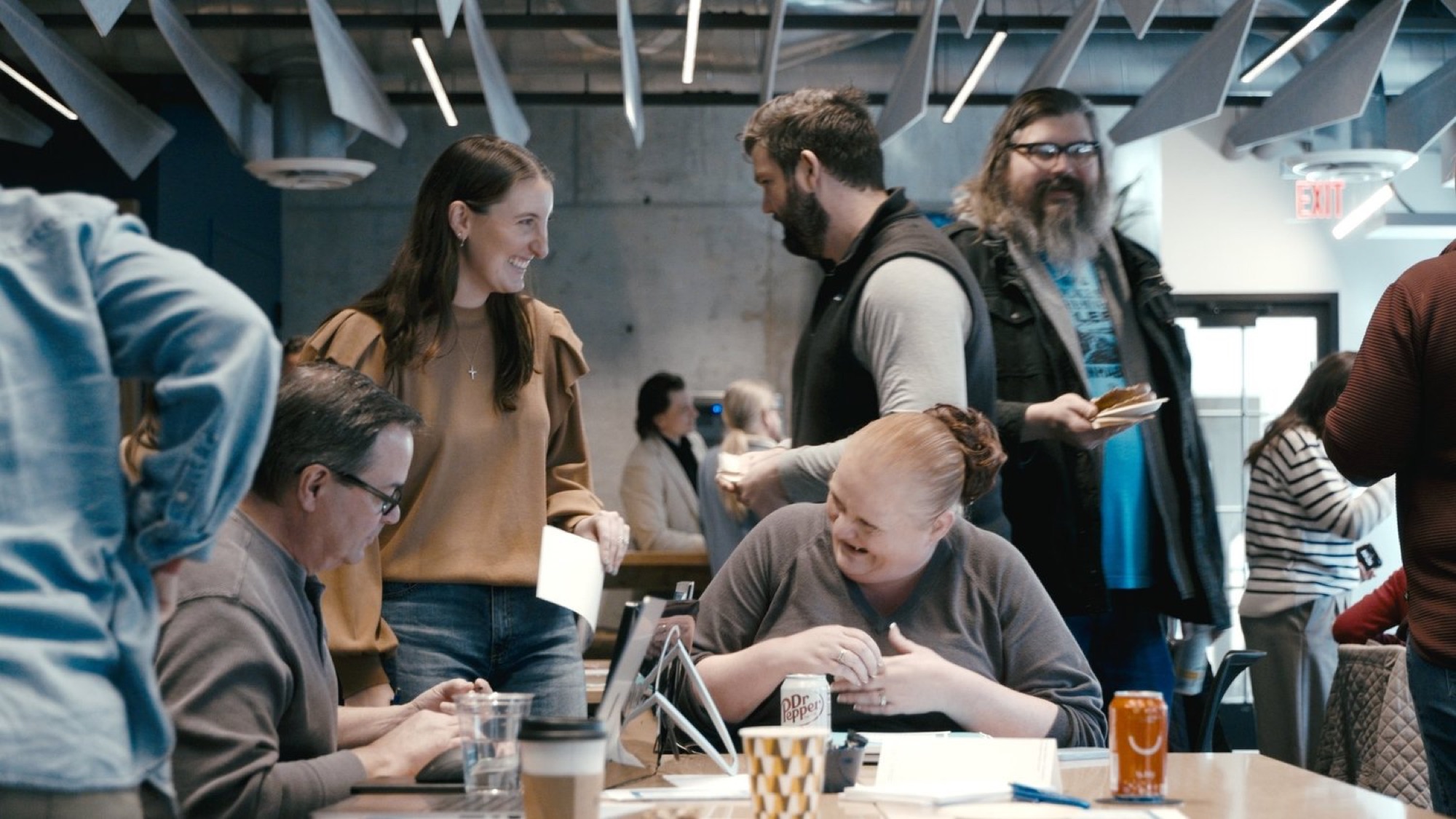
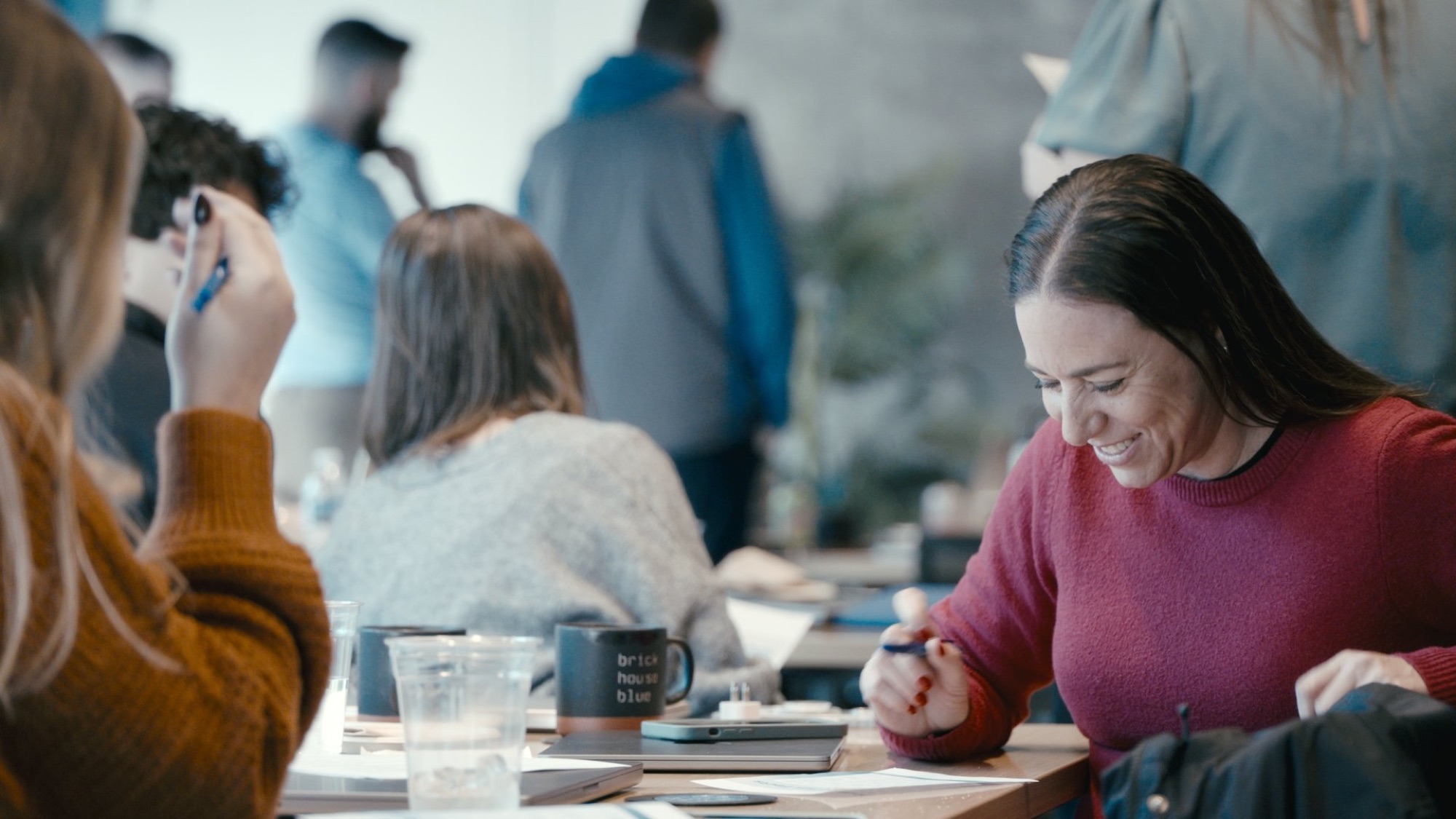
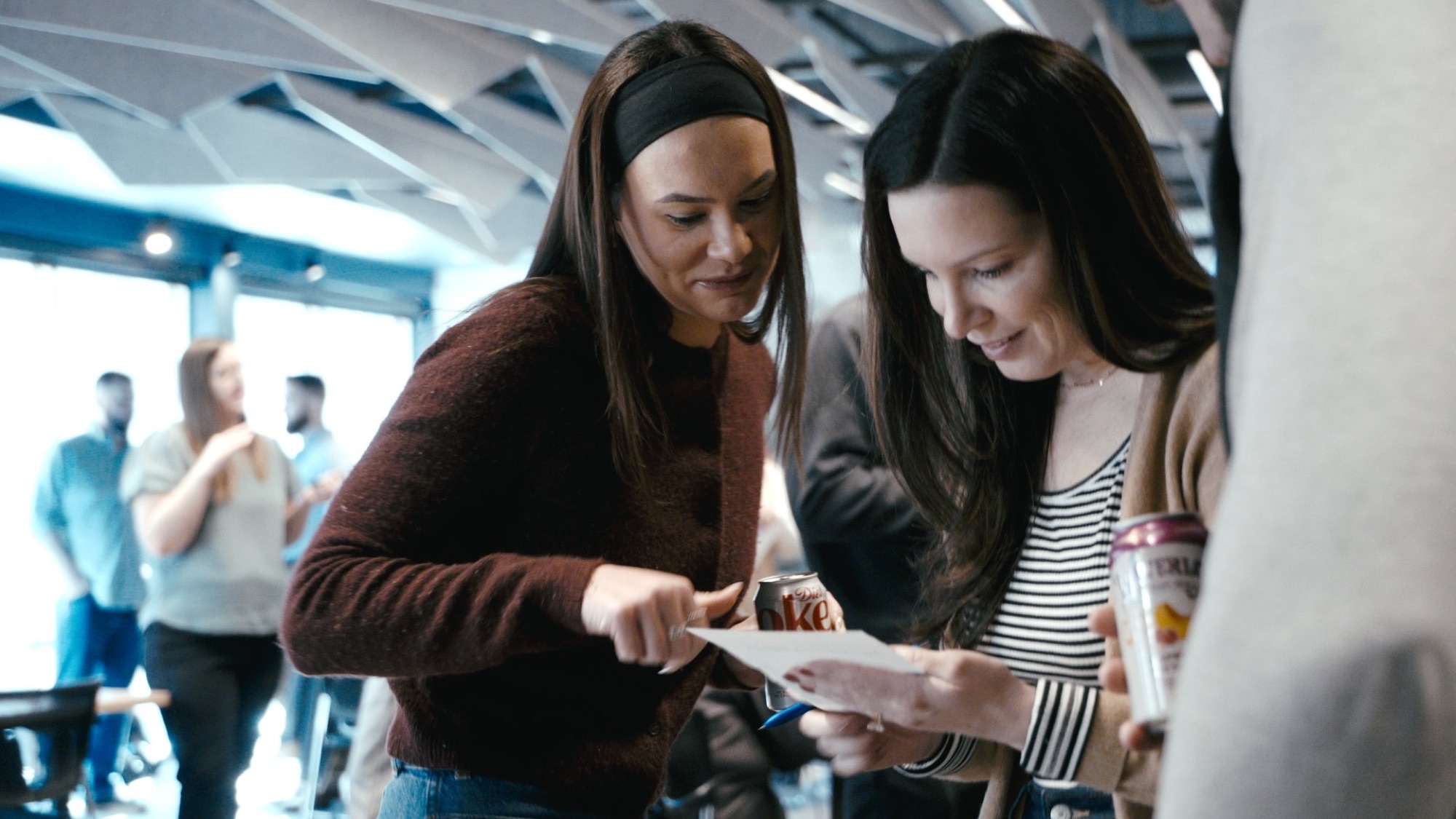
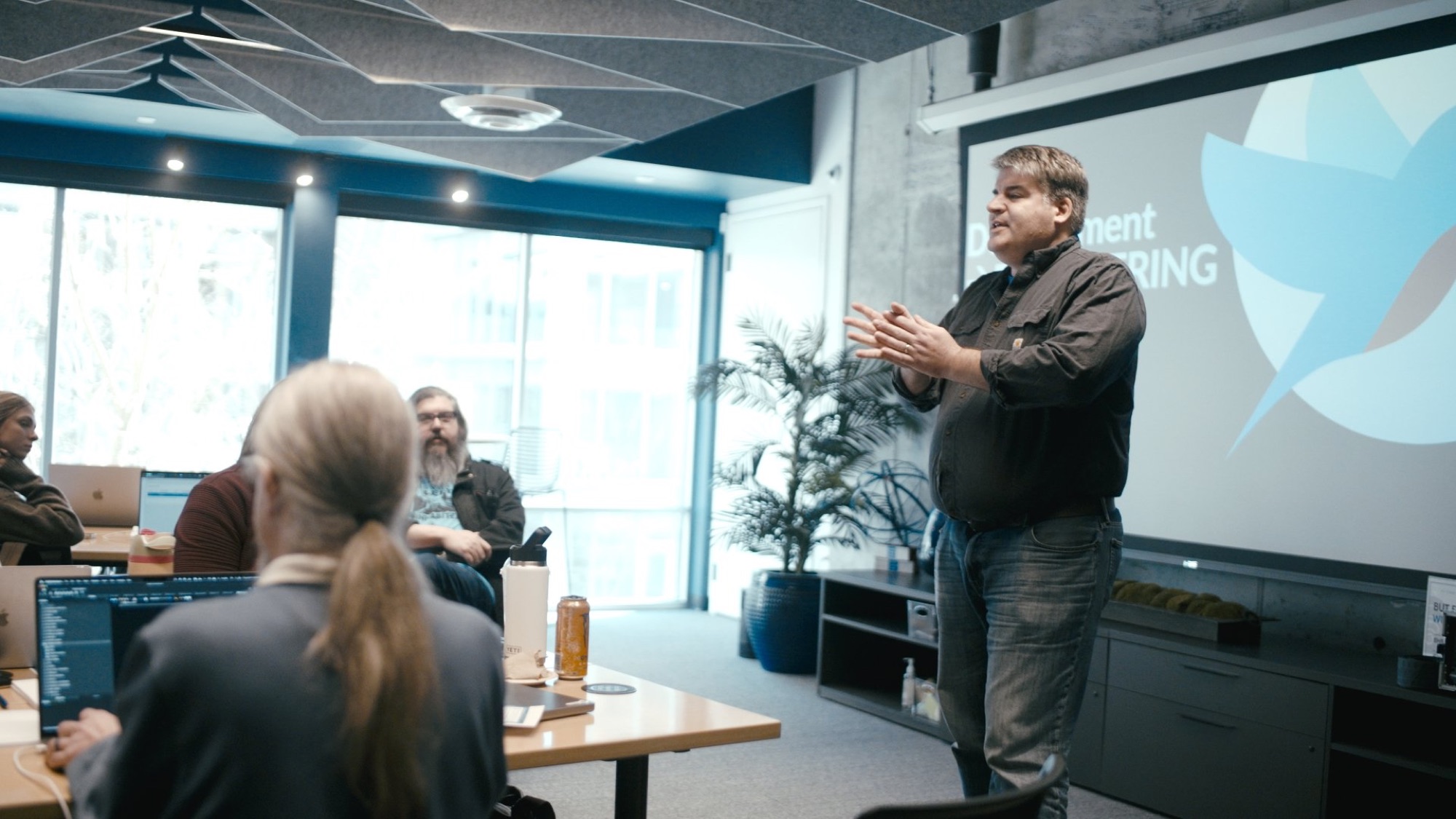
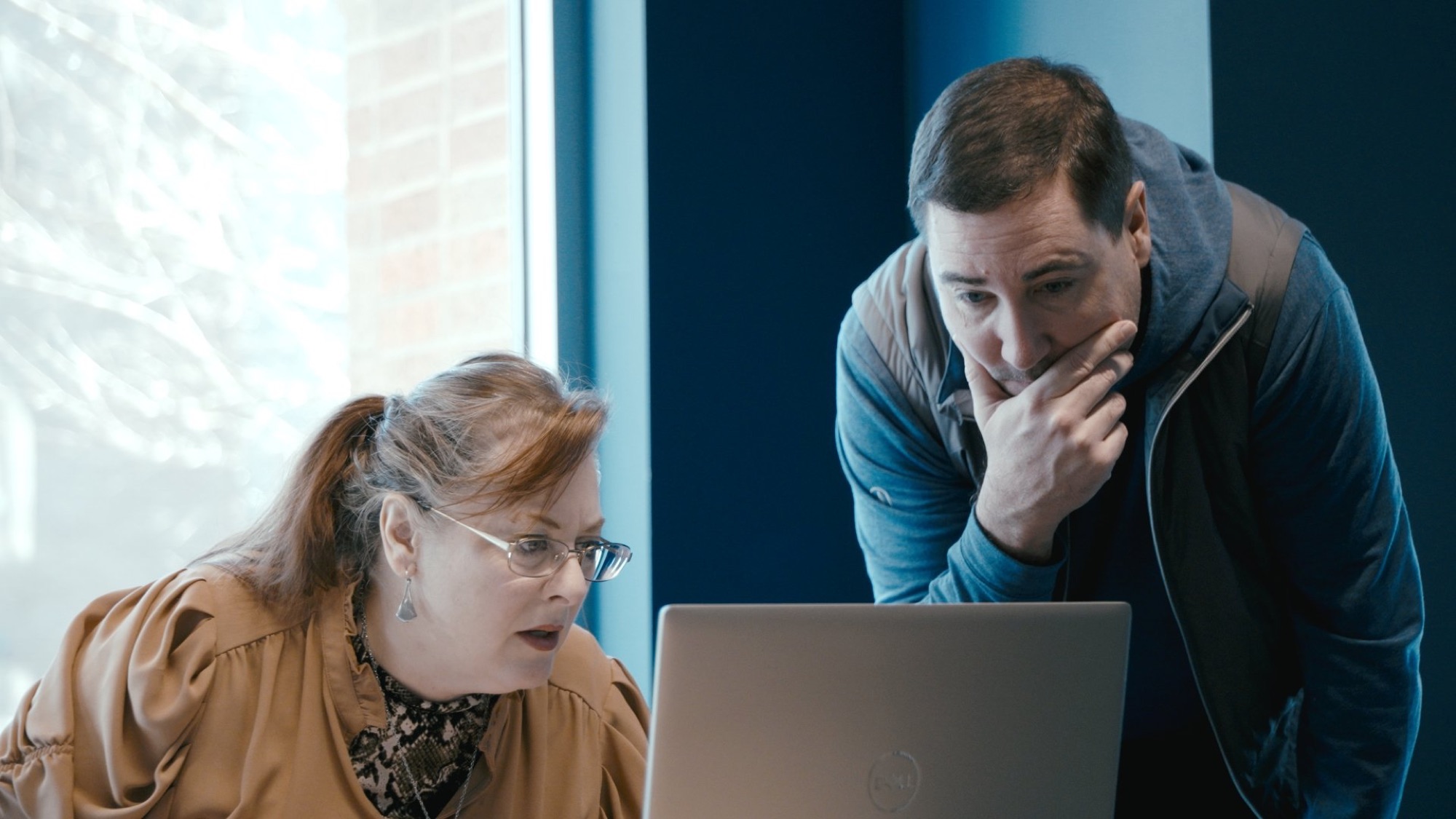
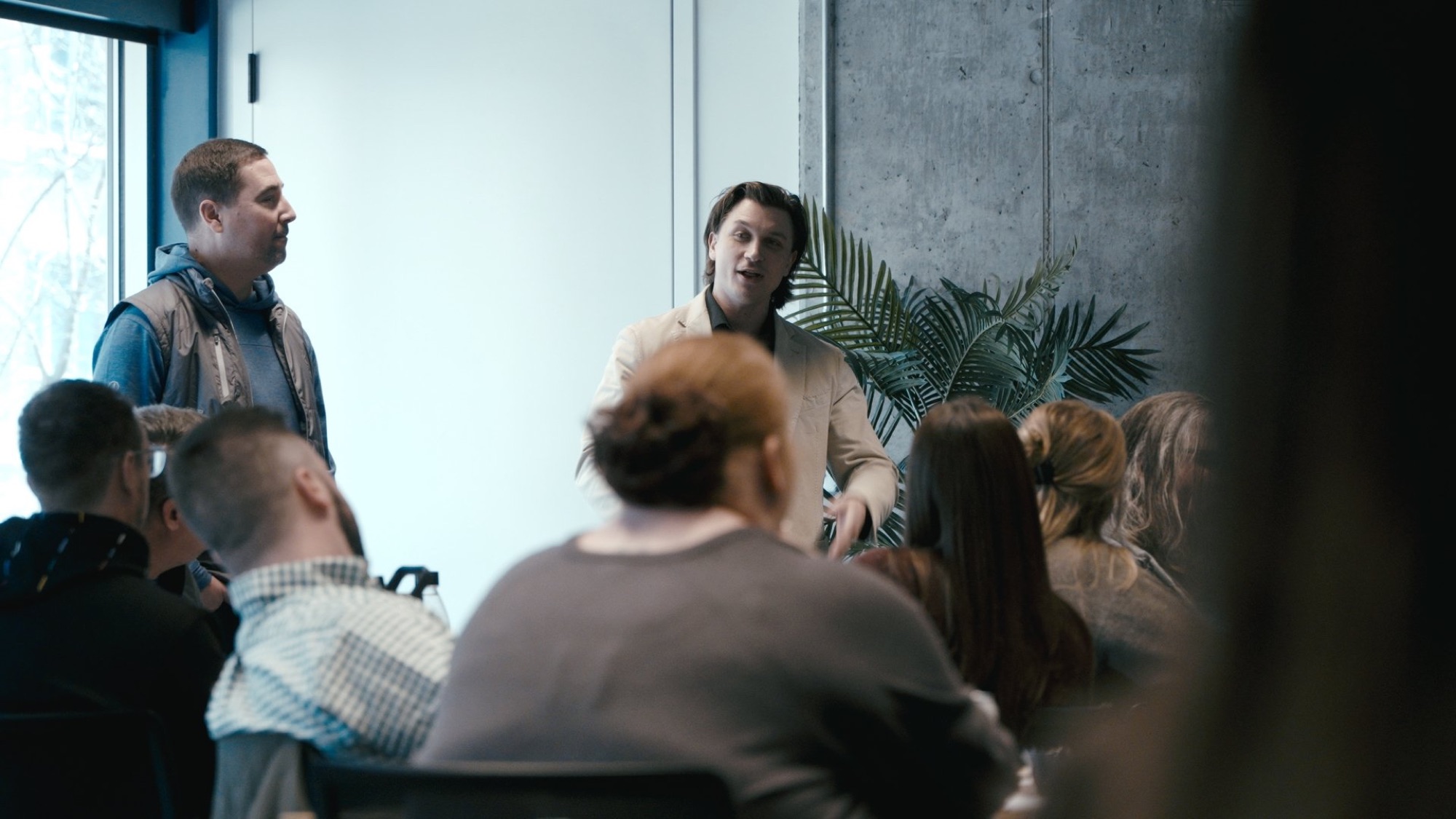
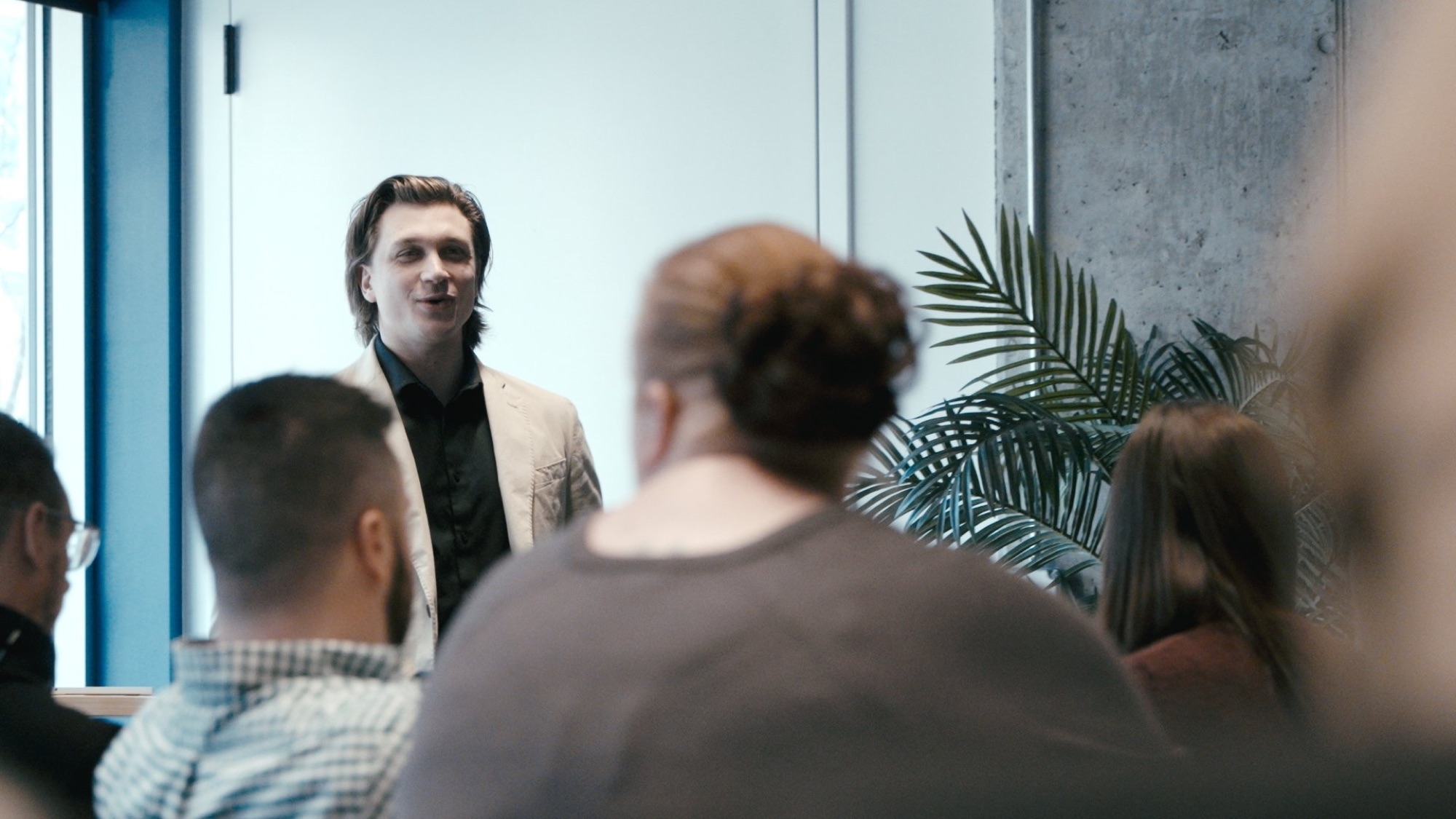
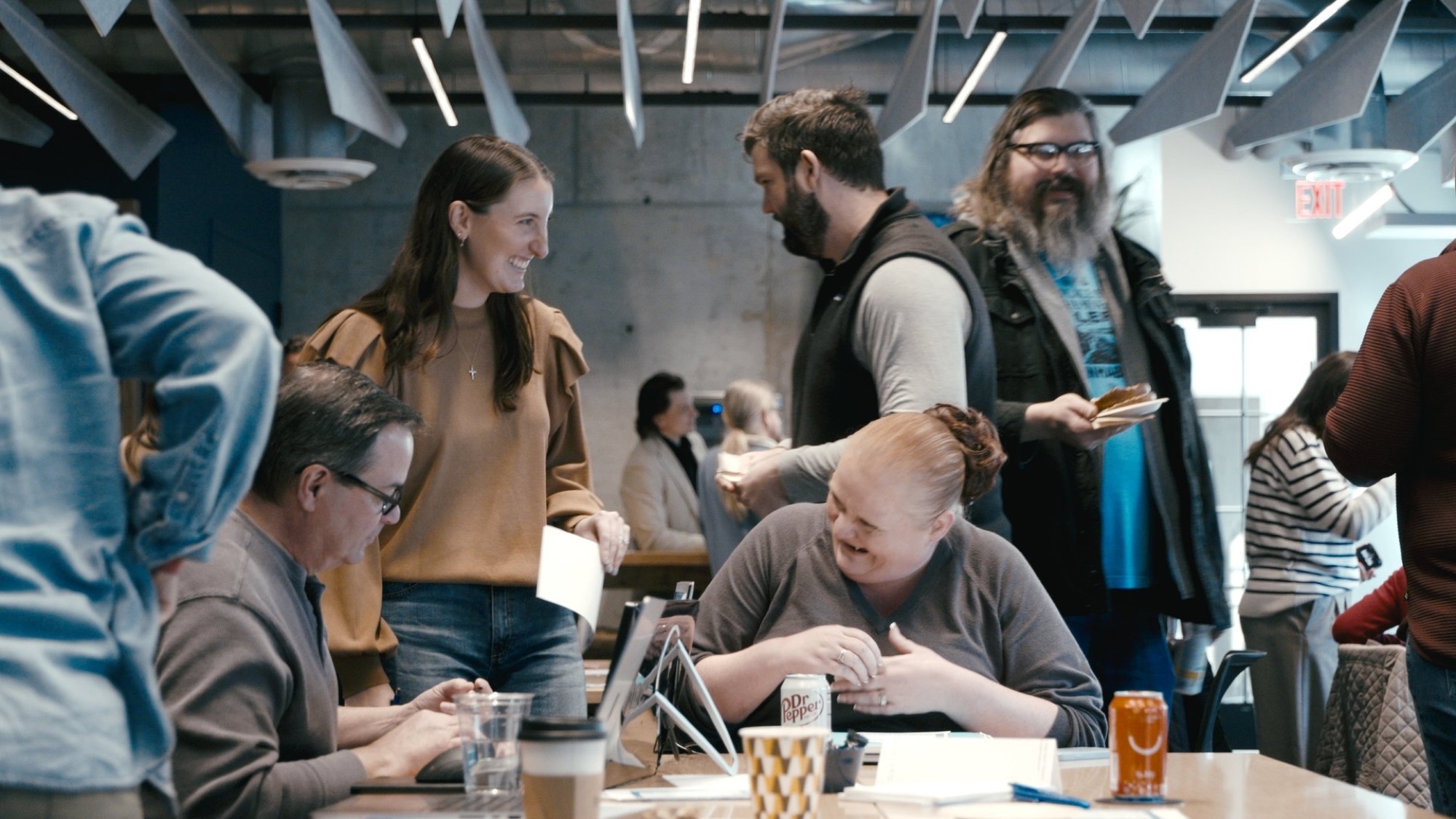
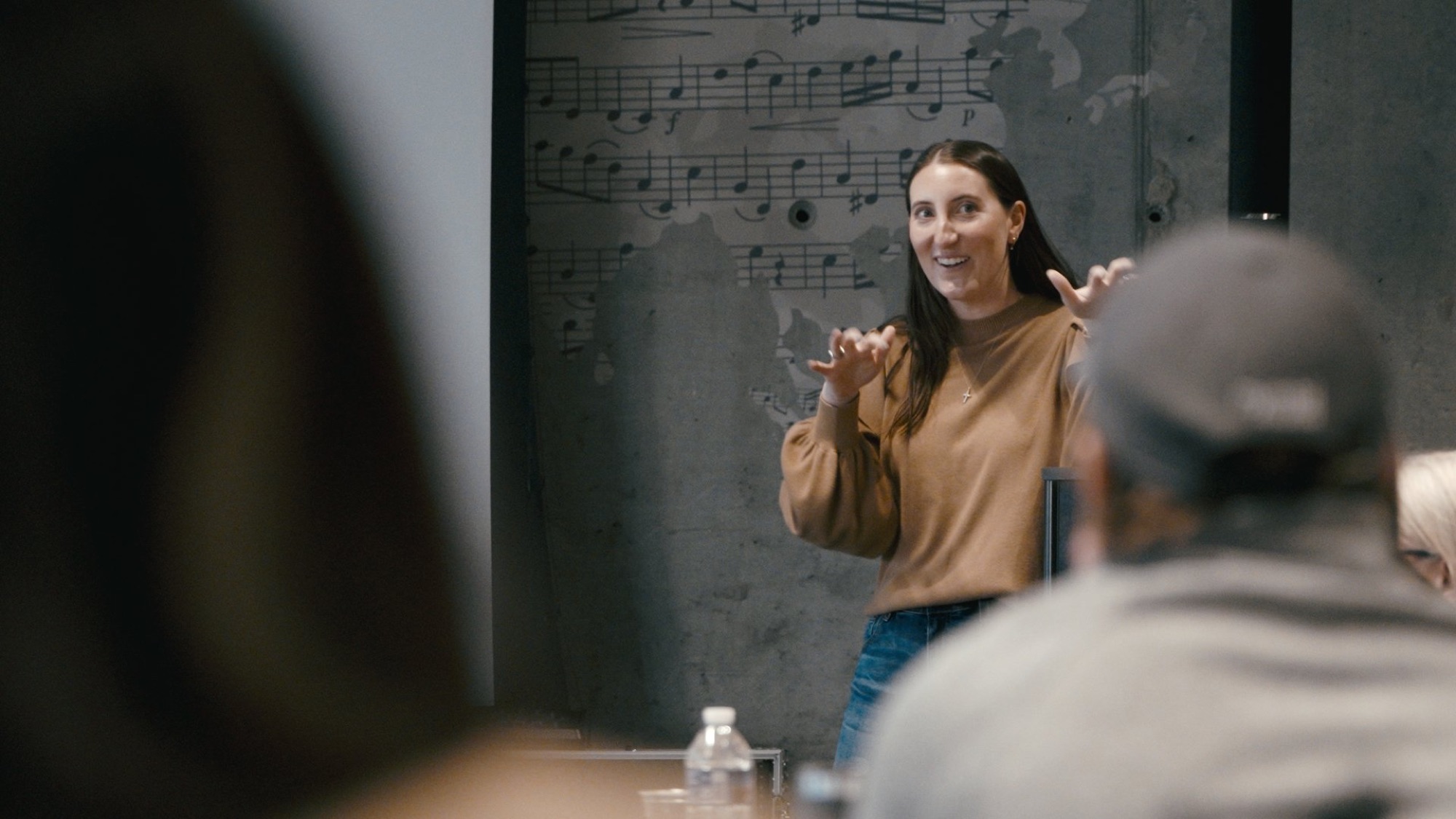
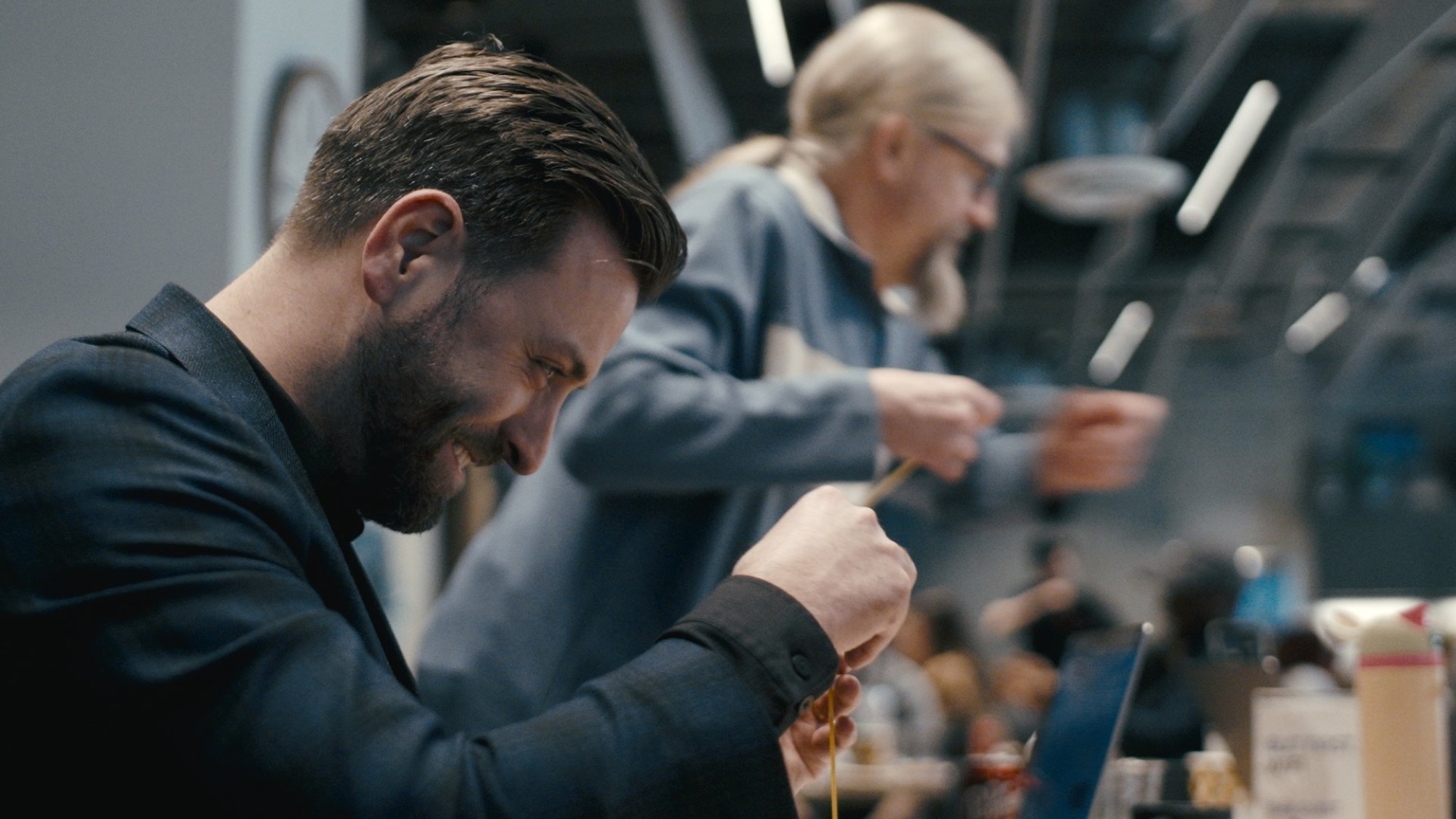
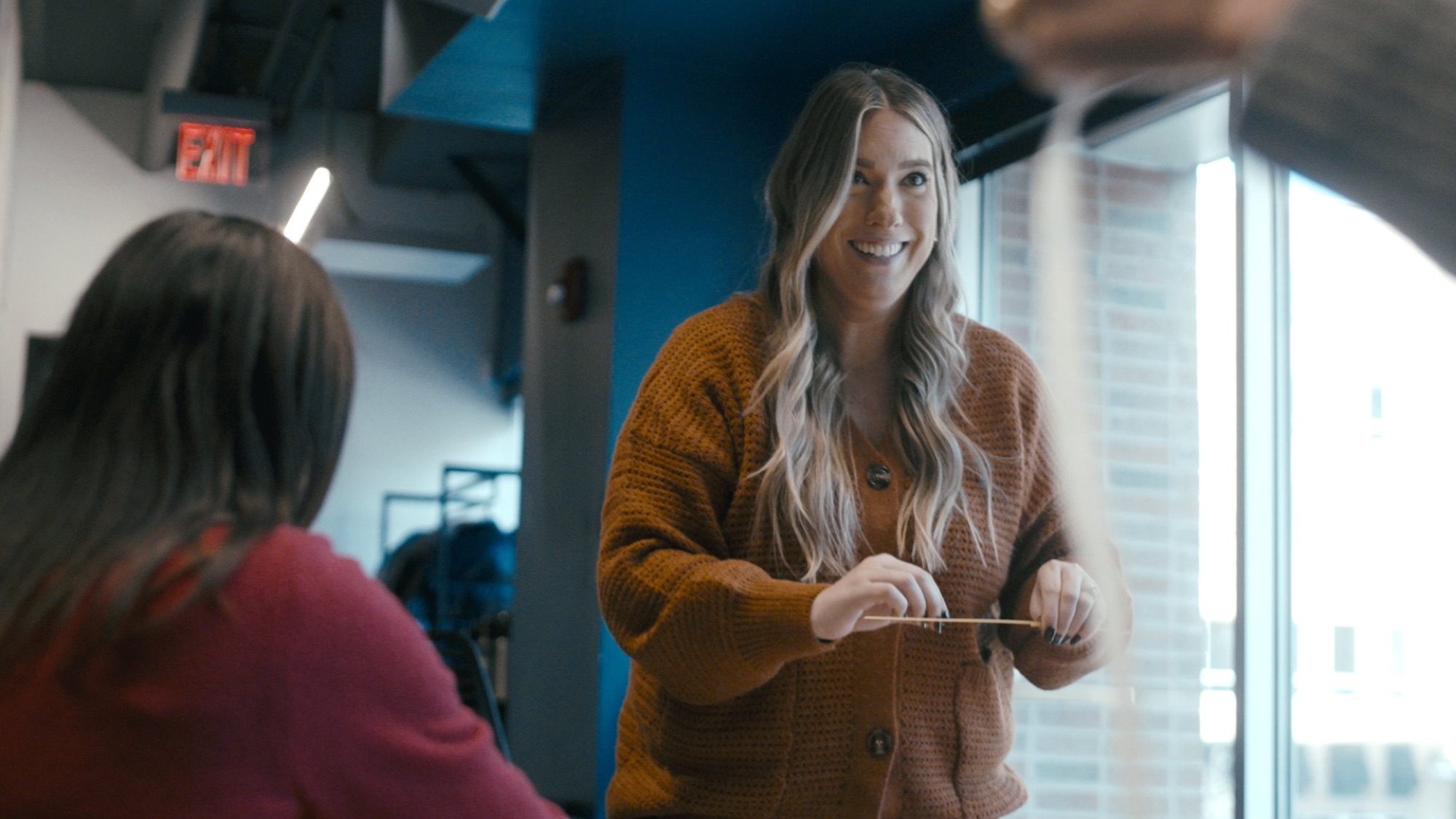
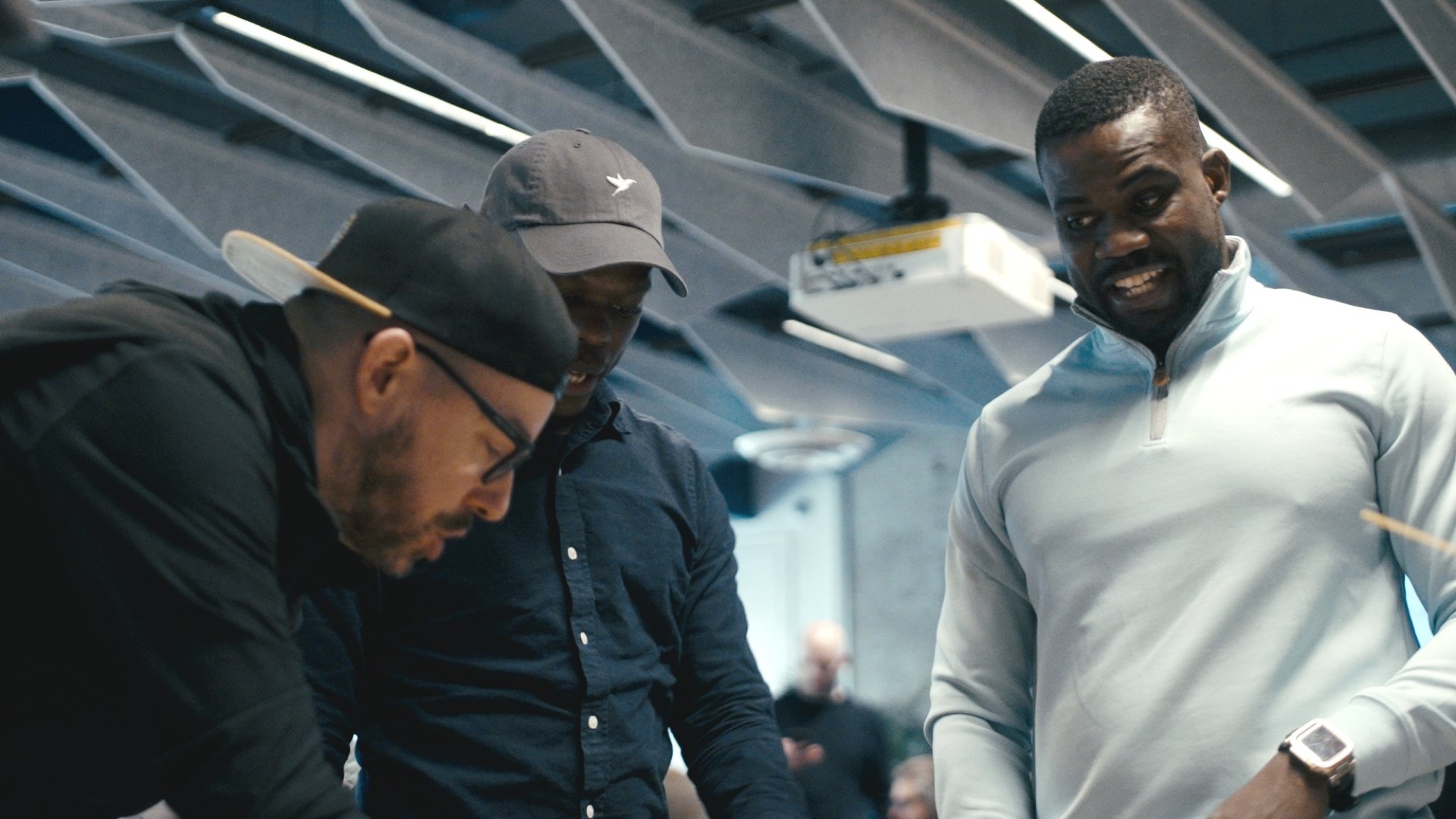
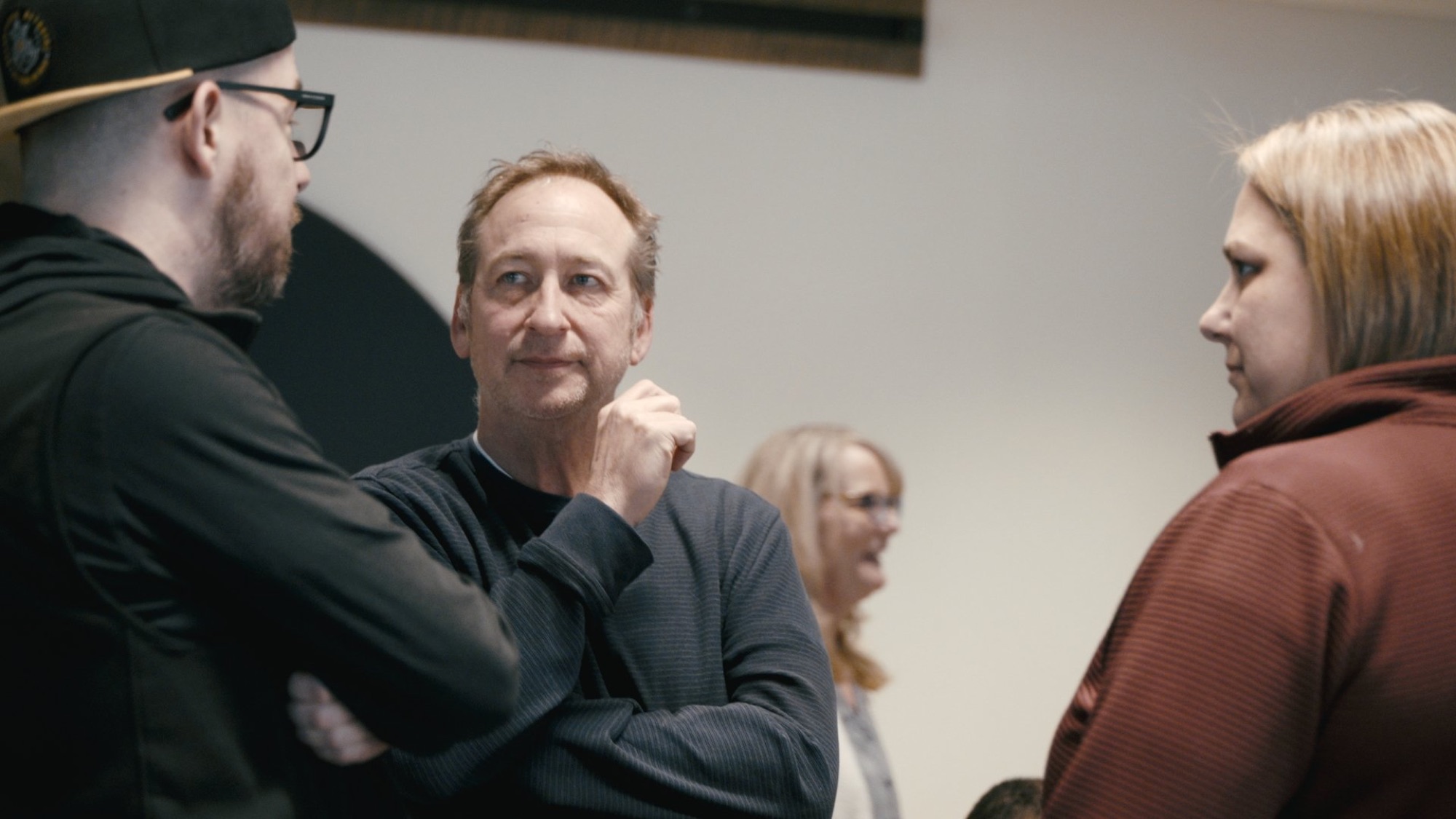
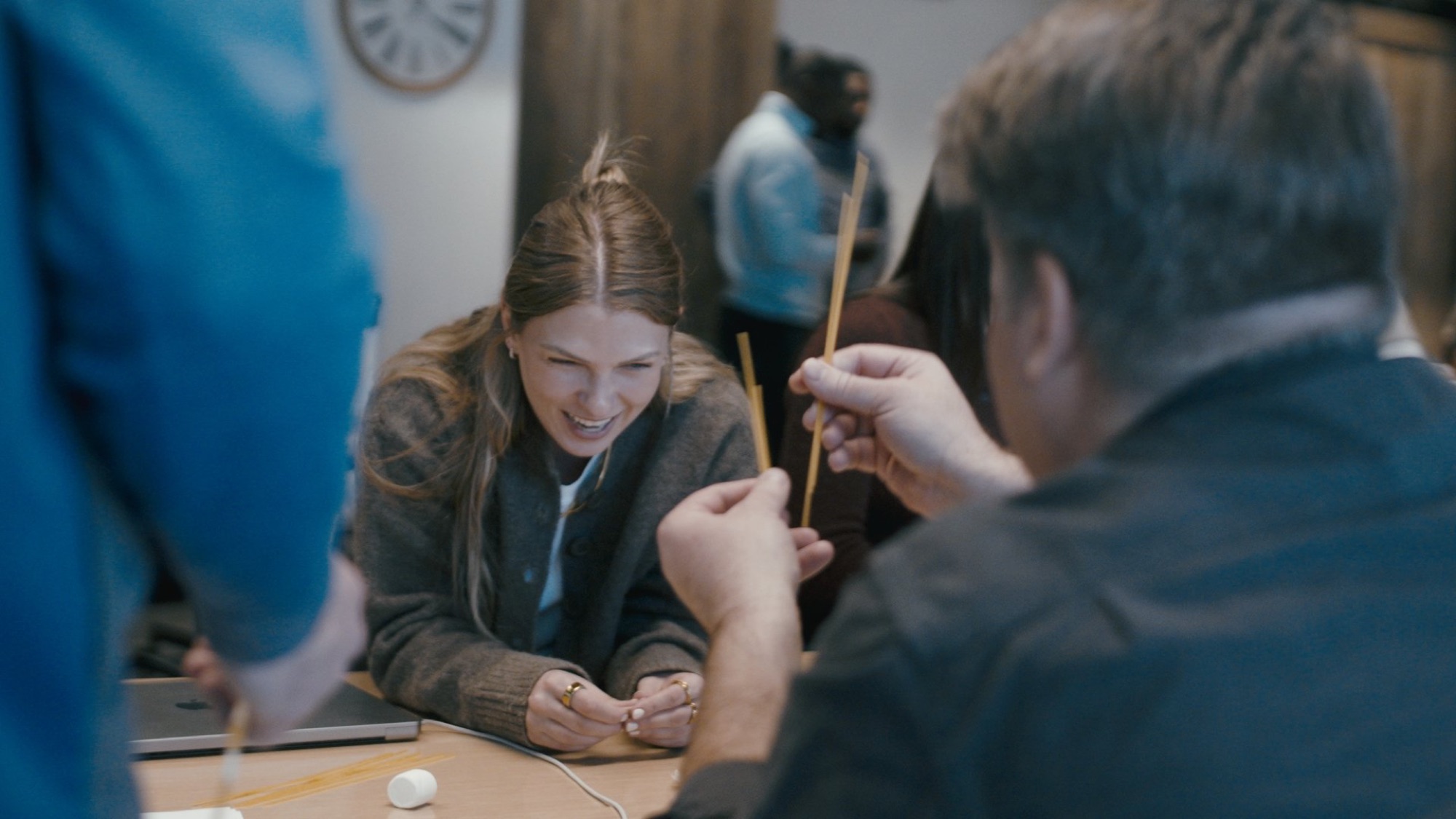
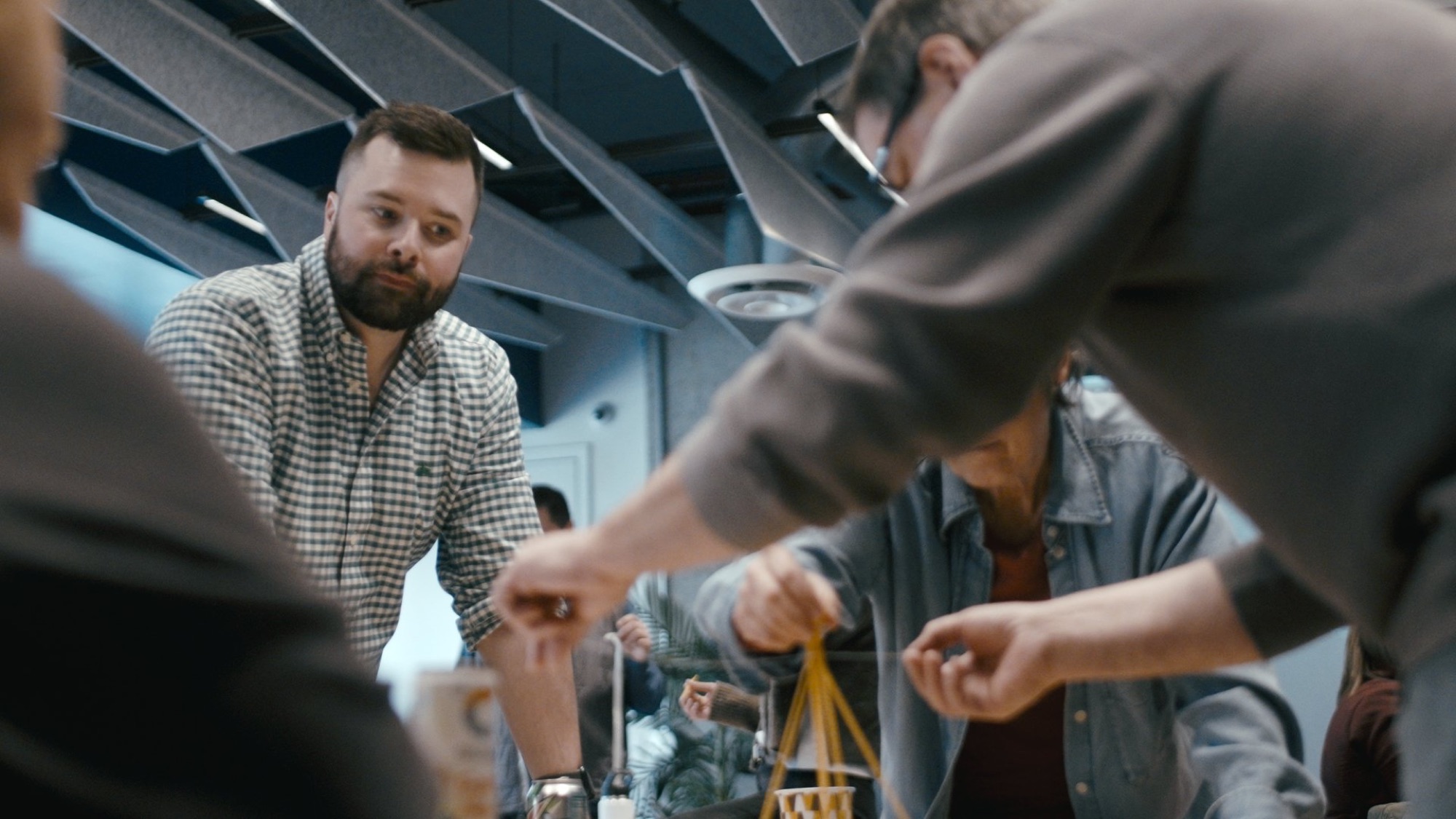
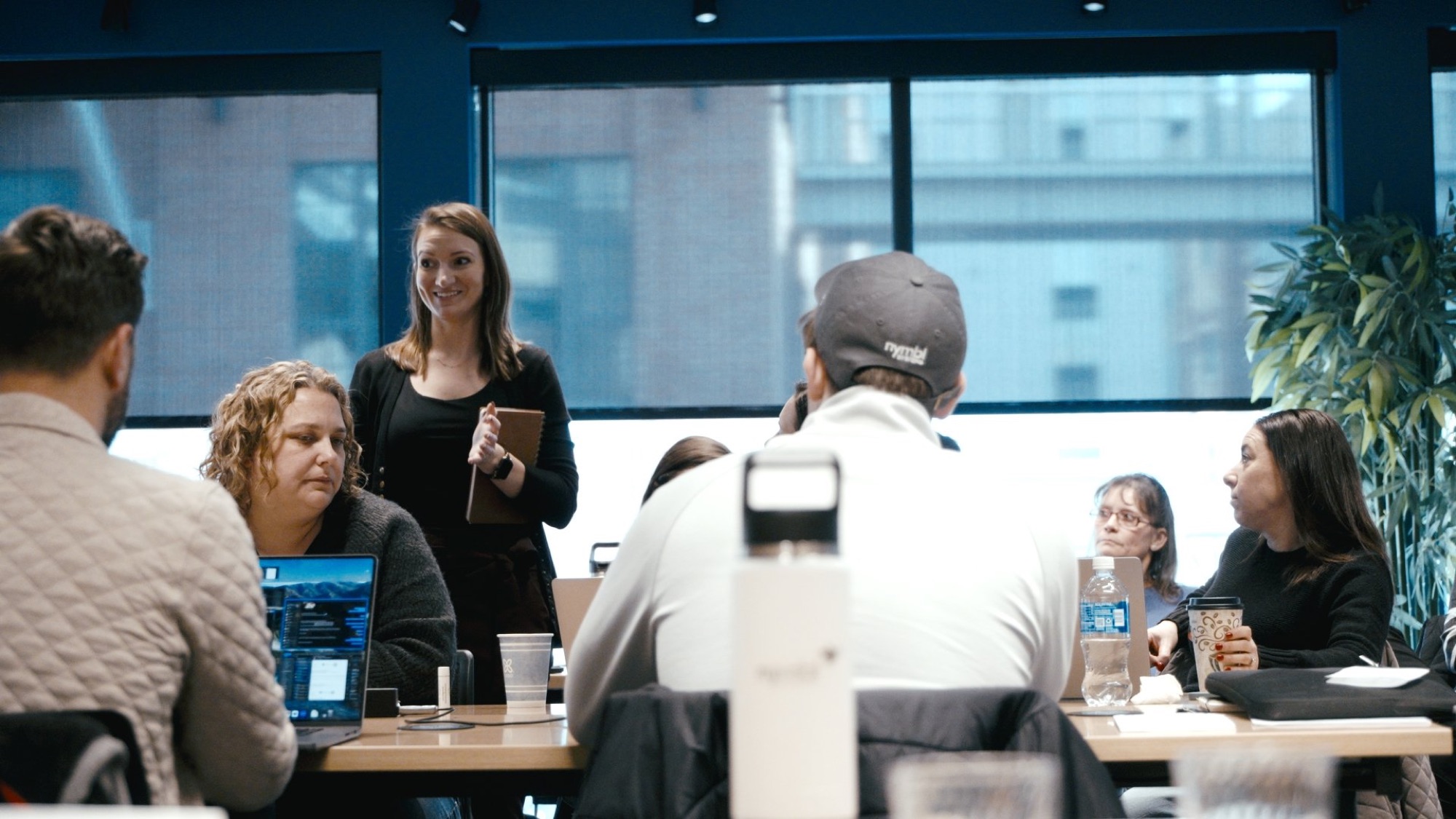
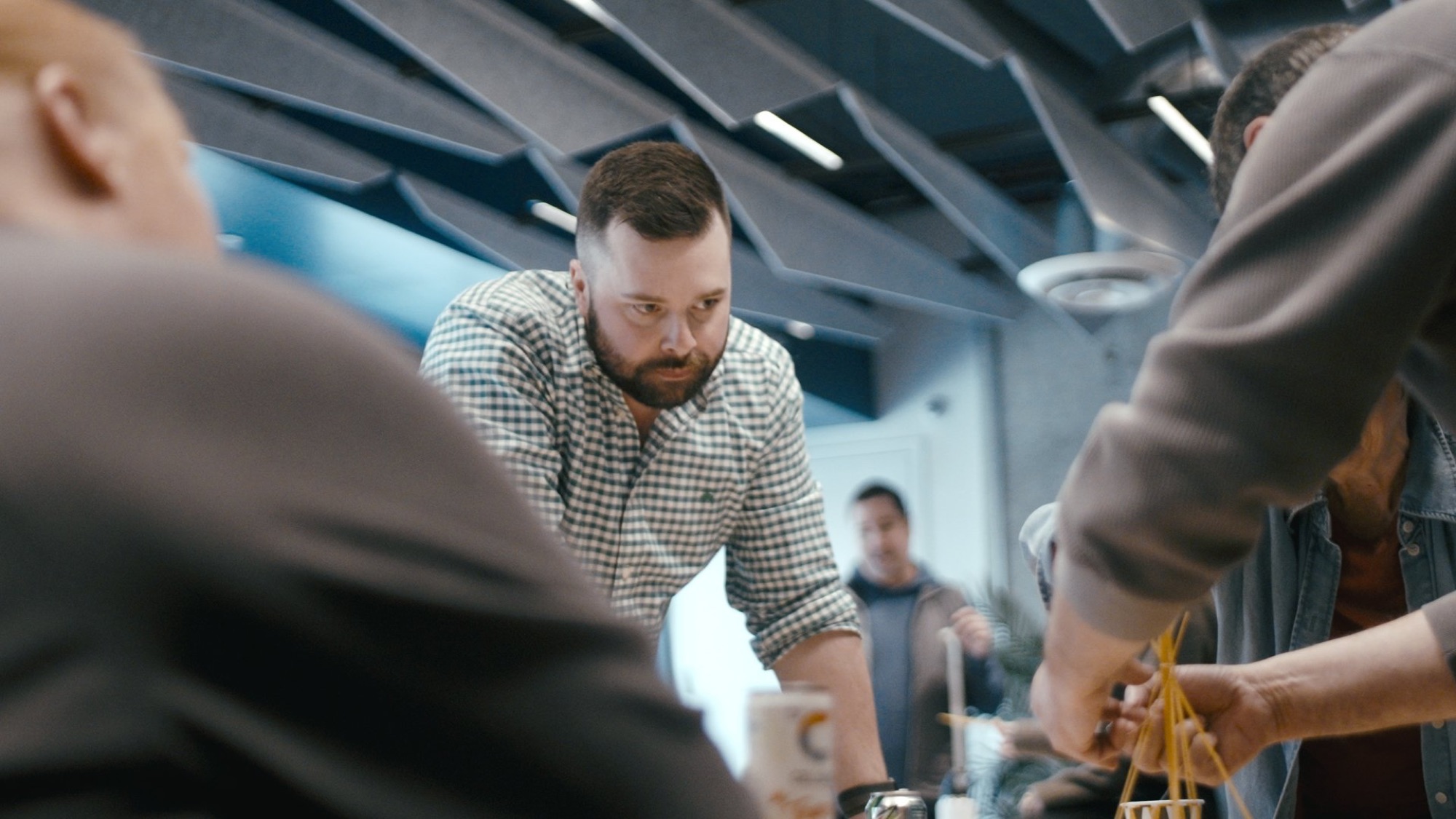
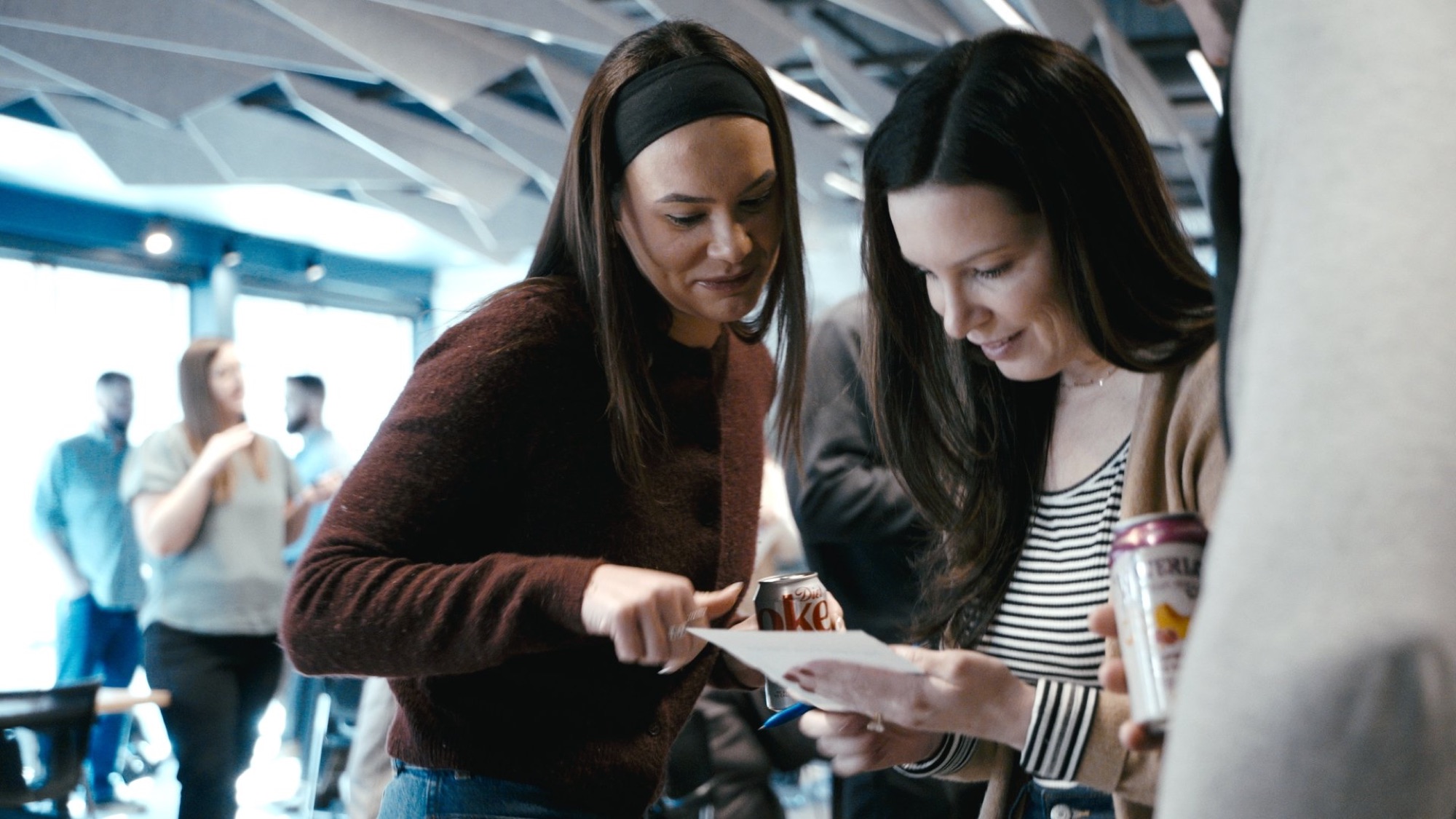
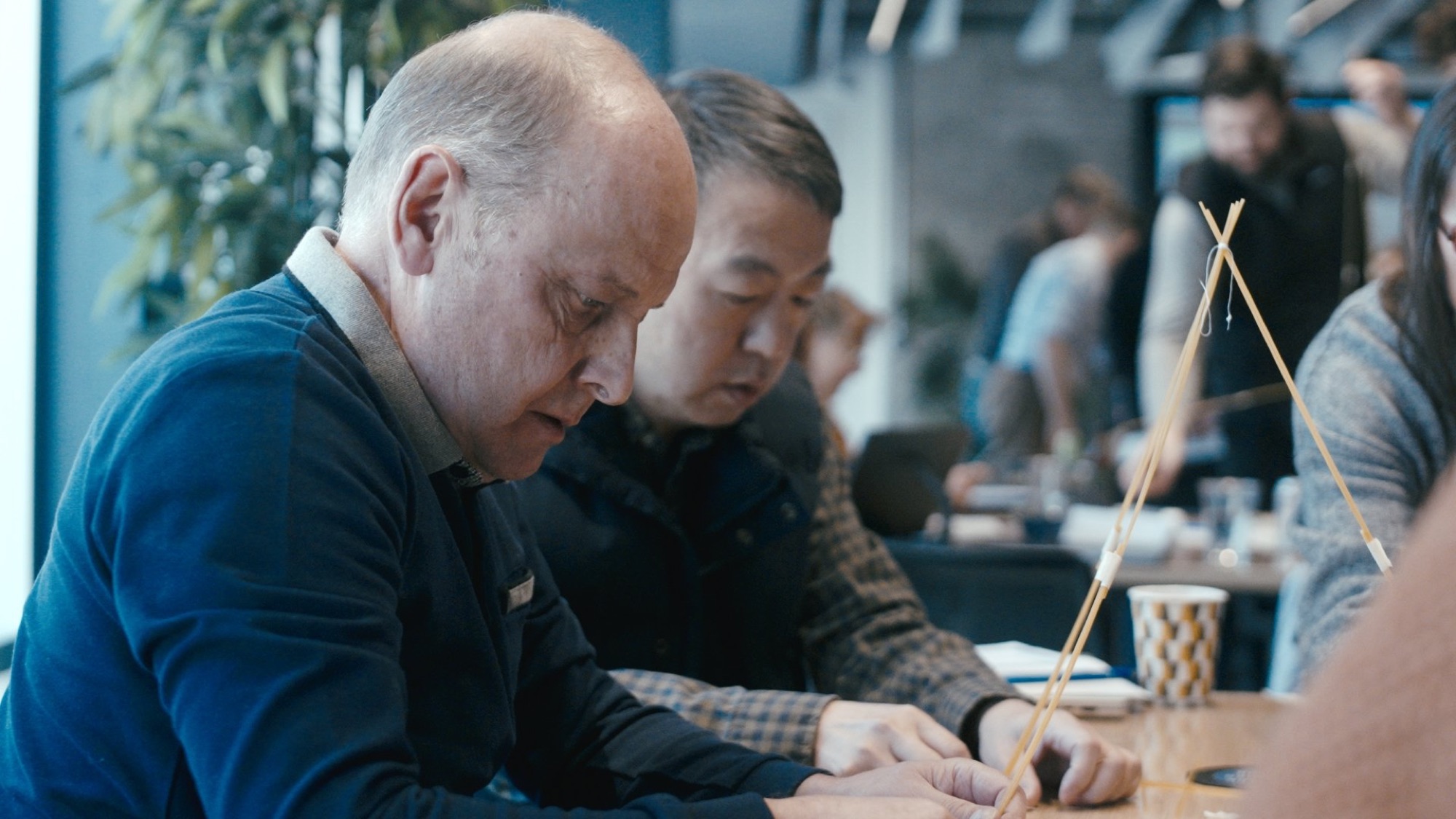
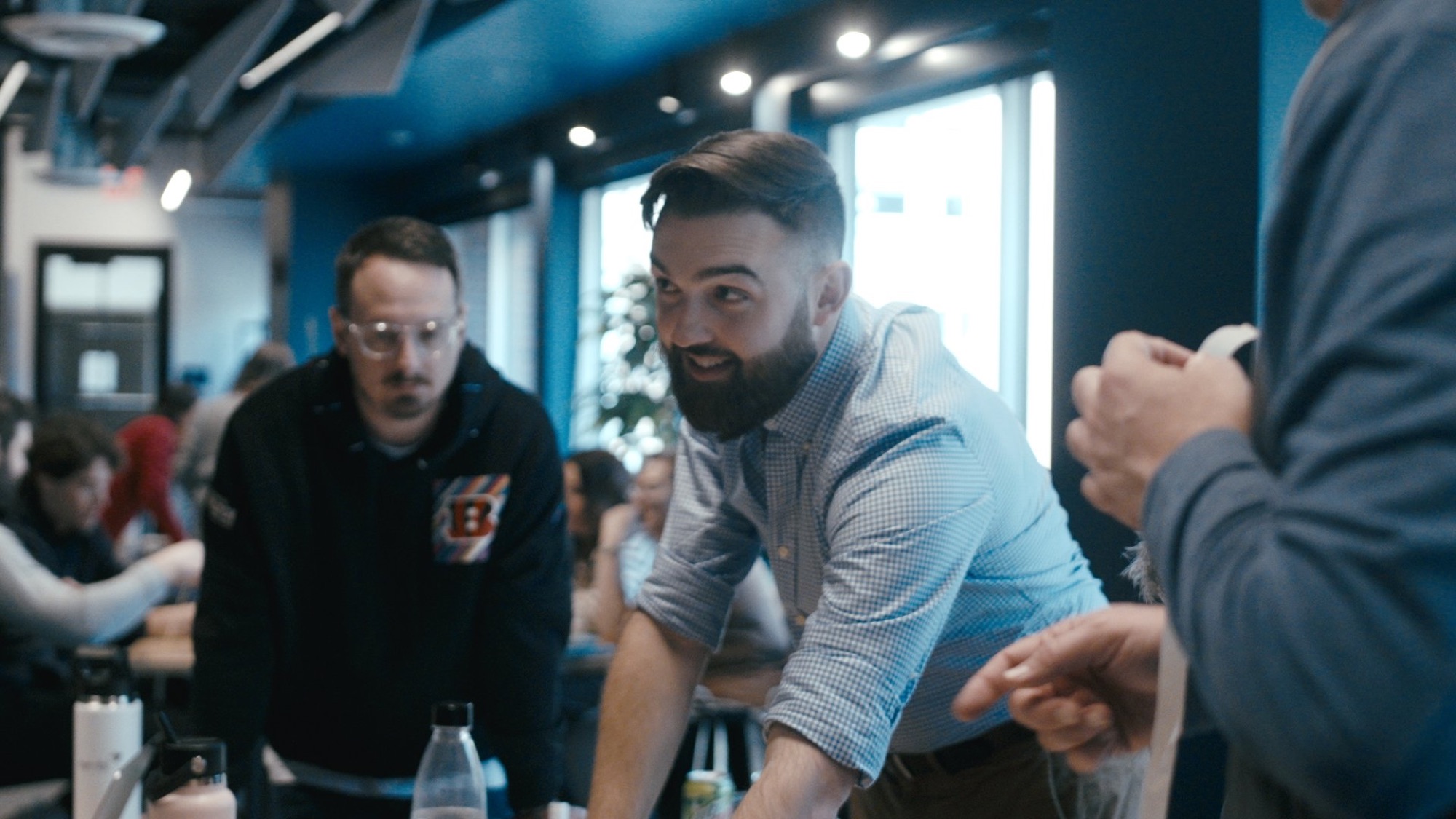
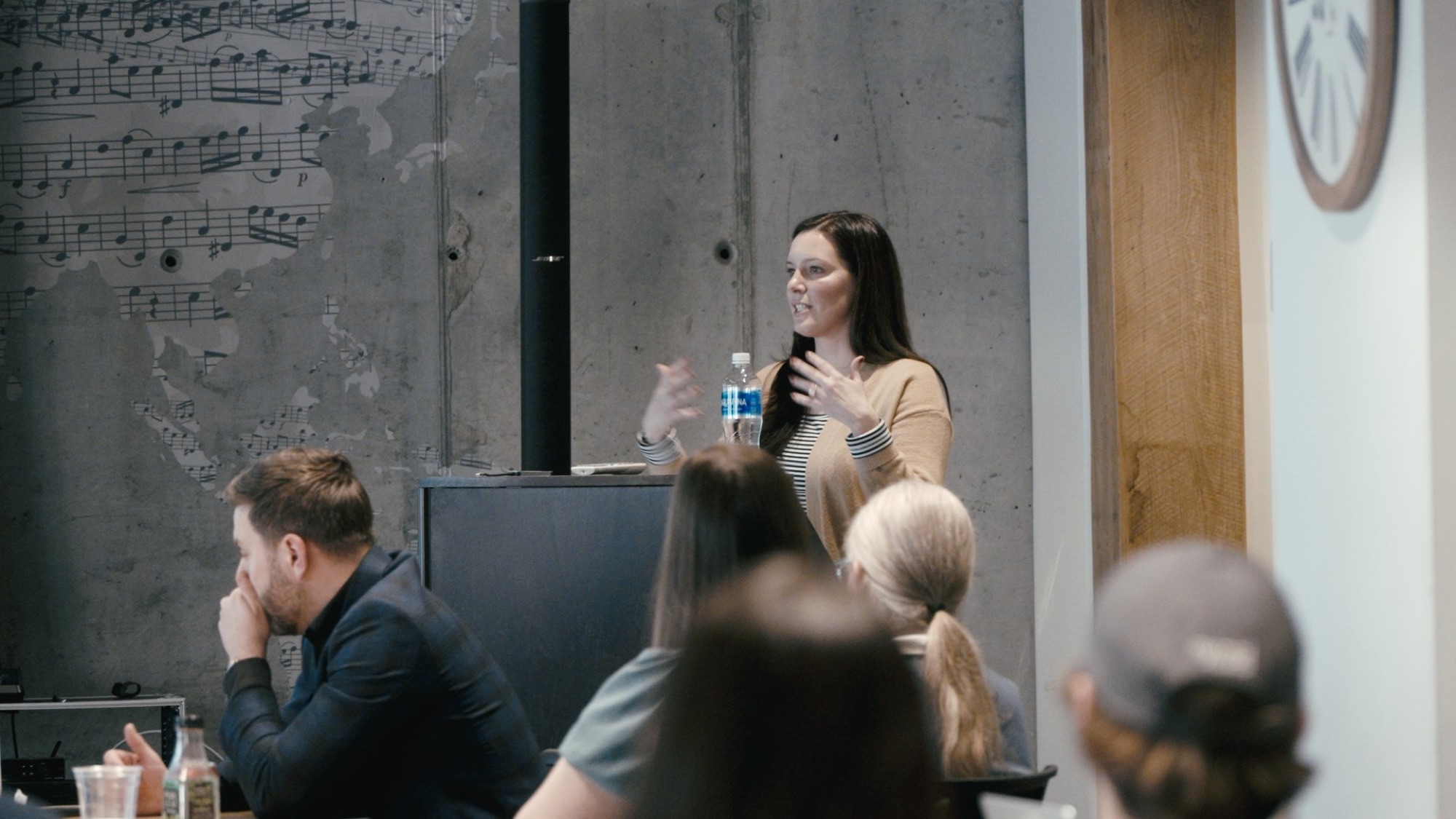
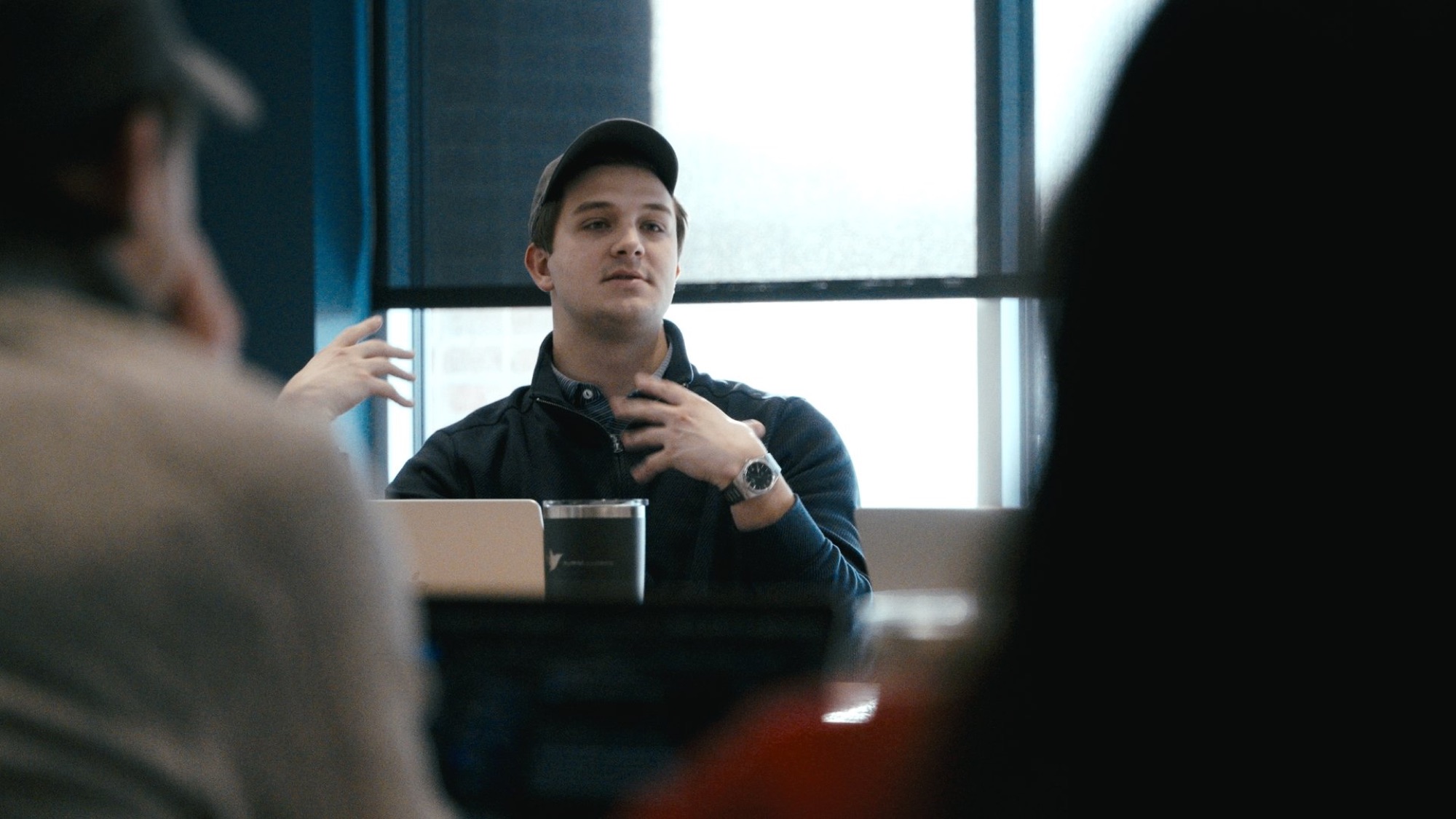
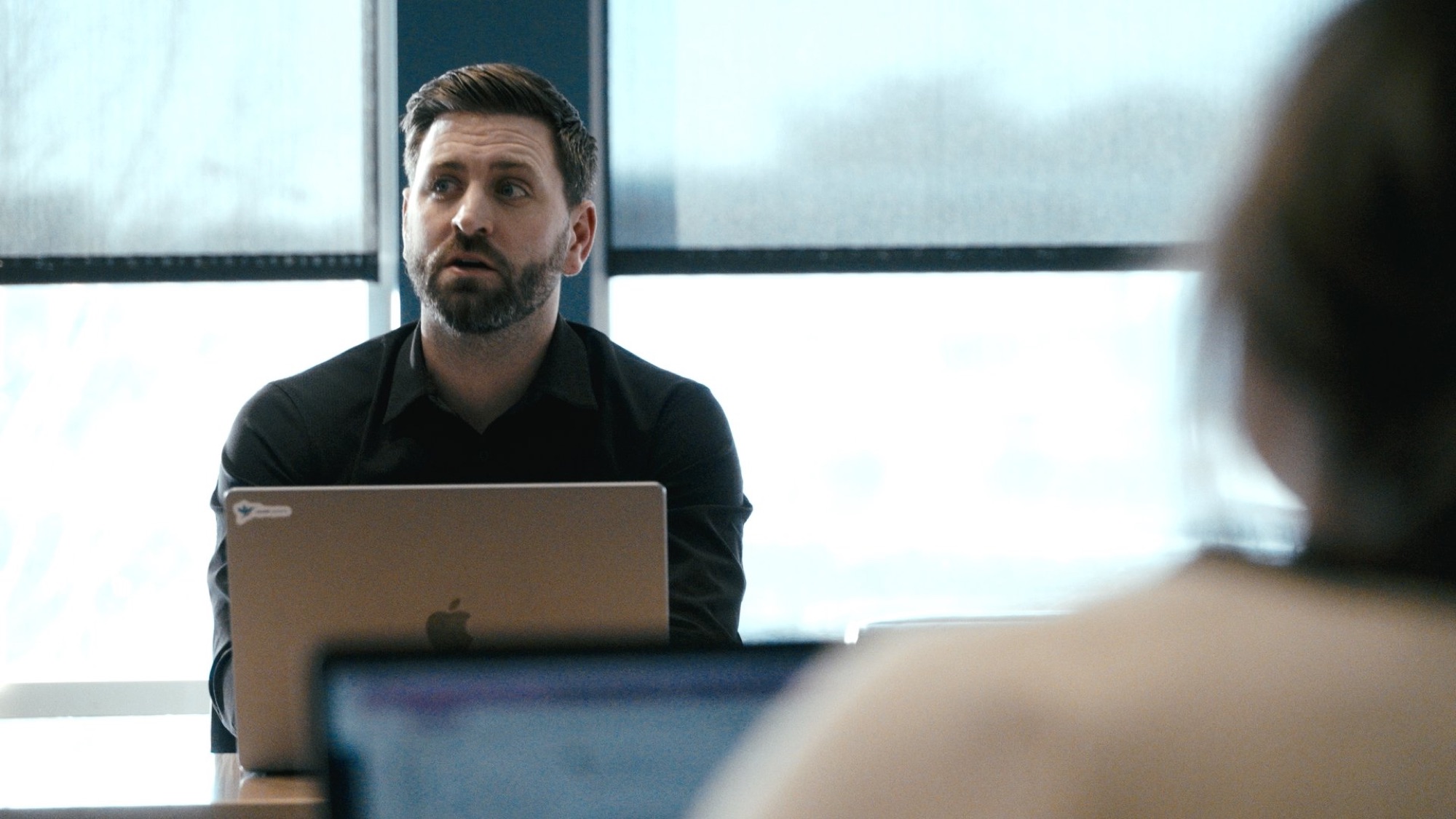
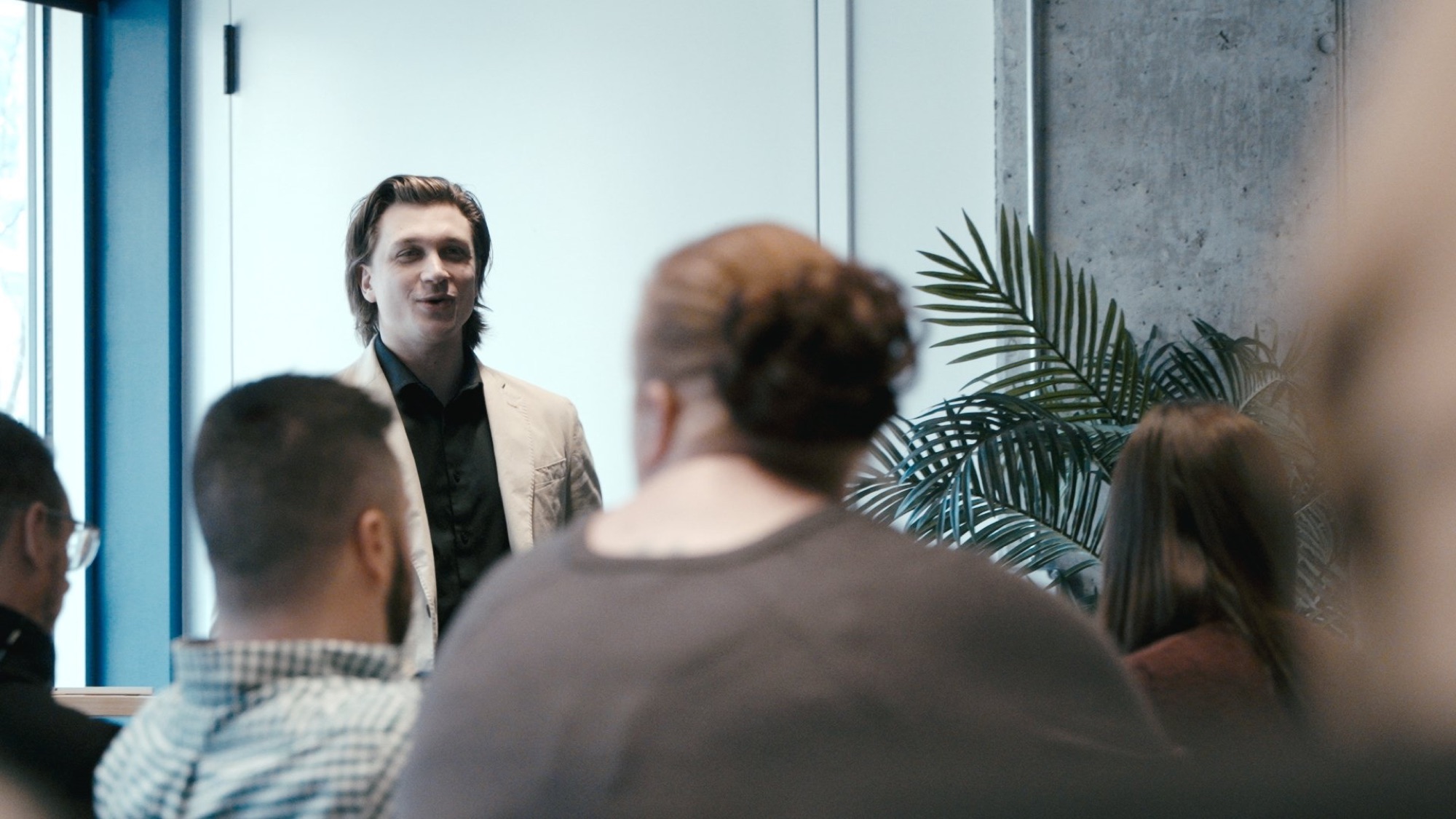
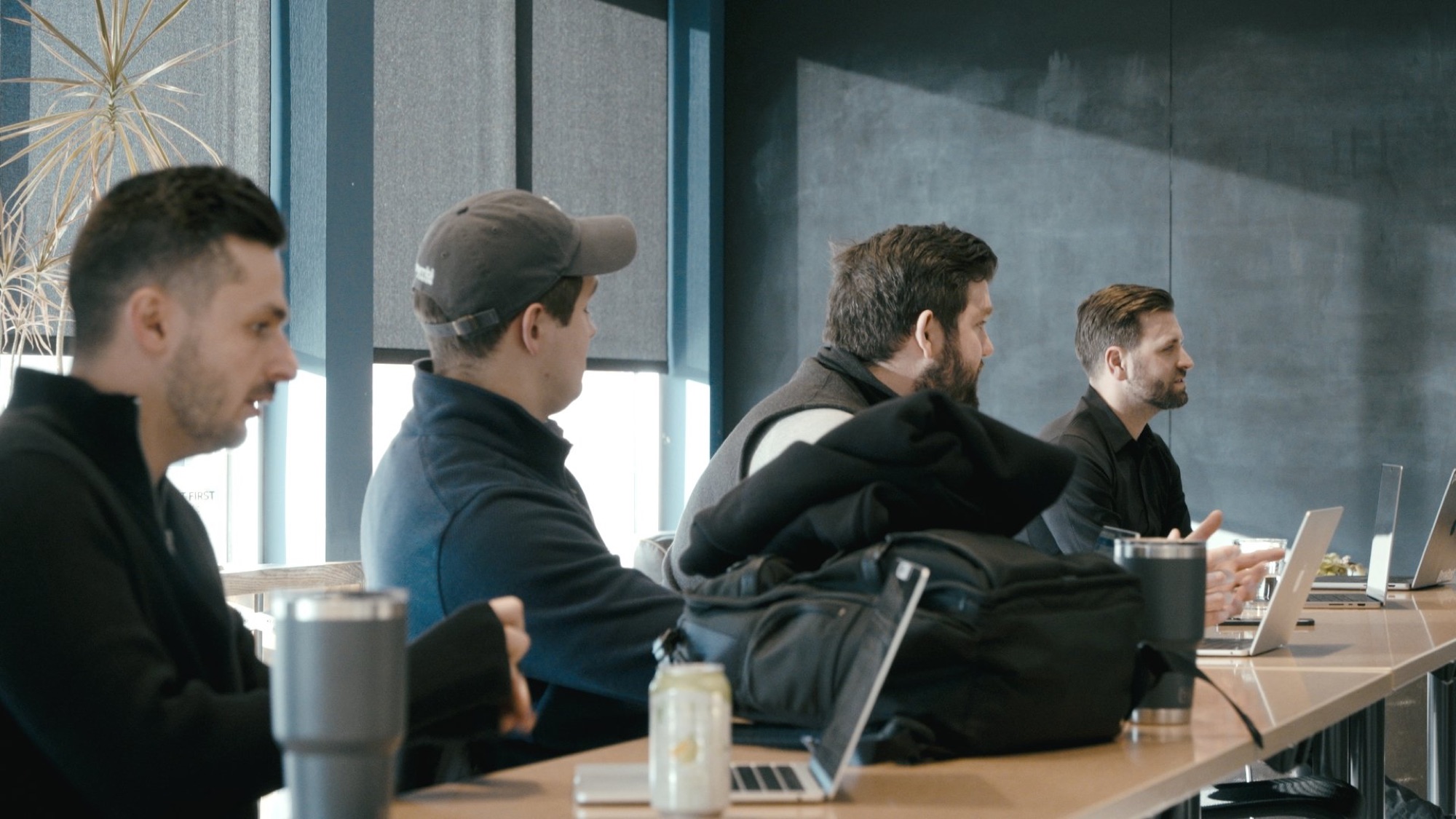
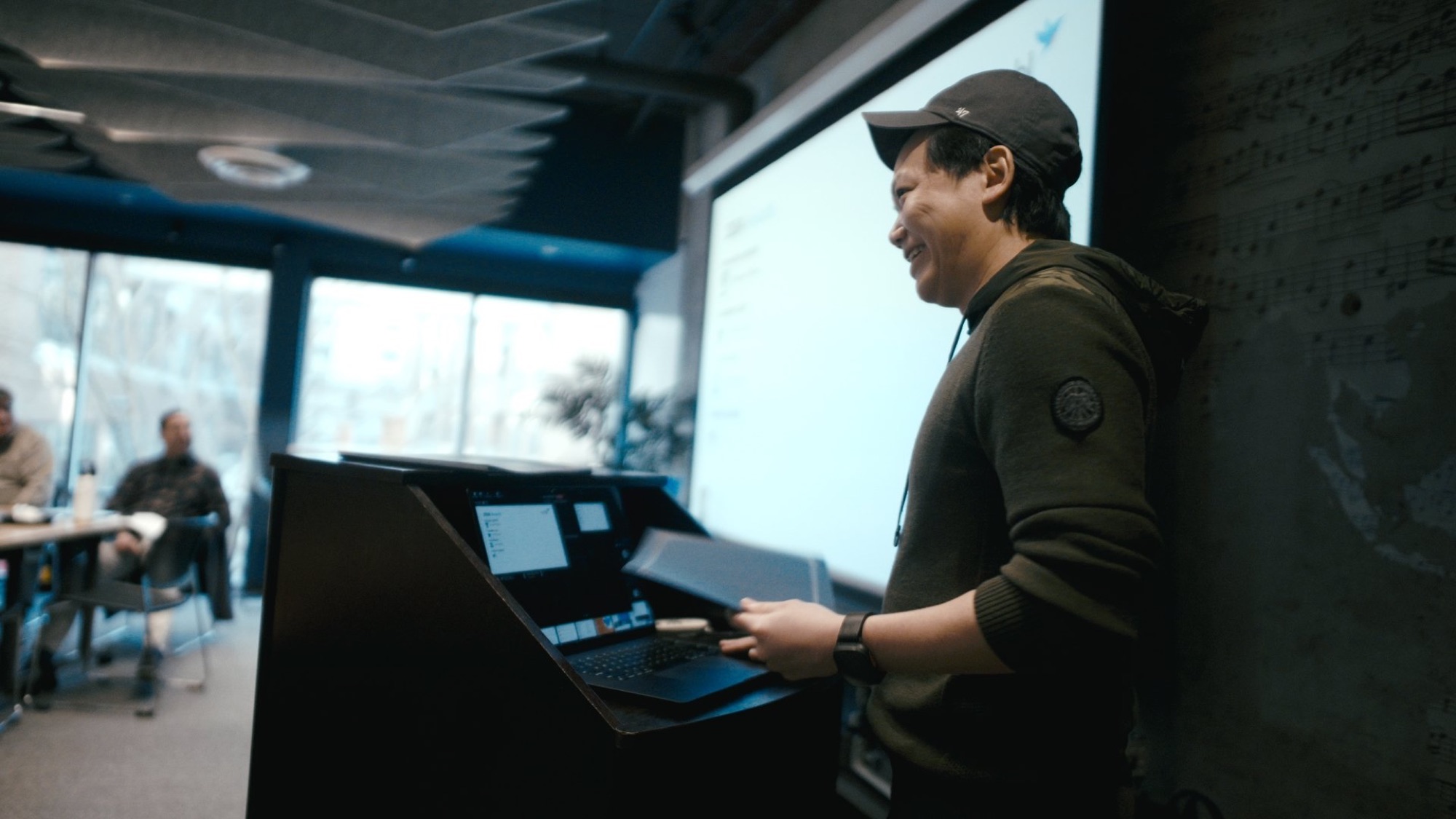
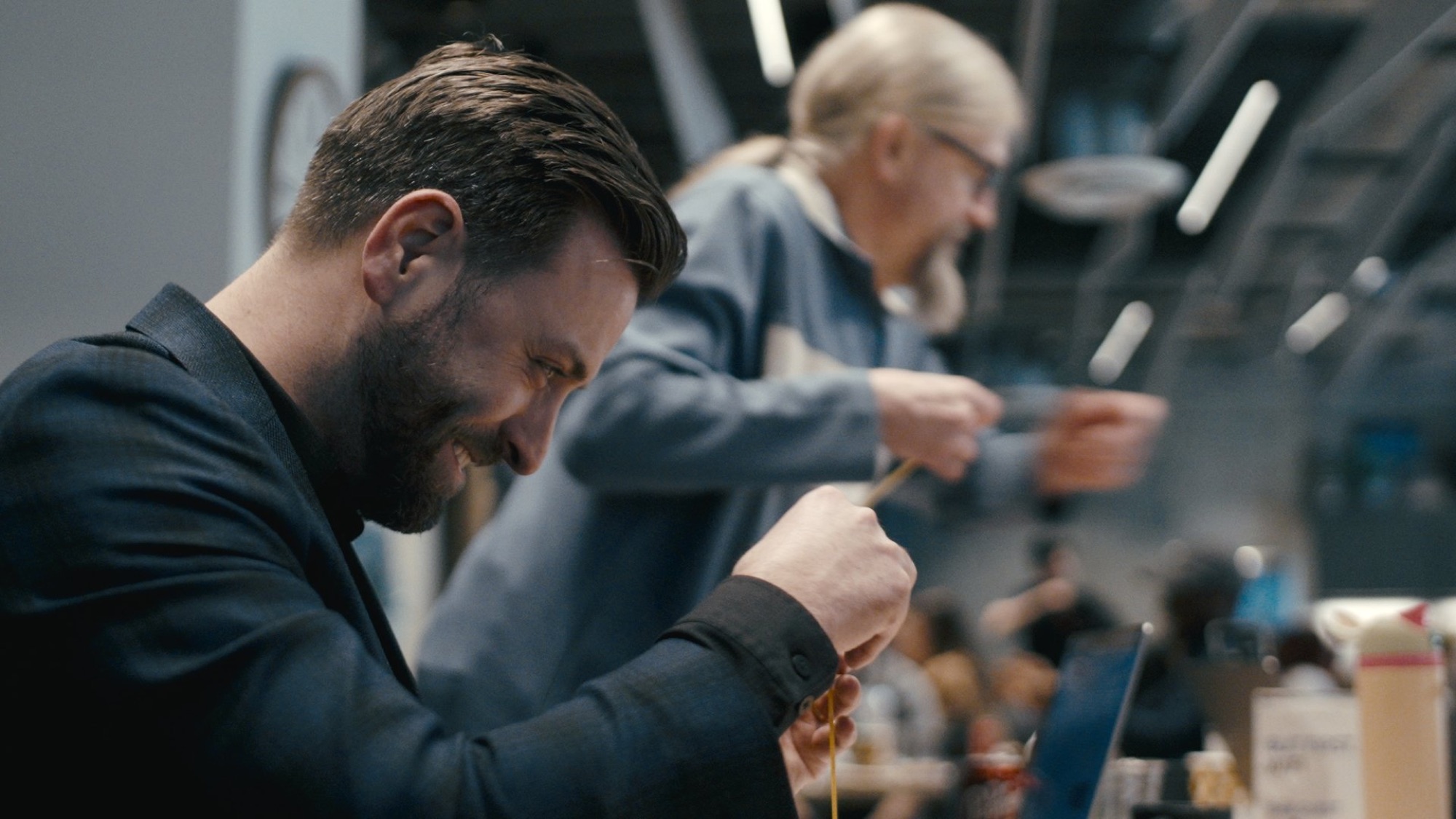
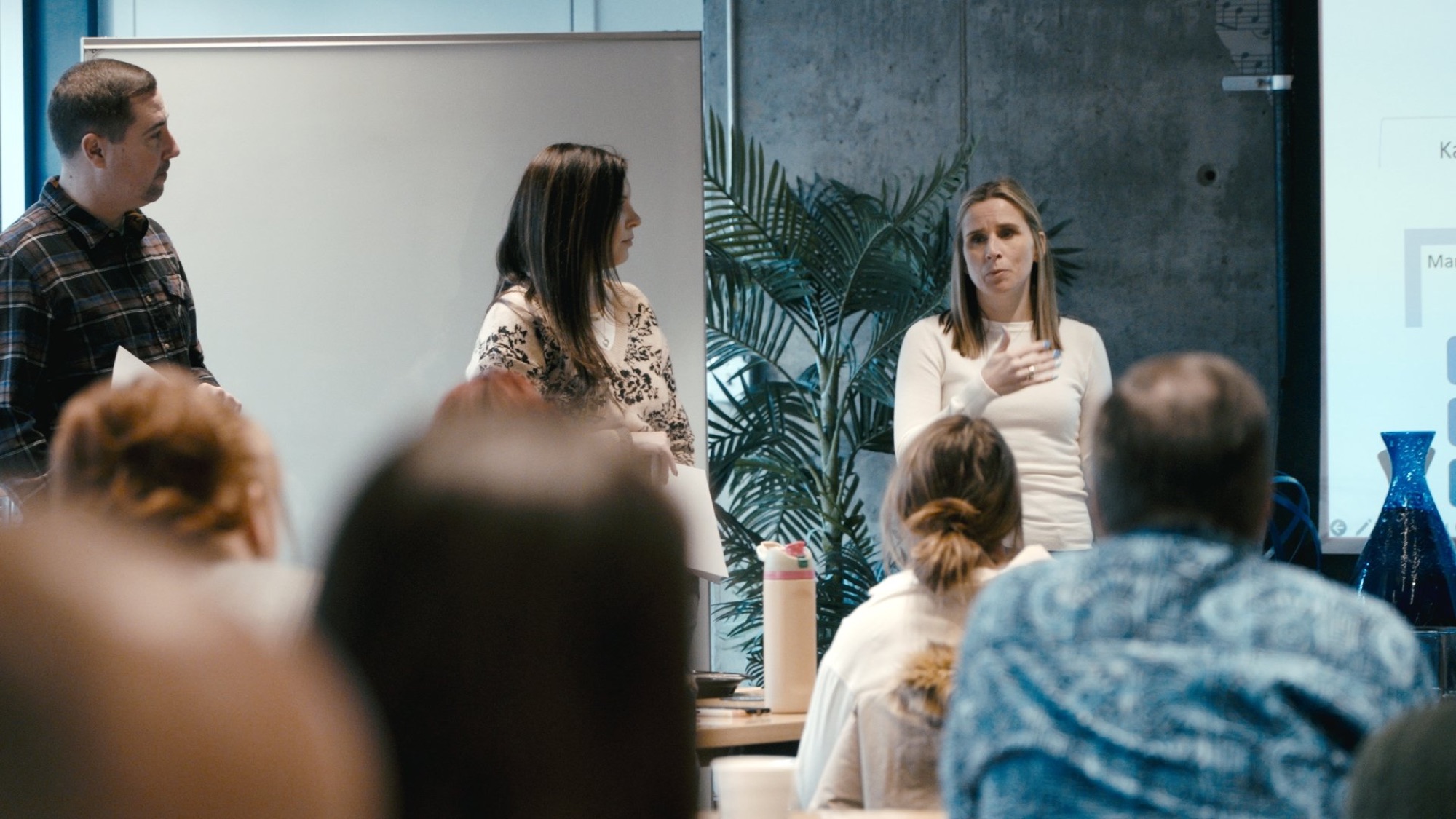
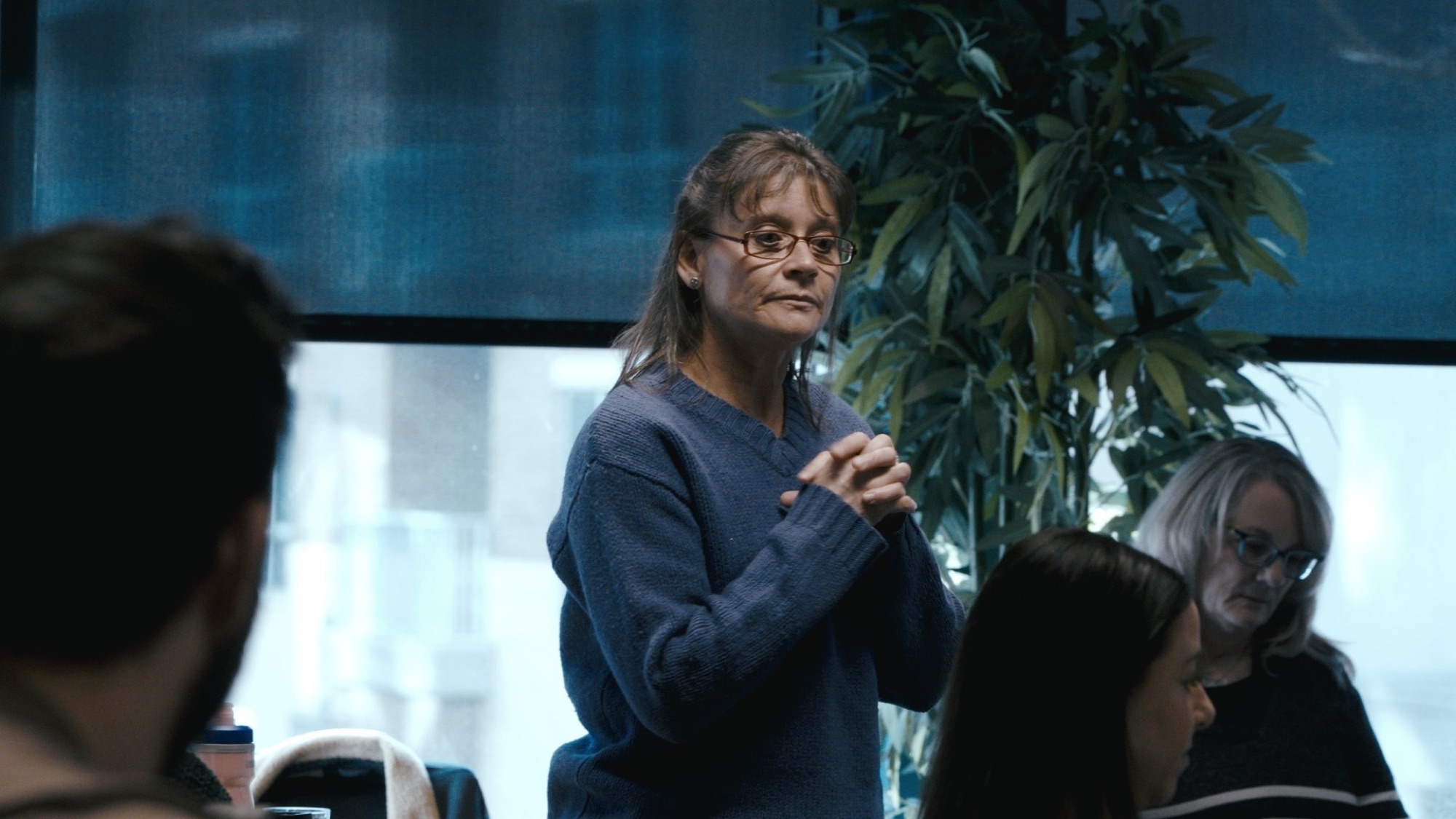
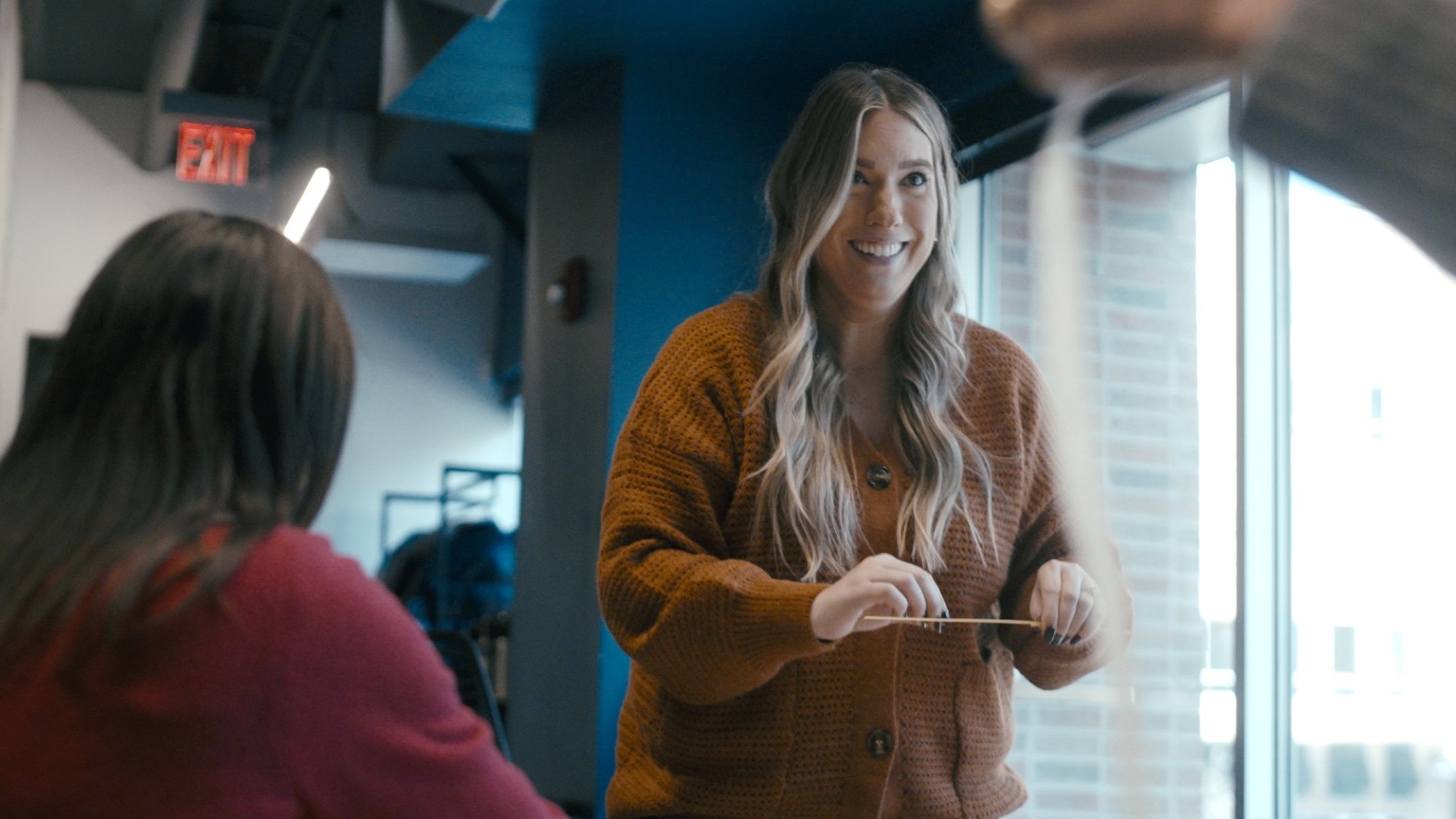
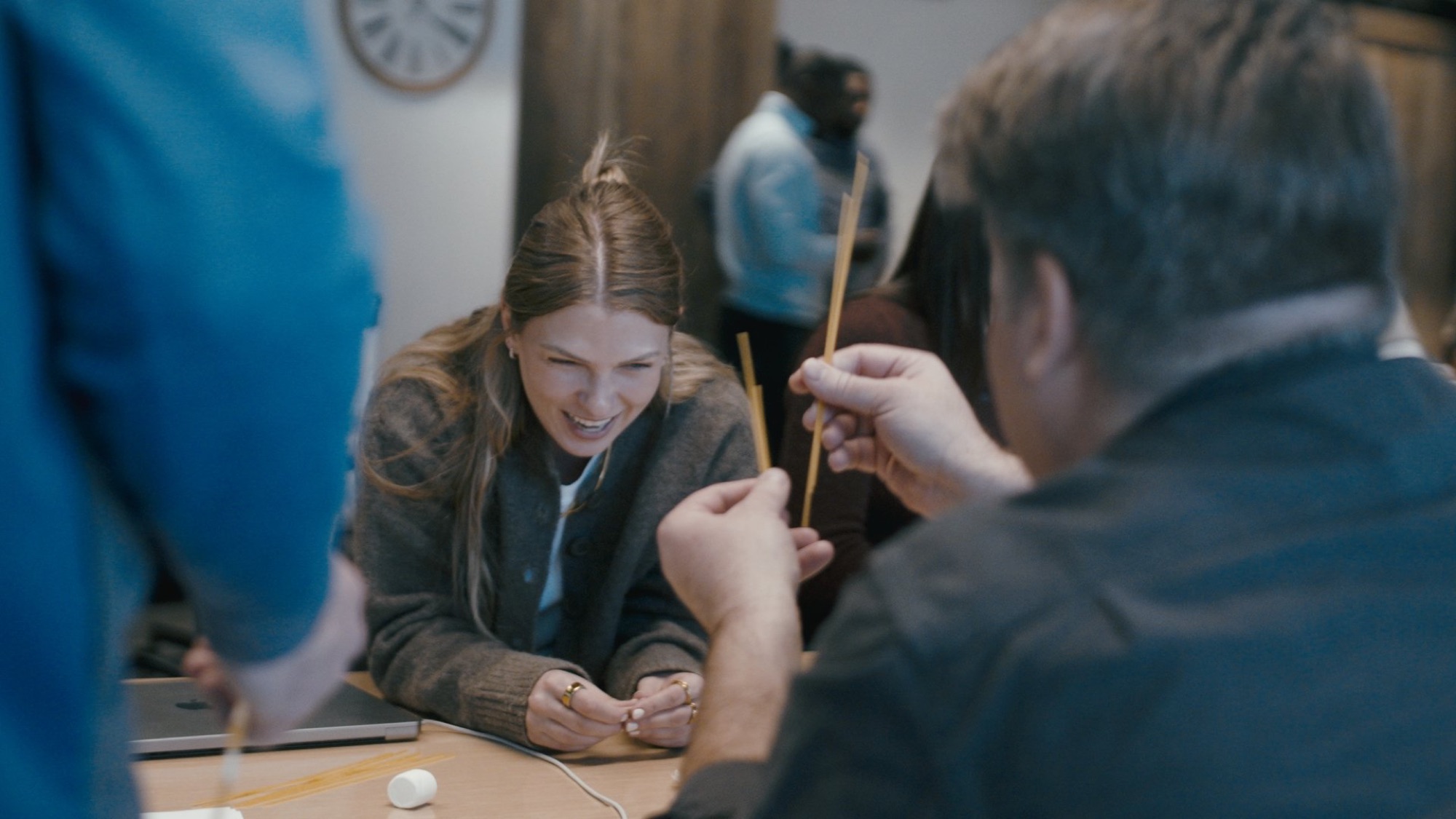
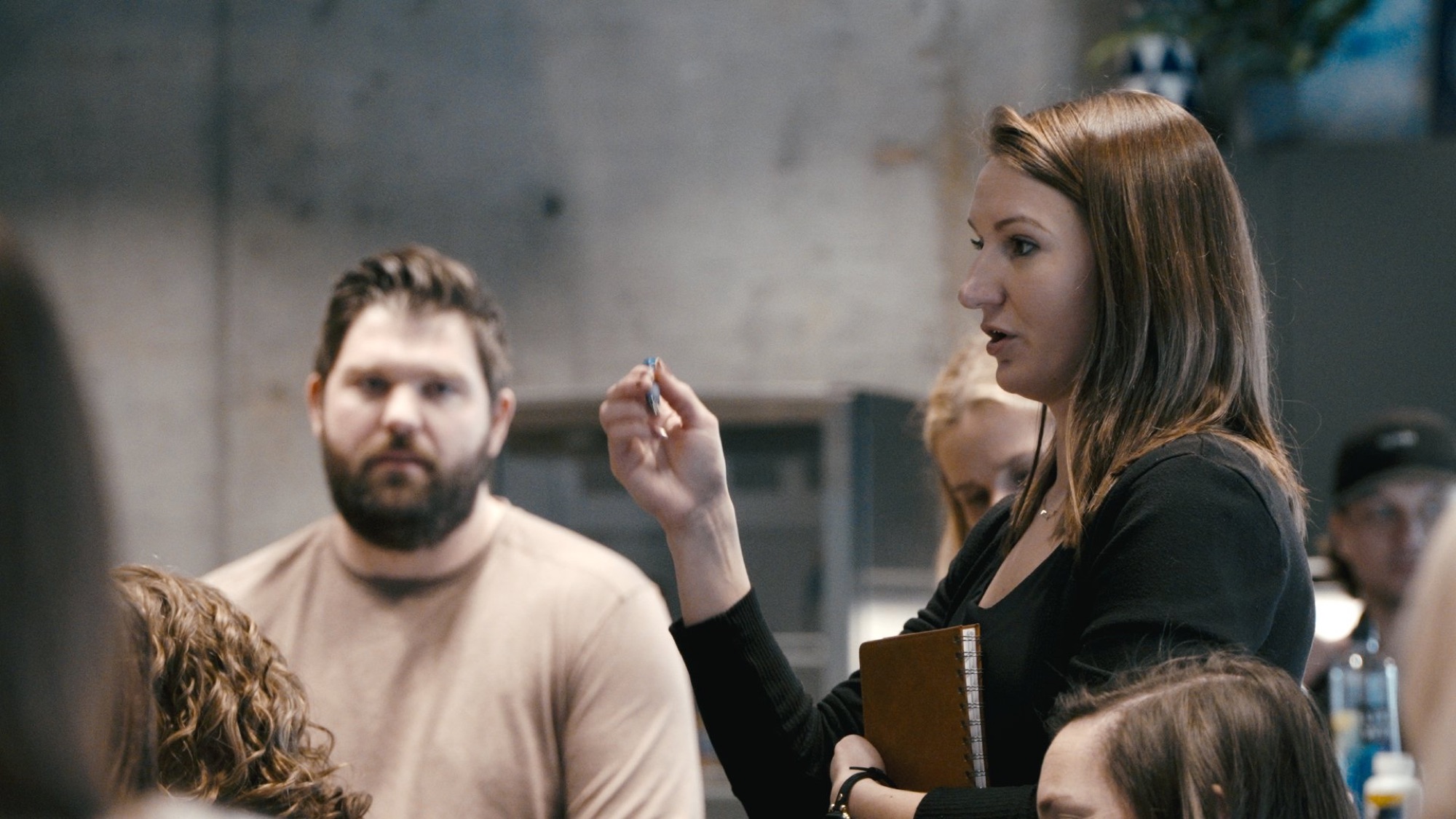
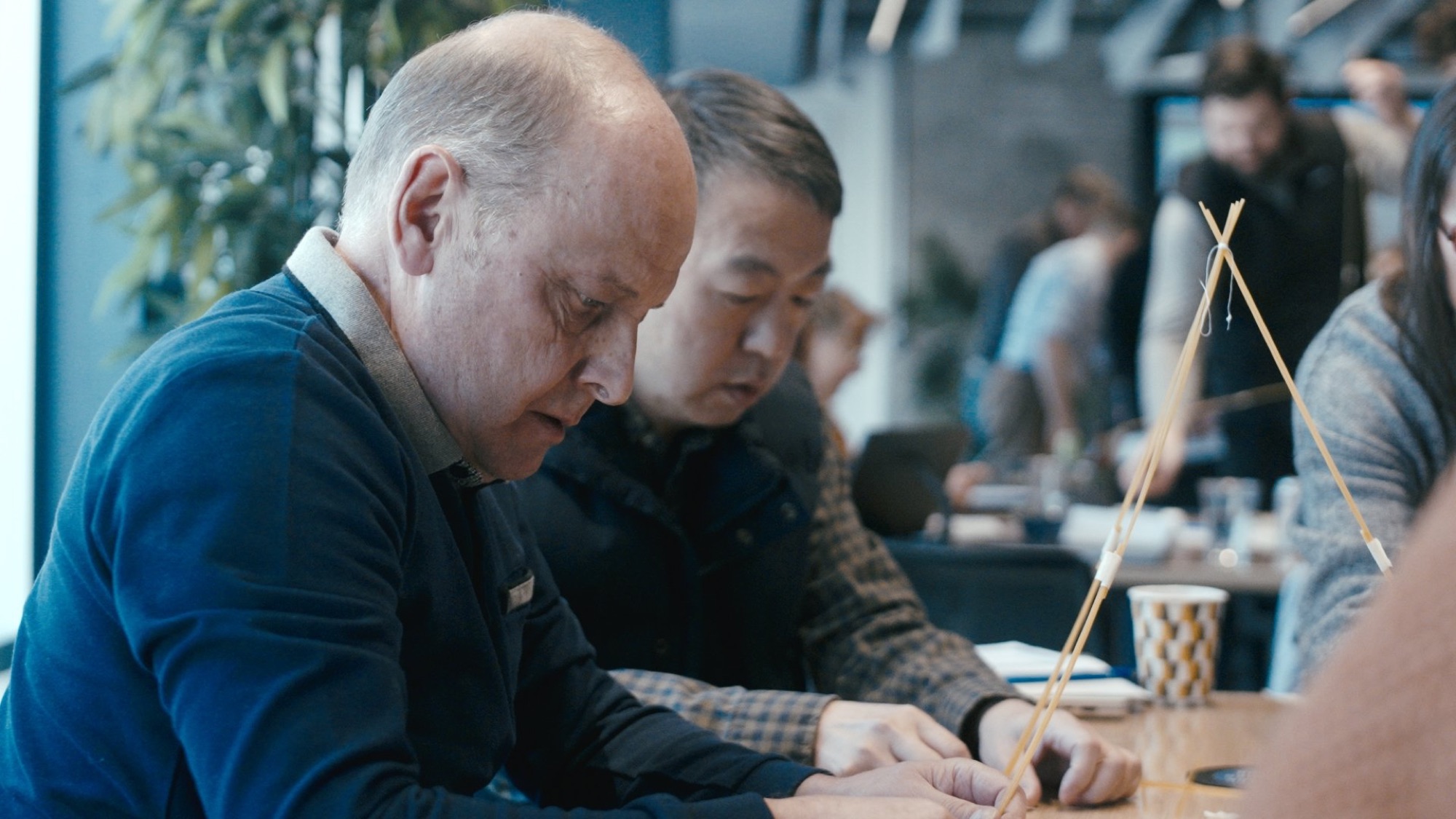
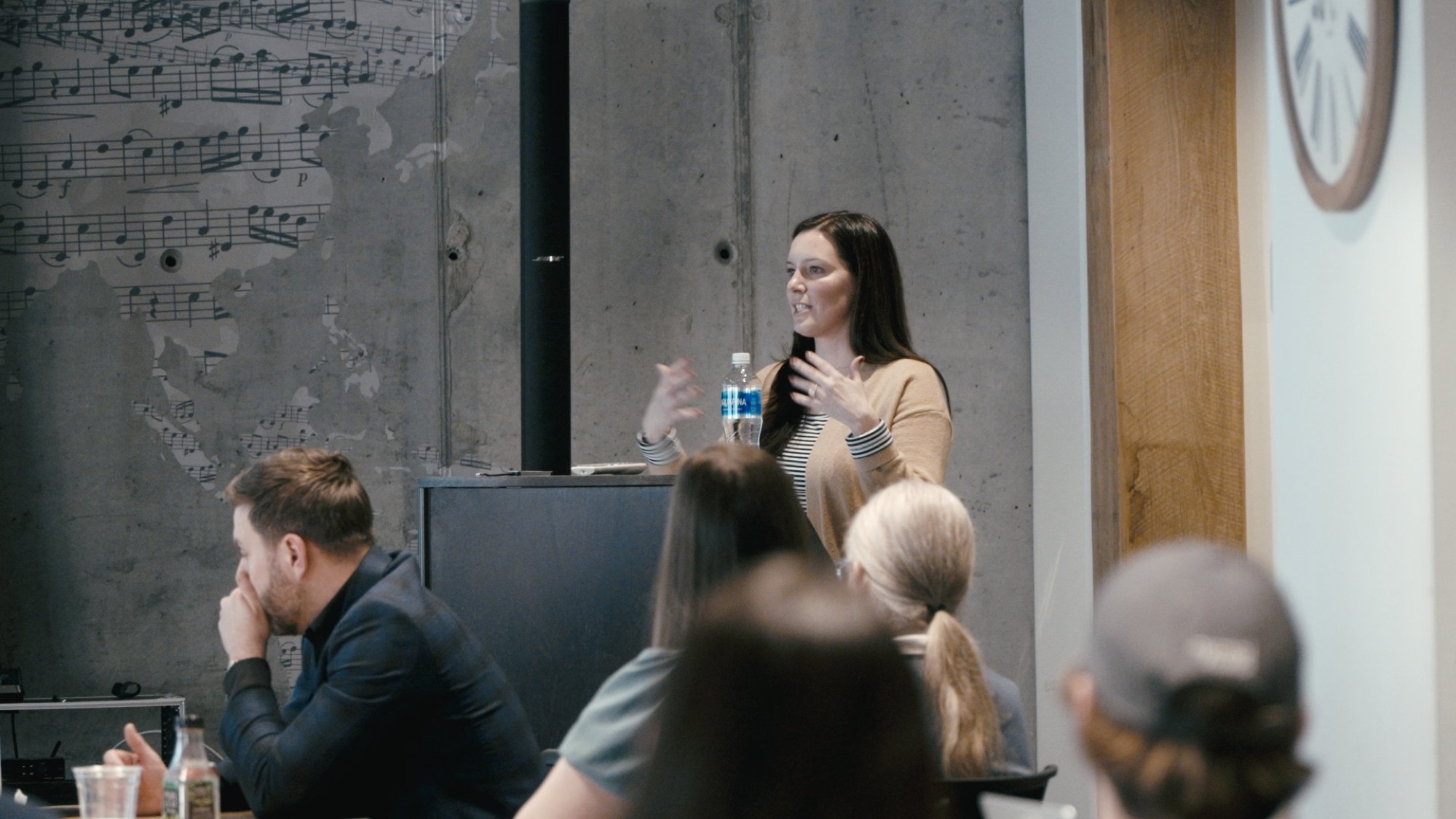
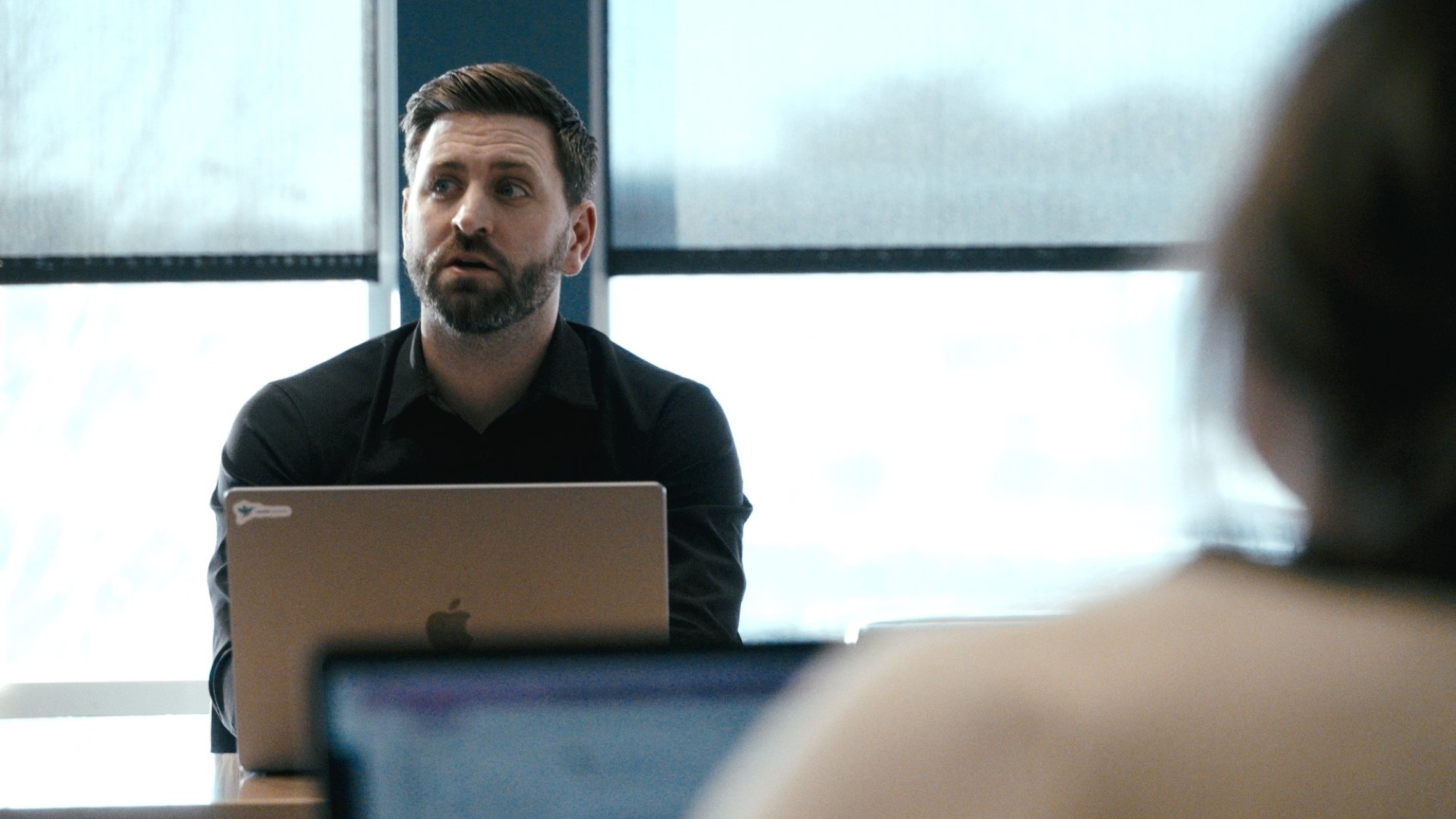
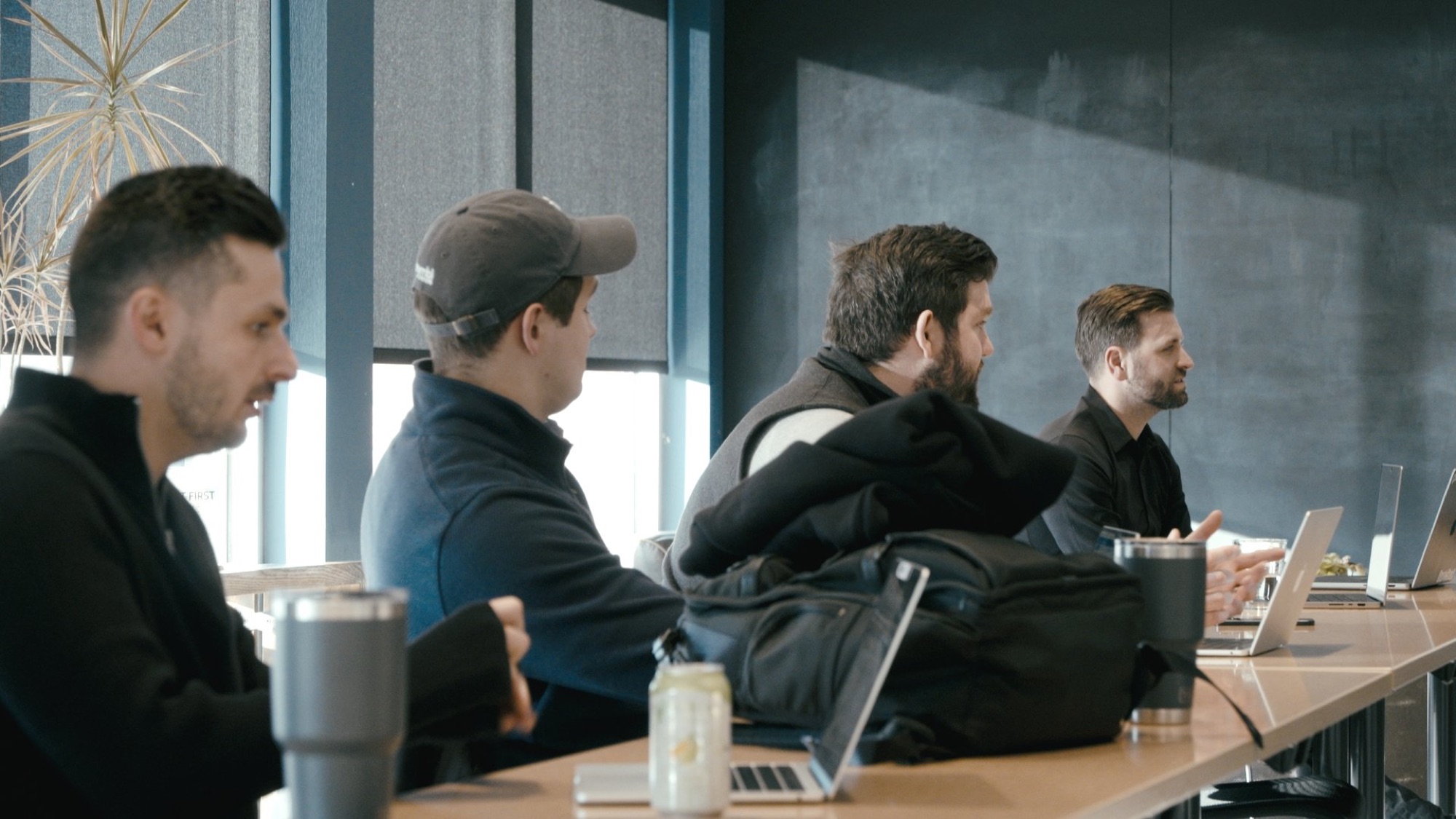
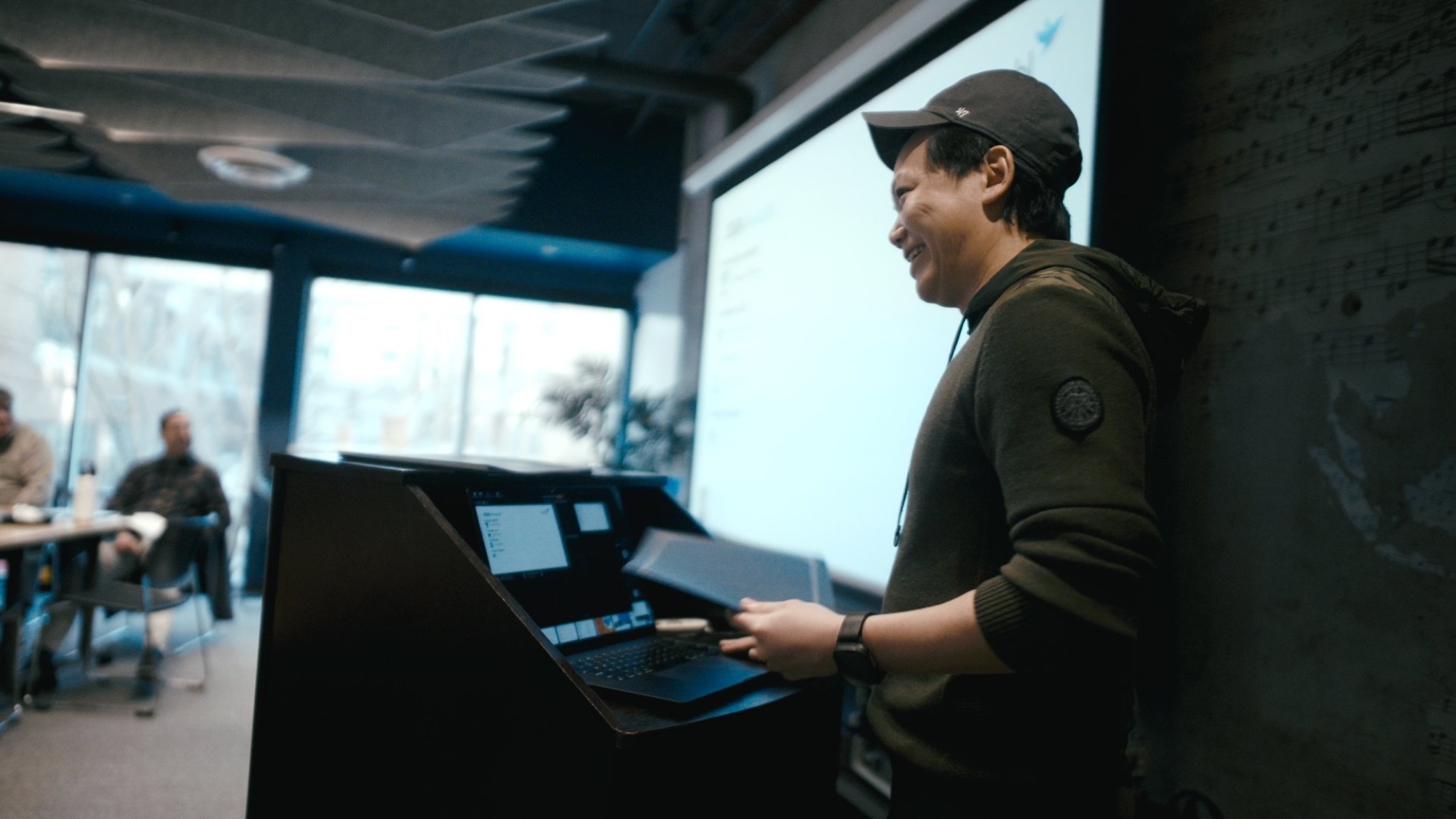
At Nymbl's company retreat in Dublin, Ohio, we captured team activities and leadership interviews. Those situations provide concrete material for a company film, beyond a list of values.
Choose people and activities that help viewers understand the organization. Agree on the intended audience and distribution before filming, particularly when an internal event may also supply public-facing material.
Decide how you will judge the work
Video does not guarantee a revenue increase. Choose a measure that fits the assignment: qualified inquiries for a campaign, usage by a sales team, completion of training, or feedback on whether a process is clearer. Record a baseline where possible and avoid treating views alone as a business result.
Plan your production
Share your audience, deadline, locations, budget range, and required deliverables. Include any existing scripts, brand guidance, or examples. We can then discuss the crew, filming approach, edit, and versions the project needs.
Explore our video production services or tell us about your project.